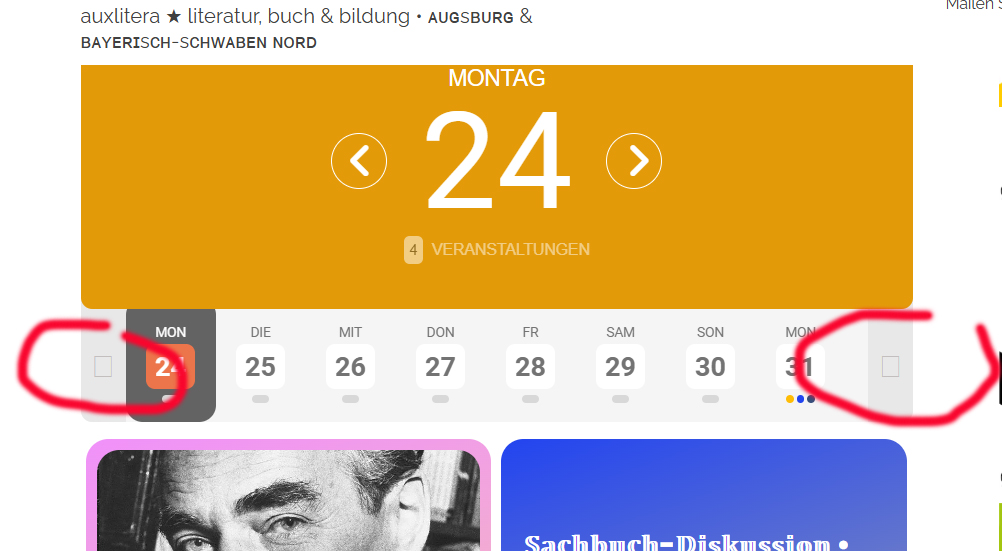
here we go
still looks like this
Replies for tickets on suppota
here we go
still looks like this
Thanks Artem,
I’m not sure I really understand though. Would I need to change all Event IDs of the events that I wish to import for this to work?
Cheers
Tom
Hello,
thanks, now the weekly view is loading again but it is still very very slow. Is there a chance to perform that?
this ticket can be closed
The test event I made did change date so that problem is ok
I just checked and the event is still showing up on the last day of May and the first day of June. I have used the virtual event time because I still want the event end time to display.
events that are showing the 27th when you click on the 28th we believe is due to a timezone error bug which we are sorting out
the base calendar is stuck on 0 gmt where as the events are gmt 7 so theres a time different wbut Ashan is currently working on this issue as I type
as for the other events not showing
is it ONLY repeating events that are not showing or other events as well?
try using the shortcode generator at
myeventon>>>settings>>>>shortcodes
just have both the shortcodes page and your edit page open so you can copy and paste over
see video
avarda theme has a history of not using wordpress standards, theres always issues with it despite what they say- (and not just evenon)
Hello
Thanks!
I make an update of the webseite. I want to keep your plugin that i purchased.
If everything works, i will change the domain to swissotours.ch
1) works
2) I changed the browser from firefox to chrome. Does not help.
I tried it on this page:
https://swissotours.webstuff.ch/wp-admin/post.php?post=2097&action=edit
https://prnt.sc/H19pfqQd3OIz
what i am doing wrong?
– Send number of participants 4 weeks before start date to organiser. We would like the plugin to inform the organisor a X number of days before the event, whether there are enough registrations. We now have to do this for each event ourselves, which is far too much work.
there is no automated way to do this however there is a way to automate the “someone has rsvp’d” email to the event organiser
when creating the event- the very last field in the rsvp pop up is Additional email addresses to receive email notifications for new RSVPs
– Send automated email in case of cancellation of event. Is it possible to send an email to all attendees and the organisor if the event is cancelled? This should be fully automated.
no this is not automated you would have to use the built in emailer found at the bottom of the RSVP section on the edit event page to send the email to all attendees- select all those who have RSVP’d from the drop down
– Send automated email when event is moved. Is it possible to send an email to all attendees and the organisor when the event is moved?
again you’d have to use the built in emailer
– Send copy of emails to event organisers. Is it possible that when an automated email is send to attendees, the organiser also receives an email of this?
when creating the event you can look at the last field Additional email addresses to receive email notifications for new RSVPs
get the organiser to RSVP to the events they are running and they will get the manual emails that the normal attendees get
if you didn’t know about the built in emailer here is a short video (no sound)