Could you update RSVP add-on?
I am also going to assign this ticket to Ashan and he will be able to take it from here and find you a solution. Please allow some time for him to get back to you, we greatly appreciate your patience and thank you for being a eventon customer!
Hello,
Could you try going to EventON > ICS Import > enable Enable duplication event name check during importing?
Thanks for the quick support!
https://atarosportservice.nl/admin666
AdminExtern
Inlog4Eventon!
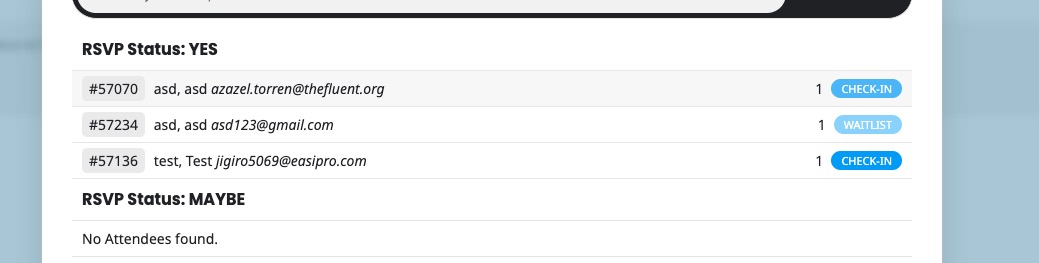
In English it just says “Check-In” or “Checked” or “Waitlist”:
Which means that a customer who RSVPed and shows their ticket on location can be checked-in, so you will know who attended and make sure that only one person per ticket can attend.
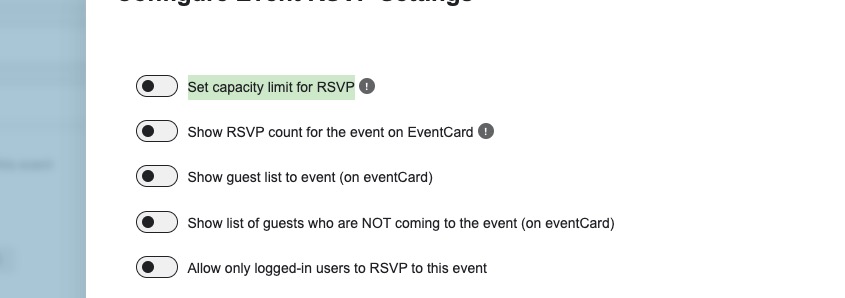
You didn’t enable “Set capacity limit for RSVP”, so all users can RSVP with no limitation:
Please set limit, so people can be added to a waitlist.
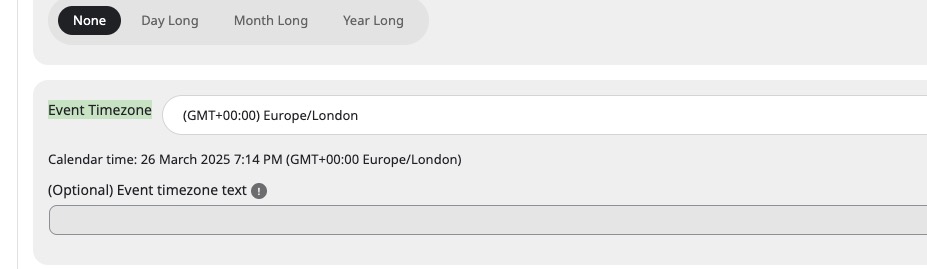
It depends which timezone is incorrect.
If this one, then you need to go through each event and change the timezone there:
Which one is incorrect?
Hello,
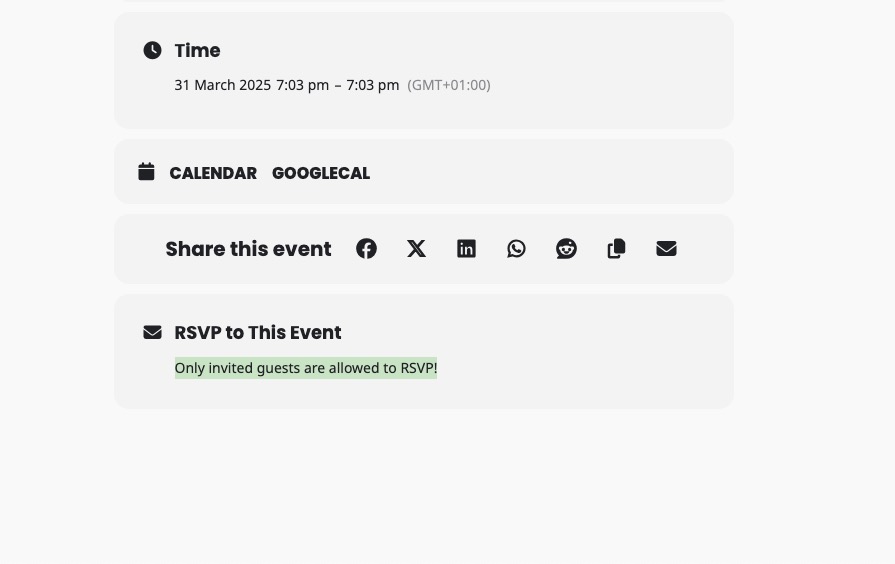
With enabled “Enable Invitee Only RSVP”, it only allows RSVP invitees and nobody else:

…but everyone can still RSVP the event.
Please send us wp-admin access to your site as a private message for us to further assist your situation.
Also send us a link to an event with the issue.
Ashan,
The same on dev2:
https://dev2.myeventon.com/test-900/
https://dev2.myeventon.com/wp-admin/admin.php?page=eventon#evcal_010
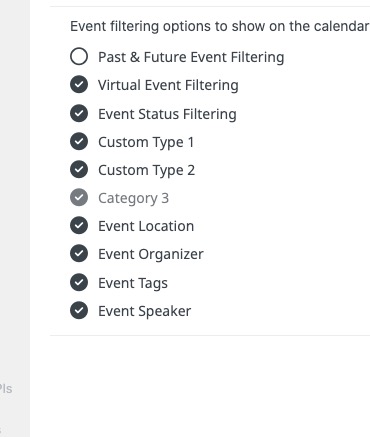
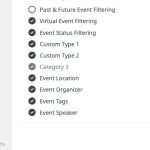
Even here Cat5 isn’t visible:
Hello,
Thank you for your messages, I am going to assign this ticket to Ashan and he will be able to take it from here and find you a solution. Please allow some time for him to get back to you, we greatly appreciate your patience and thank you for being a eventon customer! Also please disable any IP blocking on your site if there are any.
Hello,
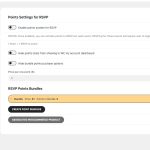
Seems to be working on our side:
 Please send us wp-admin access to your site as a private message for us to further assist your situation.
Hello,
Please make sure to go to wp-admin > WooCommerce > Order > set Status to Completed.
If the issue continues, please send us wp-admin access to your site as a private message for us to further assist your situation.