Hello,
Please try adding cmd_1, cmd_2 and so on.
For _evcal_ec_f1a1_cus, _evcal_ec_f2a1_cus,… you need to follow https://docs.myeventon.com/documentations/import-additional-fields-using-hooks/.
Replies for tickets on suppota
Hello,
Please try adding cmd_1, cmd_2 and so on.
For _evcal_ec_f1a1_cus, _evcal_ec_f2a1_cus,… you need to follow https://docs.myeventon.com/documentations/import-additional-fields-using-hooks/.
The latest version of FullCal is 1.1.11. Could you go to https://www.myeventon.com/my-account/ and send us a screenshot of the version in your account?
About colours. Please update FullCal, change colours from EventON > Appearance and after go to EventON > turn off Write styles to header > save settings > turn on Write styles to header.
Although, now with the latest update all of our font-awesome icons are broken.
I tried this fix from your site https://docs.myeventon.com/documentations/how-to-fix-font-awesome-icons-not-working-on-your-site/
but:
I reverted our site back to 2.8.5 until this is fixed.
Hello,
There is no option in settings for this available. It will require custom coding.
You can send us a customization job request by creating a new ticket in here and selecting Customization Request as the category.
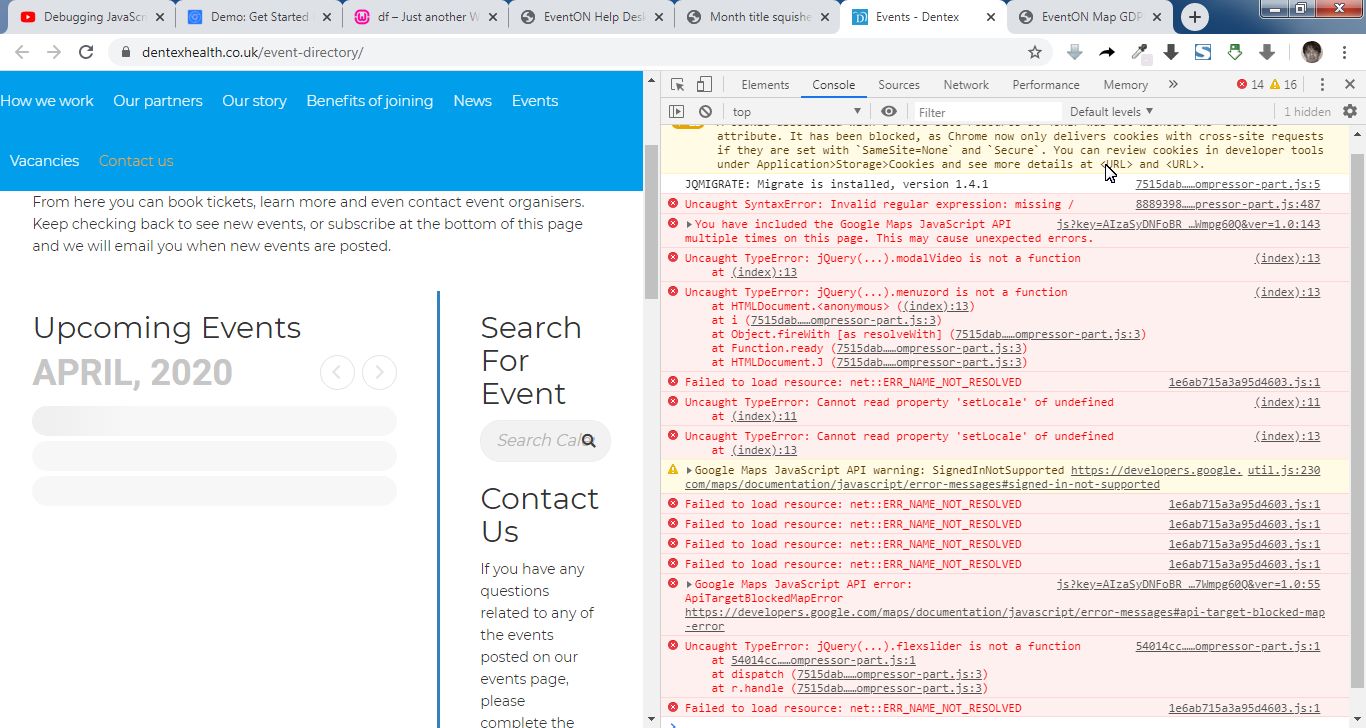
It seems your website have javascript errors caused by other plugins/theme. You can find and resolve them by following this guide. Once these javascript errors are fixed, eventon scripts will be able to run properly and will resolve your issue.
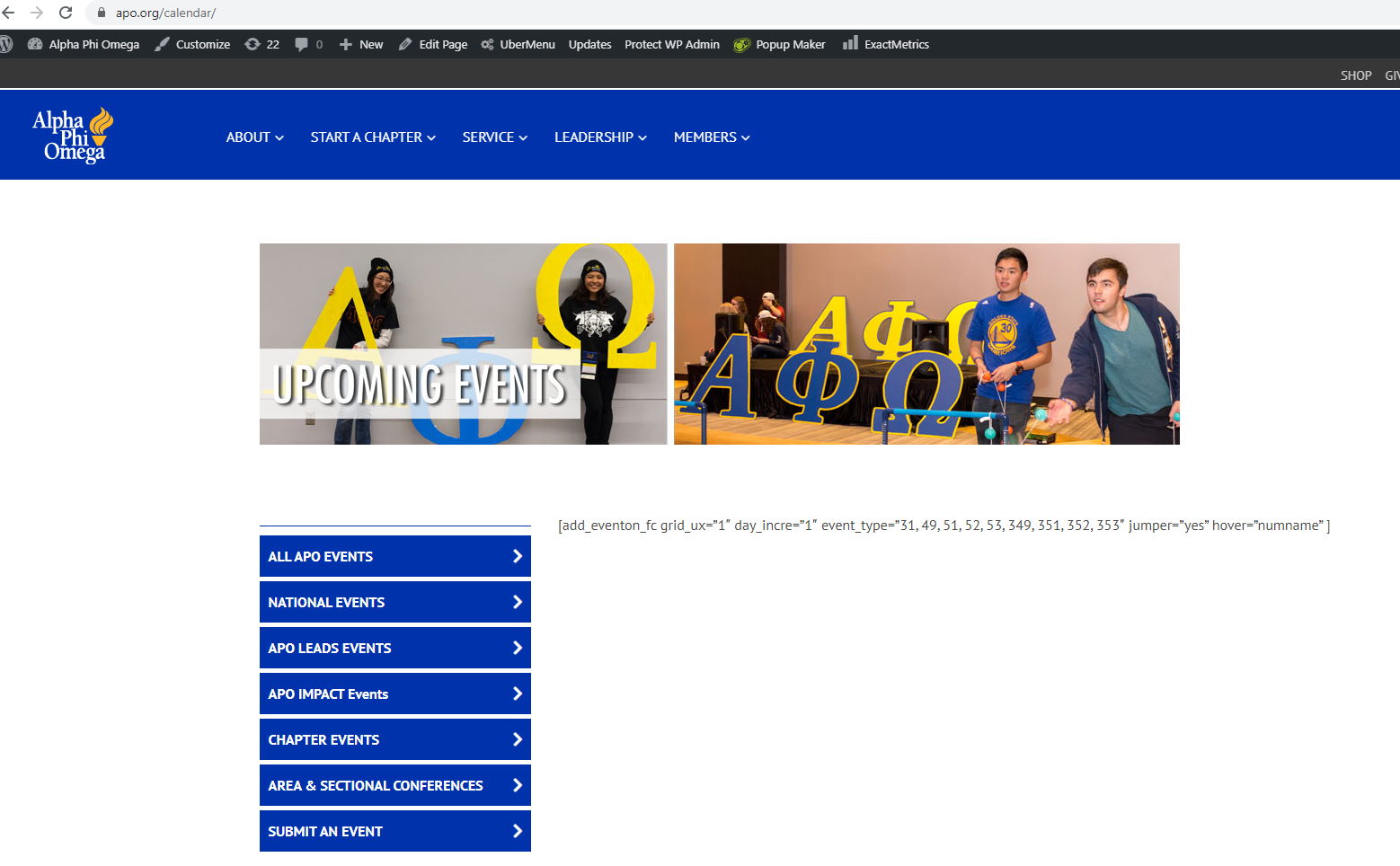
I have tried everything including:
The final fix was to actually modify your plugin code using the tip here:
https://blog.wplauncher.com/you-do-not-have-eventon-main-plugin-which-is-required/
I had to go into the plugin file for each of your add-on plugins and add a declaration that told the add-on plugin that your EventOn core plugin is actually installed and activated.
This appears to be a pretty serious flaw in your plugin.
Now that the code is added, the shortcodes are working again and the calendar is showing.
Thank you for your messages, I am going to assign this ticket to Ashan and he will be able to take it from here and find you a solution.
Please allow some time for him to get back to you, we greatly appreciate your patience and thank you for being a eventon customer! Also please disable any IP blocking on your site if there are any.
Hello,
Depending on the style, not all elements may show. In case of tile style, some elements will not display because it will break the tile design.
hey, any update on this?
hey any update on this?