I am reaching out to ensure a few points are covered regarding your solution, as I am very interested in moving forward with a purchase. Specifically, I would appreciate your detailed responses to the following:
-
Thank You Email with Calendar Integration: I would like to confirm that when a client receives an email, it will include a “Thank You” message along with a calendar invitation.
-
Manager Approval Process: Before sending the final confirmation email to the attendee, I would like to ensure that an email is sent to the manager for confirmation or decline. This will allow us to manage approvals effectively before confirming with the client.
-
CRM Integration: It’s essential that the solution integrates smoothly with our CRM, Microsoft Dynamics. Can you confirm that this integration is possible and if there are any specific requirements or limitations?
-
QR Code Integration: I’m also interested in knowing if the QR code feature can be incorporated into your solution. This would be a valuable addition to streamline attendee check-ins and event management.
Please provide detailed responses to each of these points, as they are crucial for our decision-making process.
Thank you for your time and assistance. I look forward to your reply.
Nice, that’s closer to what I want. Is it possible to have them listed without being shown in months and two tiles beside eachother or are the months required?
Hello,
Please go to EventON > Language > ADDON: RSVP Events > find lines and change the text.
We are glad your issue is resolved, if you have any further questions or concerns please create a new ticket.
Ashan,
I cannot re-create the same issue on dev2, but confirmed on customer’s website.
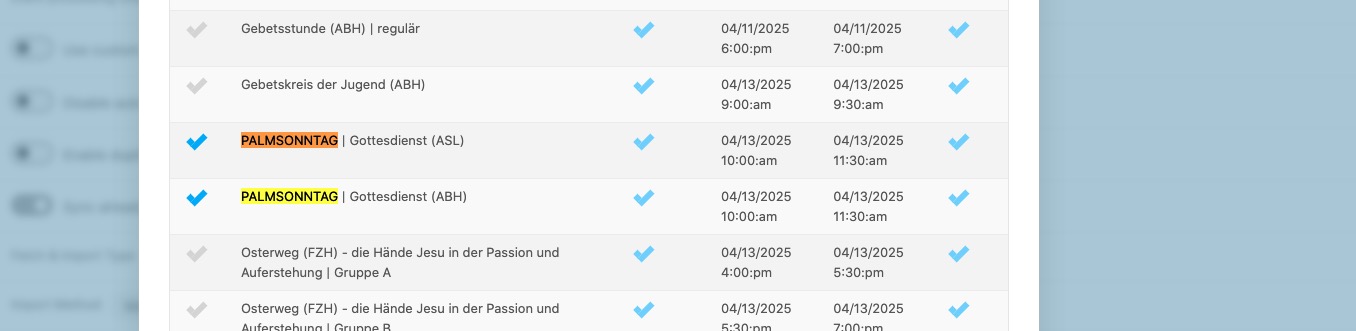
Try manually importing these events:
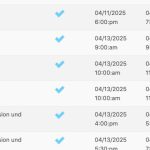
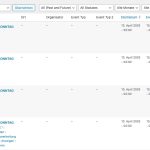
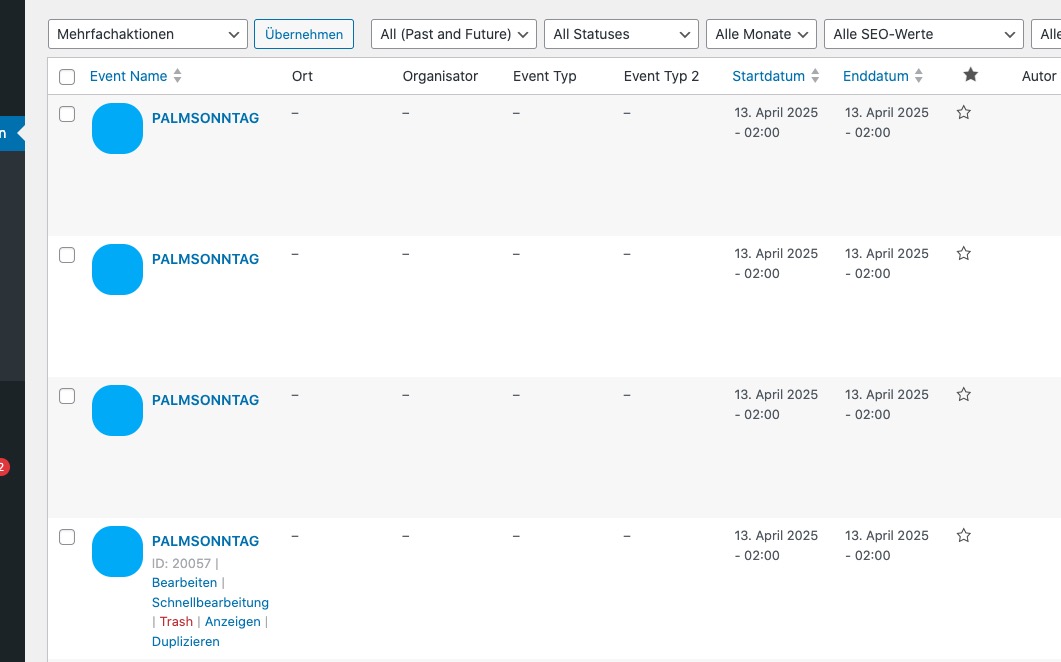
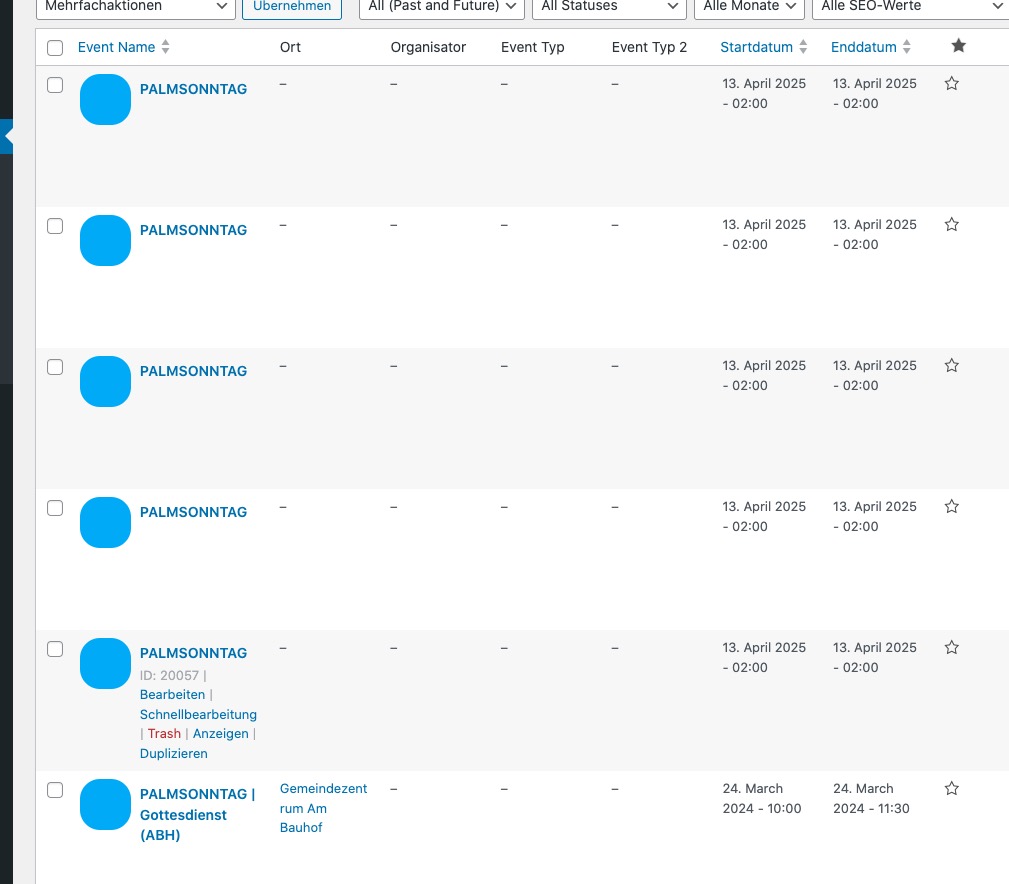
It’ll add these events, named “PALMSONNTAG“:
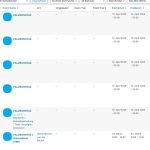
On dev2:
https://dev2.myeventon.com/wp-admin/admin.php?page=eventon&tab=evoics_1
Thank you for your messages, I am going to assign this ticket to Ashan and he will be able to take it from here and find you a solution. Please allow some time for him to get back to you, we greatly appreciate your patience and thank you for being a eventon customer! Also please disable any IP blocking on your site if there are any.
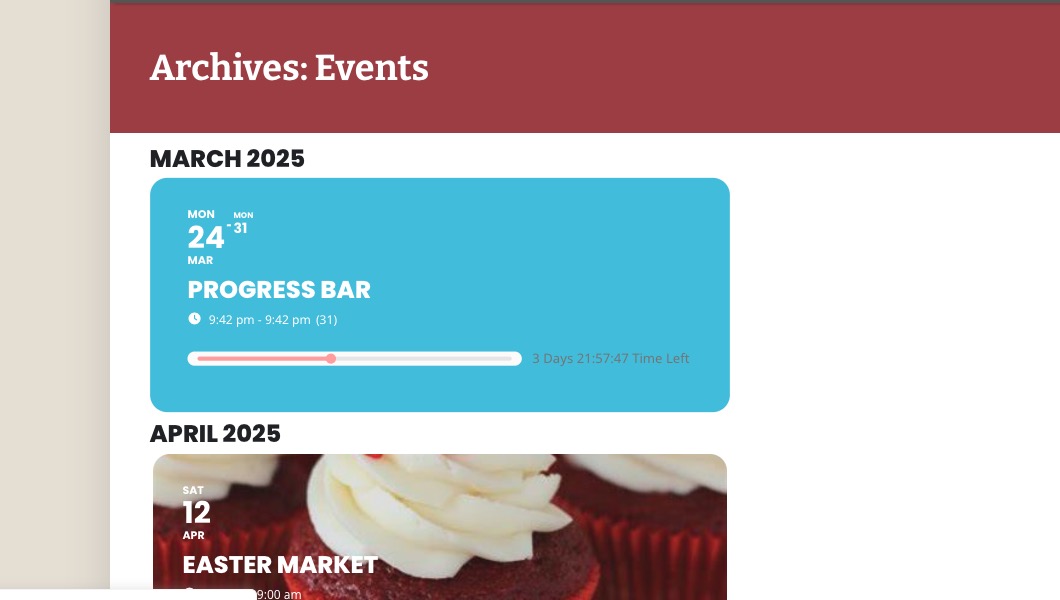
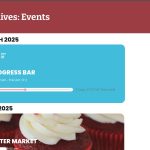
Progress bar is only visible on events that are in progress. Please take a look at this event I created:
https://www.animalprotection.co.za/wp-admin/post.php?post=5329&action=edit
Hello,
Seems to be working on our test site:
https://dev2.myeventon.com/test-901/
Could you subscribe and then let us know so I can add a new event?
Also please try refreshing permalinks.
Please apply the patch above to fix this issue.