Will this work for you: http://hawkridgesys.staging.wpengine.com/36166-2?
Archives: Replies
Replies for tickets on suppota
Reply to: tickets(169203)
Hello,
Thank you for your great suggestion, at the moment it is not supported. However please create a new ticket and select Feature Request as category so others can vote on your idea and get it moved into development faster. OR You can send us a customization job request by creating a new ticket in here and selecting Customization Request as the category.
Reply to: tickets(168012)
Please go to taxonomy-event_type.php and find <?php get_sidebar(); ?>. Comment it and save.
Or you can use this CSS code to hide it:
.tax-event_type aside#secondary { display: none !important }
Reply to: tickets(169192)
Hello,
Could you send us a link to the event with this issue?
Here’s the event I created on your server: https://bdlalpesnord.fr/wp-admin/post.php?post=30510&action=edit
I added it from this form with enabled RSVP: https://bdlalpesnord.fr/?page_id=28912
After I enabled: Show RSVP count for the event on EventCard, Show guest list to event (on eventCard), Show guest list ONLY after RSVP-ing to event but it didn’t disabled “Set capacity limit for RSVP” after event update.
Reply to: tickets(160424)
FullCal 1.1.7 and Event Lists: Ext 0.12 require EventON 2.8+: https://docs.myeventon.com/documentations/changelog-event-lists-ext/ and https://docs.myeventon.com/documentations/changelog-fullcal/
Reply to: tickets(168712)
I activated Geocoding API according to this guide: https://time.ly/resources/troubleshooting/google-maps-api-error-geocoding-service-this-api-project-is-not-authorized-to-use-this-api/ so now it’s working. Please check and let me know:
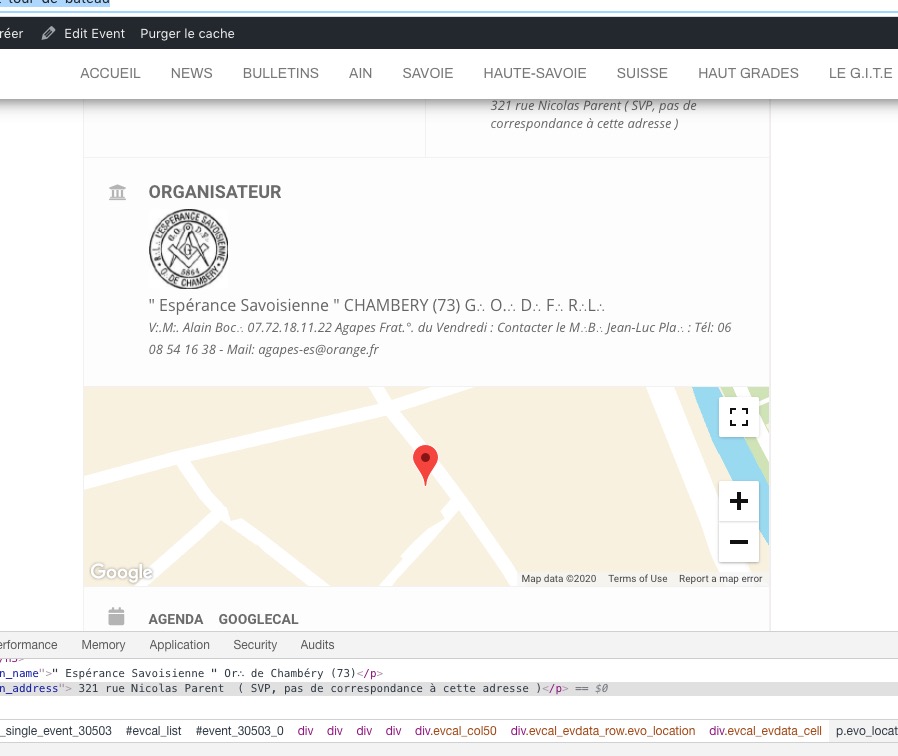
Please note that Geocoding API can also come with a separate price, so check it’s description. You can disable it here: https://console.cloud.google.com/google/maps-apis/apis/geocoding-backend.googleapis.com/metrics?project=bdlalpesnord-1583506418705
Reply to: tickets(168712)

Reply to: tickets(169187)
Hello,
I added the fix to EventON > Styles. Please check and let me know:
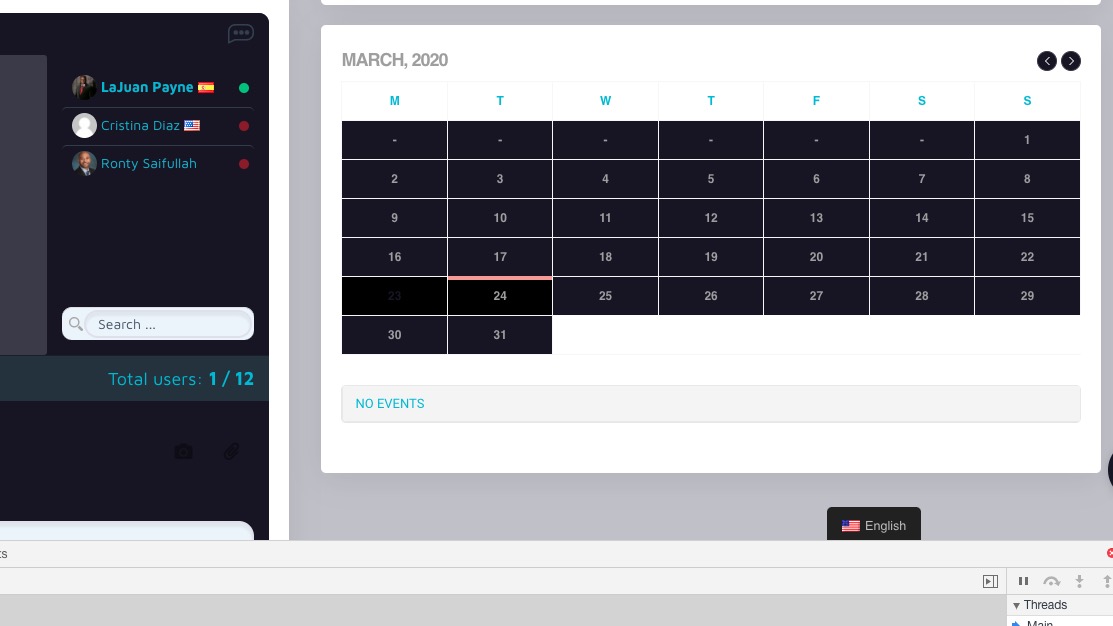
Reply to: tickets(169062)
I rechecked EventON’s options and in order to give Google location they can use in their search results you must add Location Address. Please go to Edit Event > Location > Edit: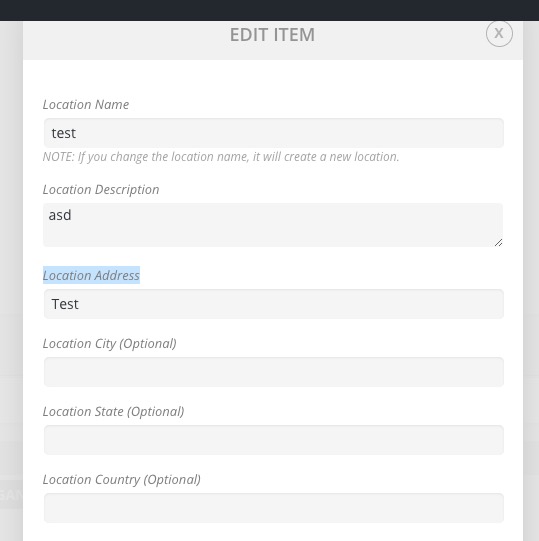
Reply to: tickets(169183)
Hello,
Please remove “hide past events” option from the shortcode and go to EventON > enable Hide past events for default calendar(s) > Hide events past today’s date.