Hello,
Thank you for your great suggestion, at the moment it is not supported. However please create a new ticket and select Feature Request as category so others can vote on your idea and get it moved into development faster. OR You can send us a customization job request by creating a new ticket in here and selecting Customization Request as the category.
what about map do you test it? i let you login and pwd of my accout email
1: Tiles are designed for minimal information and to get a description on the tile would require more than css work.
If however there is a communication breakdown and you are after the a brief description on the calendar as it appears on https://events.findmyzen.com/denver-events/
then you will want to add a brief description to the event sub title when editing an event and then with css you could make it look pretty
2: You have set it to hide past current time which is your server time- which may be different to the time on you watch forHide events past today’s dateexample
Also in Settings >>>>General from the wordpress dashboard- make sure that your time settings are correct (I’m in Australia so I have no idea if the time zone you have selected is correct) this can also play a part – if this is incorrect- choose the right time zone
If the timezone is correct let us know so we can diagnose better
myeventon>>>>>settings>>>>>General>>>>>time settings
you are using ful cal 1.1.6- could you update to 1.1.11
the issue was fixed in 1.1.7 and then also 1.1.8
To update eventon addons: You can download latest eventon addons from myeventon > my account. Then you can go to your website, deactivate old addon and install new one and activate then delete the old addon. This link will further explain the process. Also you can follow us on twitter to get real-time announcements on updates!
I have made this ticket private- (theres a button to post privately if you post username and password for future reference next to the submit button)
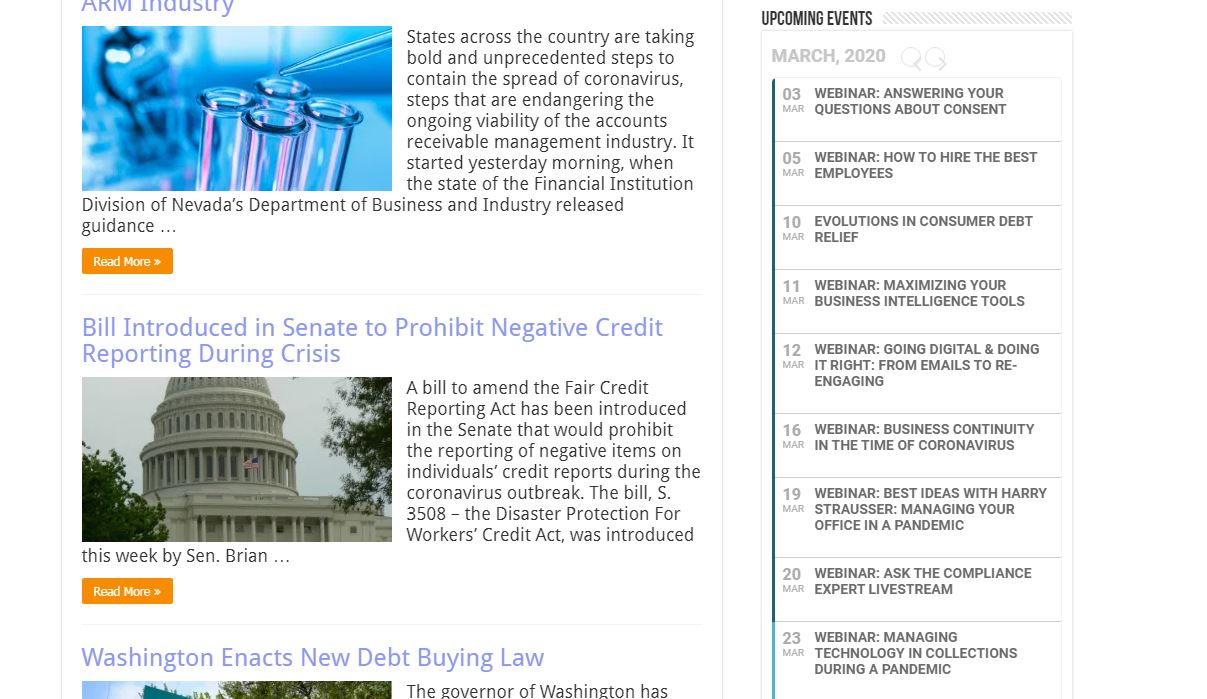
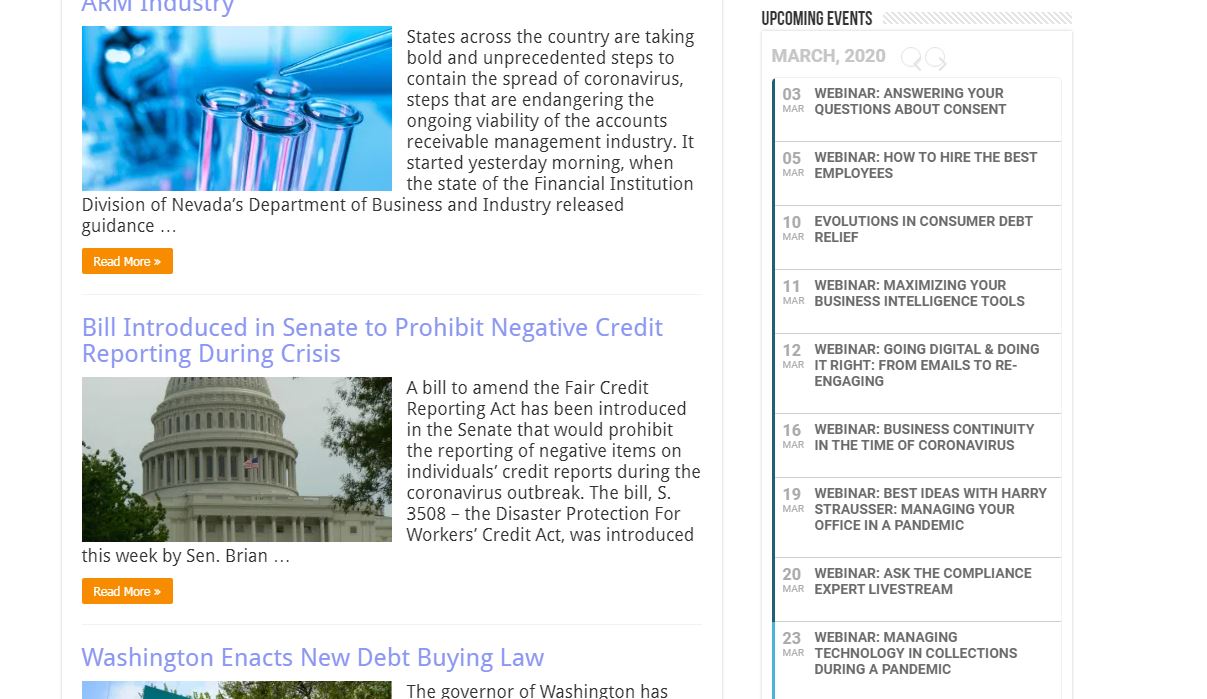
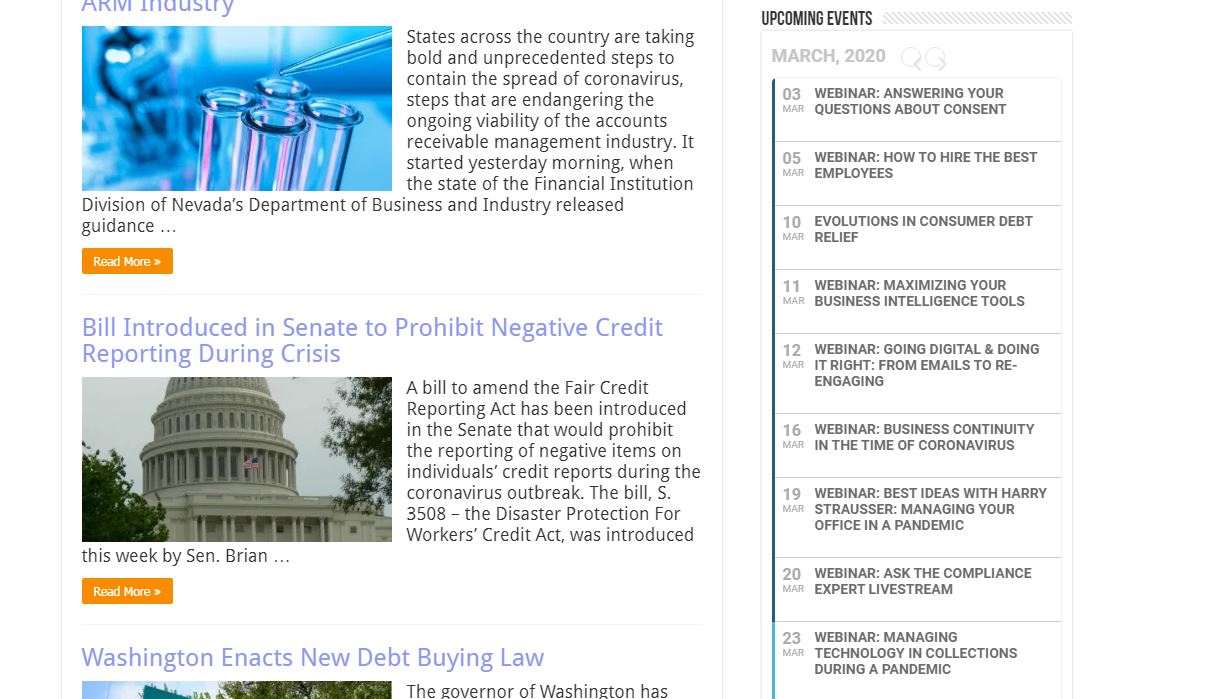
see attched screenshot- it appears the events appear- perhaps try clearing your browser cache and let us know what you see
Please send us wp-admin access to your site as a private message for us to further assist your situation. we’d like to have a good look at the page and diagnose as thats not normal behaviour for event on
I didn’t know, I haven’t used this service for a while
And I don’t use the email I used to sign up.
So please refund what paided today
please email to xperi@naver.com
Hello.
Please remember to enable “Do not delete eventon settings & data when EventON is uninstalled” from eventon settings before updating. Also, do a complete backup of your website.
To update eventon to latest version: If you are unable to do autoupdate, you can go to codecanyon your account > download and get the latest eventon version as zip file. Then you can go to your website, deactivate old eventon, activate (Do not delete eventon settings & data when EventON is uninstalled) from eventon settings, delete old eventon, install new one and activate. This link will further explain the process it. Also you can follow us on twitter to get real-time announcements on updates!