Something still isn’t right. Earlier today, I added a new calendar item. I saved it. 10 minutes later, it was still not showing up in my calendar. About 2 hours later, it did appear on my calendar. Just now, I created an April 29 event “test item”. It showed up instantly, as it should. I edited it, and it worked fine. I then deleted this item and it continued to show up on my calendar. I republished it and it appeared and changes appeared as they should. then I changed the status to Private and it continues to show up even while marked as private. Now I have changed the status to “Scheduled” for April 6 and it STILL shows up on my calendar. It seems like many, but not all, changes are taking a VERY long time to appear.
Feel free to use this item, with this label, for testing. It it appears on my actual calendar while we’re resolving this, I’m okay with that.
Thanks for your time and attention.
Mark Paster
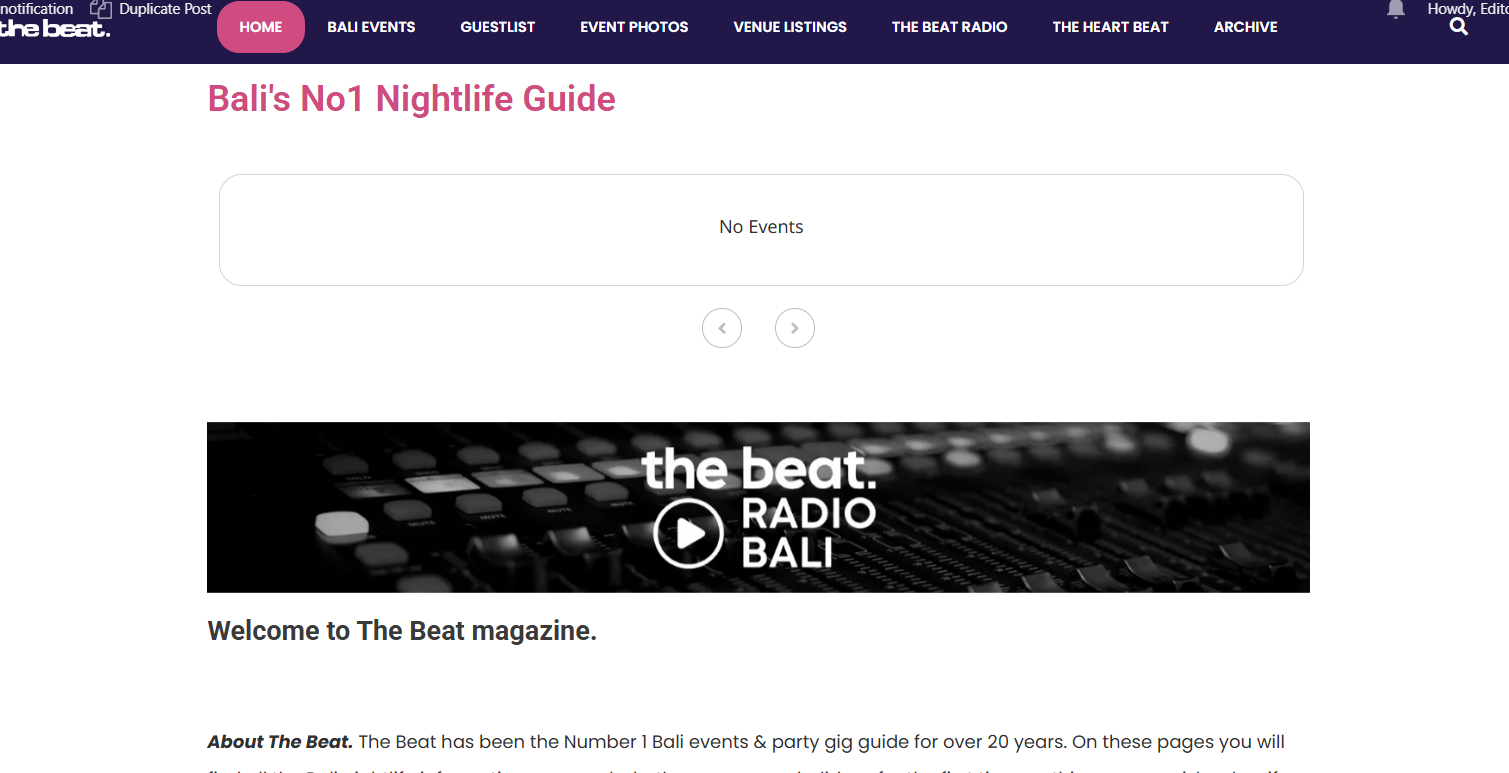
well I just managed to make the changes to the debug setting. The errors should be there now.
I also updated all plugins.
But now no pages with eventon open properly. No events show. as in the screenshot attached.
I will try to restore the backup again – maybe there is a problem there
Sorry man, I just had a problem and restored a server back up about 15 mins ago. I think it took all your changes with it. The eventon is still 4.9.1
Sorry about that, I don’t think the debug will be set up now
Kindly update to the latest version of actionUser addon 2.4.11
https://docs.myeventon.com/documentations/au-changelog/
This should resolve the event type not showing issue.
https://www.thepiwke.com/wp-admin/
user: thepiwke
password: THePiwkE!1130
Thanks
Ashan,
The same on dev2:
https://dev2.myeventon.com/test-909/
Hello,
Thank you for your messages, I am going to assign this ticket to Ashan and he will be able to take it from here and find you a solution. Please allow some time for him to get back to you, we greatly appreciate your patience and thank you for being a eventon customer! Also please disable any IP blocking on your site if there are any.
One more question.
Delete tables when uninstalling is checked.
How do I uninstall it? Deleting after deactivation?
Sorry, but I don’t see a way to remove the image, which keeps repeating itself.
Hello,
Please take a look at this guide:
https://docs.myeventon.com/documentations/customize-rsvp-emails/
However, we unable to help with PHP customizations more since it’s against CodeCanyon’s Support Policy.
We are glad your issue is resolved, if you have any further questions or concerns please create a new ticket.