Ashan,
I also cannot import their file on dev2:
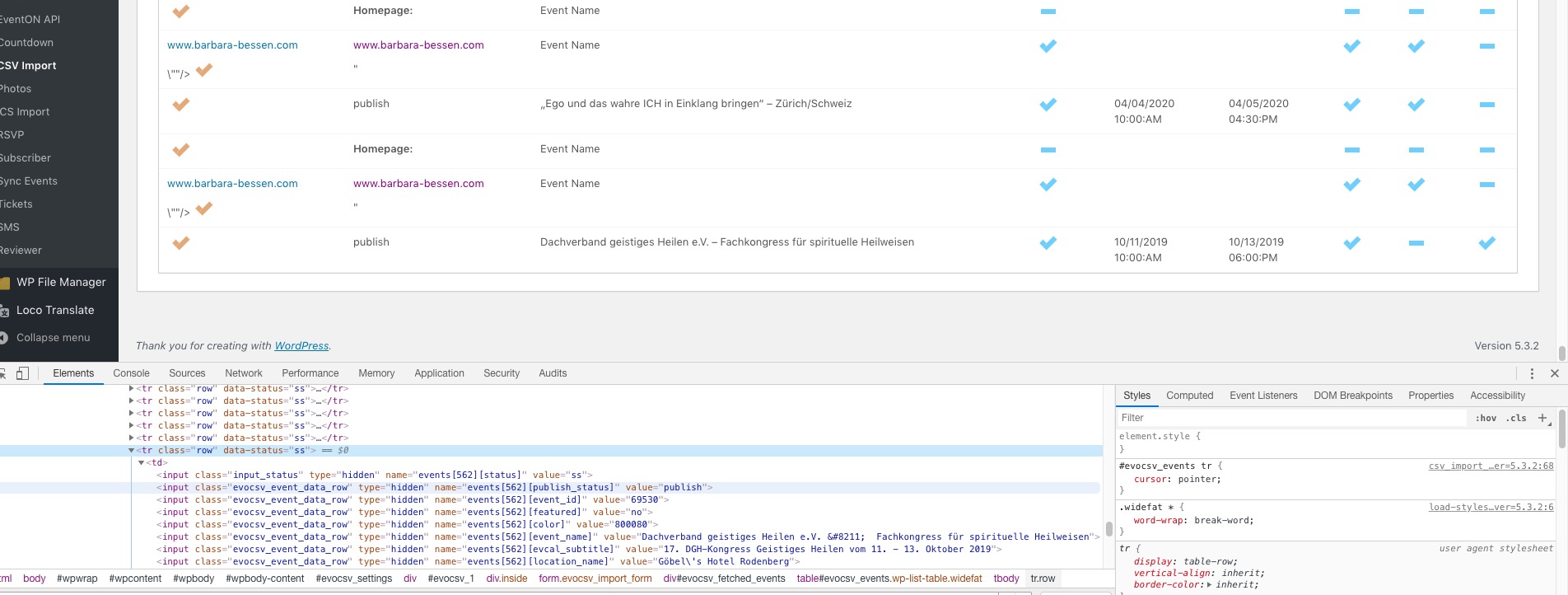
File and other info you can find here: Mar 18,2020 AT 8:41AM – Posted 3 Hours Ago – #168576
Replies for tickets on suppota
Ashan,
I also cannot import their file on dev2:
File and other info you can find here: Mar 18,2020 AT 8:41AM – Posted 3 Hours Ago – #168576
Hello,
Could you update Event Lists: Ext to 0.18 and then add event_count_list=”yes” to the shortcode:
[add_eventon_el hide_past=”yes” hide_so=”yes” hide_arrows=”yes” tiles=”yes” number_of_months=”12″ event_count=”4″ etc_override=”yes” event_count_list=”yes”]
To update eventon addons: You can download latest eventon addons from myeventon > my account. Then you can go to your website, deactivate old addon and install new one and activate then delete the old addon. This link will further explain the process. Also you can follow us on twitter to get real-time announcements on updates!
Hi Mike,
License keys are the activation codes, those are what you have to use.
If you have more questions let us know.
Even so Last Name is required you still can submit RSVP without it.
Hello,
Thank you for your messages, I am going to assign this ticket to Ashan and he will be able to take it from here and find you a solution. Please allow some time for him to get back to you, we greatly appreciate your patience and thank you for being a eventon customer! Also please disable any IP blocking on your site if there are any.
Hello,
1. A lot of your locations don’t have Lat and Long values:
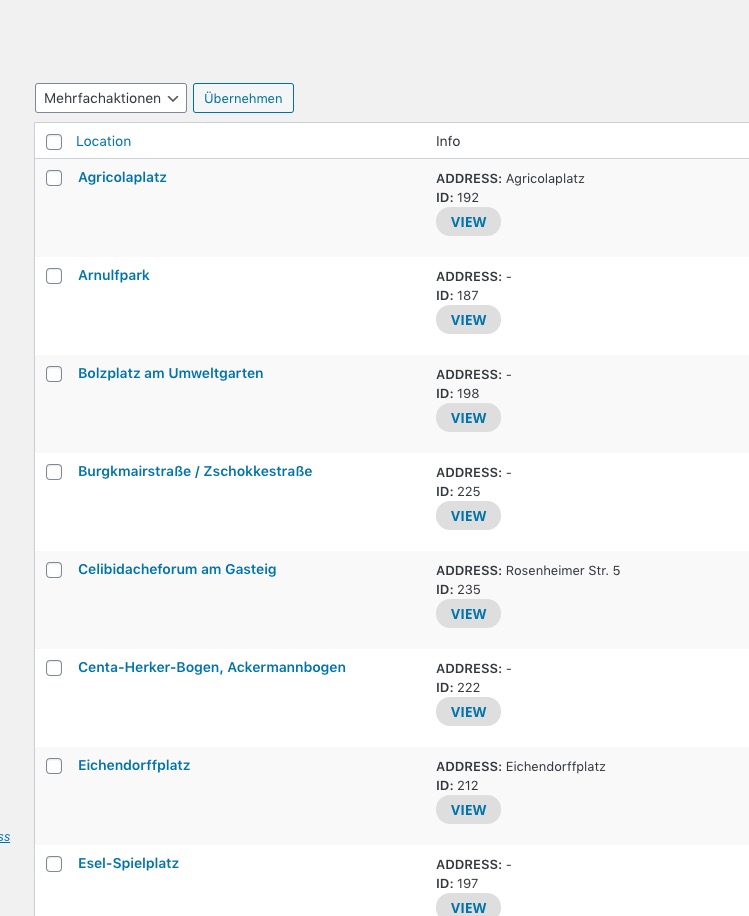
Could you go to https://2020.spielen-in-der-stadt.de/wp-admin/edit-tags.php?taxonomy=event_location&post_type=ajde_events and add them manually and check if it helps?
2. Please add
map_type=”upcoming” number_of_months=”12″
to the shortcode to show All Upcoming Events map.
Unfortunately, when “Show only selected filters” is enabled you cannot see “All” option. You can remove this option and use CSS to only leave two categories. Add cal_id=”asd” to the shortcode and then use this code to hide Type 3 and 4 filters:
#evcal_calendar_asd .evo_sortList_event_type_3 {display: none !important}
#evcal_calendar_asd .evo_sortList_event_type_4 {display: none !important}
yes, i have the license key but i do not have the activation codes.
month_order=’DESC’ only works with this add-on https://www.myeventon.com/addons/event-lists-extended/.
Why aren’t any off the evenst showing from the past and feature?
I added this event https://practoraat-cre.nl/wp-admin/post.php?post=1561&action=edit and you can see it
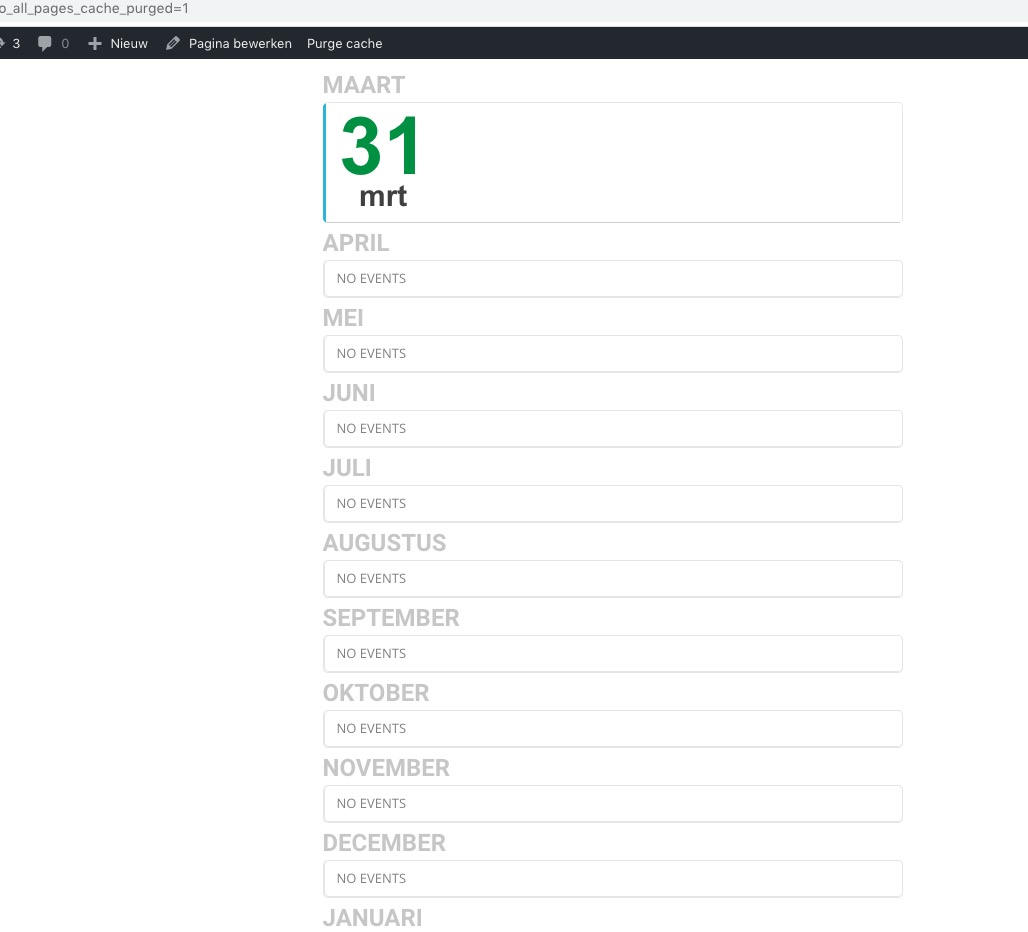
Could you try turning off your cache plugin?