Unfortunately, at the moment it is not supported. Only one ticket per option. However please create a new ticket and select Feature Request as category so others can vote to get this moved into development faster. OR You can send us a customization job request by creating a new ticket in here and selecting Customization Request as the category.
Archives: Replies
Replies for tickets on suppota
Reply to: tickets(167365)
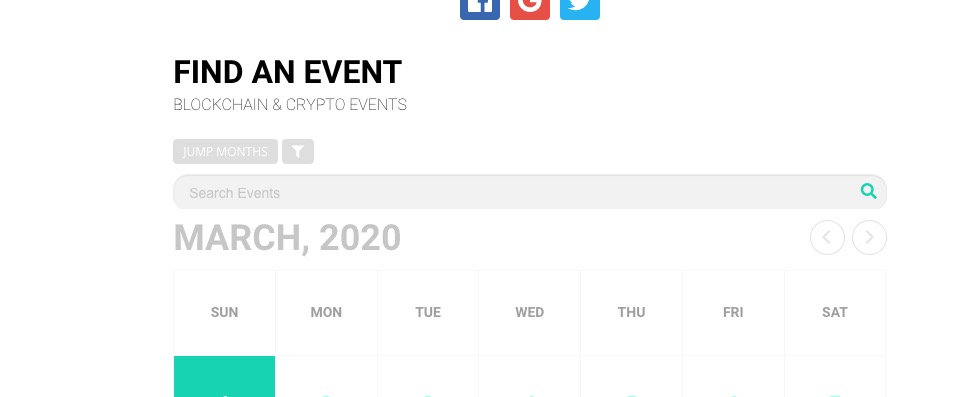
updated and still the search bar is cutoff
Maybe you are referring to a different issue. What do you mead by “cutoff”? Could you show me on a screenshot?
Reply to: tickets(167365)
updated and still the search bar is cutoff
Looks normal from my side:
how can i make the font on the rsvp (not popup) butt ono the event card. the font the same colors as the other titles
Please go to EventON > Appearance > RSVP Styles > RSVP Form > Font Color. If you can’t see any change, EventON > turn off Write styles to header > save settings > turn on Write styles to header.
how can i remove the date an month on every calendar because…
Please add this CSS code to EventON > Styles (If you can’t see any change, EventON > turn off Write styles to header > save settings > turn on Write styles to header):
.evo_month_title { display: none !important }
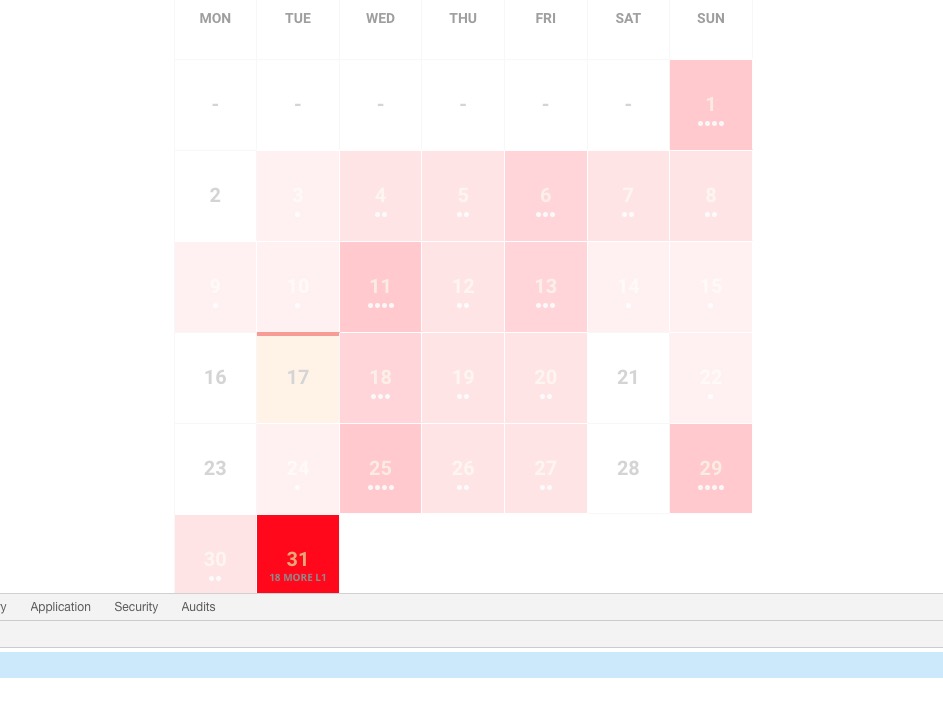
is there a way to program the heat map effect with a specific end color?
.eventon_fc_days .evo_fc_day.has_events { background-color: red !important }
Like this?
Reply to: tickets(168171)
I agree. I played with your testing environment and I think the Event List Extended does achieve the goal.
Thank you!
Reply to: tickets(167660)
Mar 15,2020 AT 3:43AM – Posted 1 Day Ago – #168169
Unfortunately, you cannot show already started events and hide upcoming events in the same list. You can either show past or upcoming events.
If you need to show current events by day or week you can use https://www.myeventon.com/addons/daily-view/ or https://www.myeventon.com/addons/weekly-view/.
Mar 16,2020 AT 2:58PM – Posted 12 Hours Ago – #168298
You can with this shortcode: [add_eventon_list event_past_future=”future” hide_past_by=”ss” ]
But as I said you cannot show only current event (without upcoming) with Events Lists (or Extended). You need Daily or Weekly View add-on.
Reply to: tickets(163811)
…like the image…
Please add show_et_ft_img=”yes” to the shortcode from this image: http://www.myeventon.com/wp-content/uploads/2017/08/Capture-1.png

how to add a map of the location, but it didn’t work
Please fix this error:
Geocoding Service: You must use an API key to authenticate each request to Google Maps Platform APIs. For additional information, please refer to http://g.co/dev/maps-no-account For more information on authentication and Google Maps JavaScript API services please see: https://developers.google.com/maps/documentation/javascript/get-api-key
Go to EventON > Google Maps API > add Google maps API Key.
More info: https://elfsight.com/blog/2018/06/how-to-get-google-maps-api-key-guide/
Reply to: tickets(168294)
Ashan,
From this ticket: https://helpdesk.ashanjay.com/ticket/adding-checkout-fields/ Mar 13,2020 AT 11:24AM – Posted 3 Days Ago – #168069
They want customizations but can’t(or don’t) want to pay for them separately so after more than 4 months they want to refund everything even after we spent, I think, an actual week of full time support.
Reply to: tickets(168294)
Hello,
Please contact CodeCanyon about the main plugin.
I am going to assign this ticket to Ashan and he will be able to take it from here and find you a solution. Please allow some time for him to get back to you, we greatly appreciate your patience and thank you for being a eventon customer!
Reply to: tickets(168333)

Output from Developer Tools:
Reply to: tickets(168291)
Hello,
RSVP is EventON’s custom Taxonomy: post_type=evo-rsvp. Please check this guide on how to get it’s value: https://docs.myeventon.com/documentations/taxonomies-eventon/
You can also send us a customization job request by creating a new ticket in here and selecting Customization Request as the category.