We are glad your issue is resolved, if you have any further questions or concerns please create a new ticket.
If you have a moment, we would greatly appreciate if you could kindly leave us a review at Codecanyon. By going to your account > Downloads. We are very grateful for your kind review!
Hello,
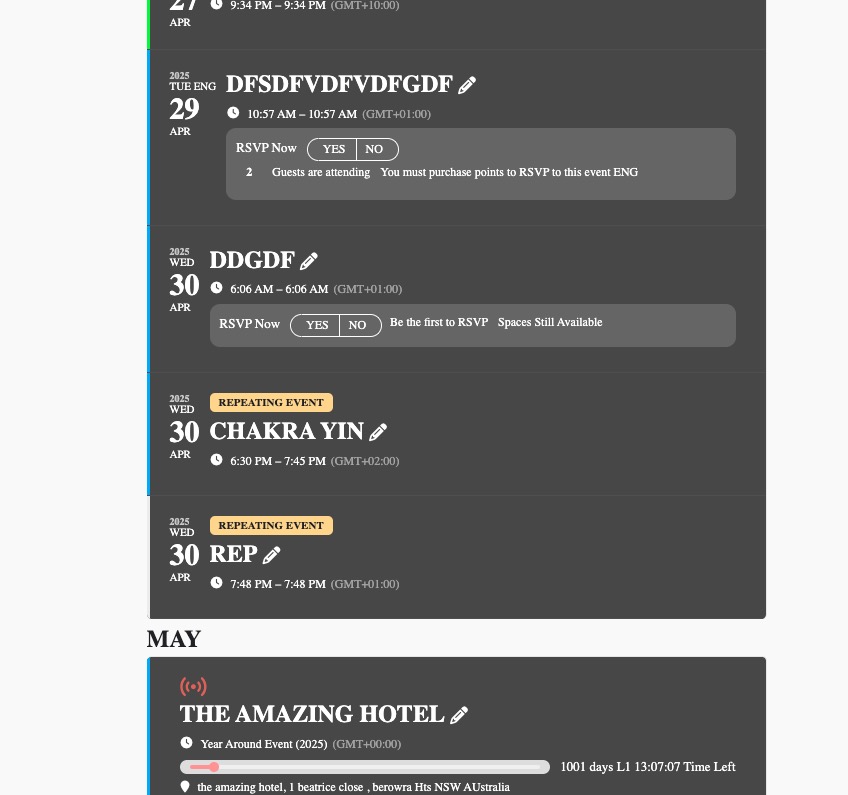
Can we try rearranging EventON > EventTop to look like this?

Ashan,
When you switch Section Type from Unassigned Seating to Assigned, it doesn’t let you to select it as Seats:
https://dev2.myeventon.com/wp-admin/post.php?post=56521&action=edit

It seems that when you just change “Section Type: Assigned Seating”, it does’t do that correctly.
Thank you for your messages, I am going to assign this ticket to Ashan and he will be able to take it from here and find you a solution. Please allow some time for him to get back to you, we greatly appreciate your patience and thank you for being a eventon customer! Also please disable any IP blocking on your site if there are any.
Meanwhile, please try removing the old seat and re-creating it from scratch.
I tried again and only 1 attempt to login is left. Could you check and make sure to provide us with the working login so we don’t get banned?
Ashan,
The same on dev2:
https://dev2.myeventon.com/test-911/
This event isn’t visible:
https://dev2.myeventon.com/wp-admin/post.php?post=57360&action=edit

Hello,
Thank you for your messages, I am going to assign this ticket to Ashan and he will be able to take it from here and find you a solution. Please allow some time for him to get back to you, we greatly appreciate your patience and thank you for being a eventon customer! Also please disable any IP blocking on your site if there are any.
Hello,
Could you tell us more about the issue? With screenshots if possible.
The text looks correct:

Hello,
Please make sure to disable EventON Lite before enabling EventON. Could you try and let me know?
Hello,
Please send us wp-admin access to your site as a private message for us to further assist your situation.
What’s your current shortcode?
Please also go to wp-admin > Settings > make sure that Timezone is also correct.