you can take some of the parts of full cal andput them into your shortcode like this for next to grid
[add_eventon_dv tiles=”yes” tile_bg=”1″ tile_style=”1″ view_switcher=”yes” nexttogrid=”yes”]
the pop up doesn’t work with the view switcher currently and there is a bug with the “focus to events option” which is when you click a full cal date it auto goes down to the events but I have let ashan know about this to see if theres a quick fix
that shortcode would be [add_eventon_dv tiles=”yes” tile_bg=”1″ tile_style=”1″ view_switcher=”yes” grid_ux=”1″]
you can try it if you want to
in variations you probably need to make each virtual so checkout isn’t asking for shipping or show a postal cost
inmyeventon>>>settings>>>events paging you had the “stop using eventon template for the page” which causes basically everything not to work right
so I turned that off and the variations are workin on the page
https://anovelprincessparty.com/events/fairy-friends-nature-adventure/
are you actually physcally sending them ticket is the post or just emailing them?
this is happening again… I have resaved the event card page… did not fix it this time
https://laurastamm.com/wp-admin
user – jay@ivirtualsolutions.com
password – Maha101425!@#
yes, sorry to bother you. It was just a matter of time and refreshing the page.
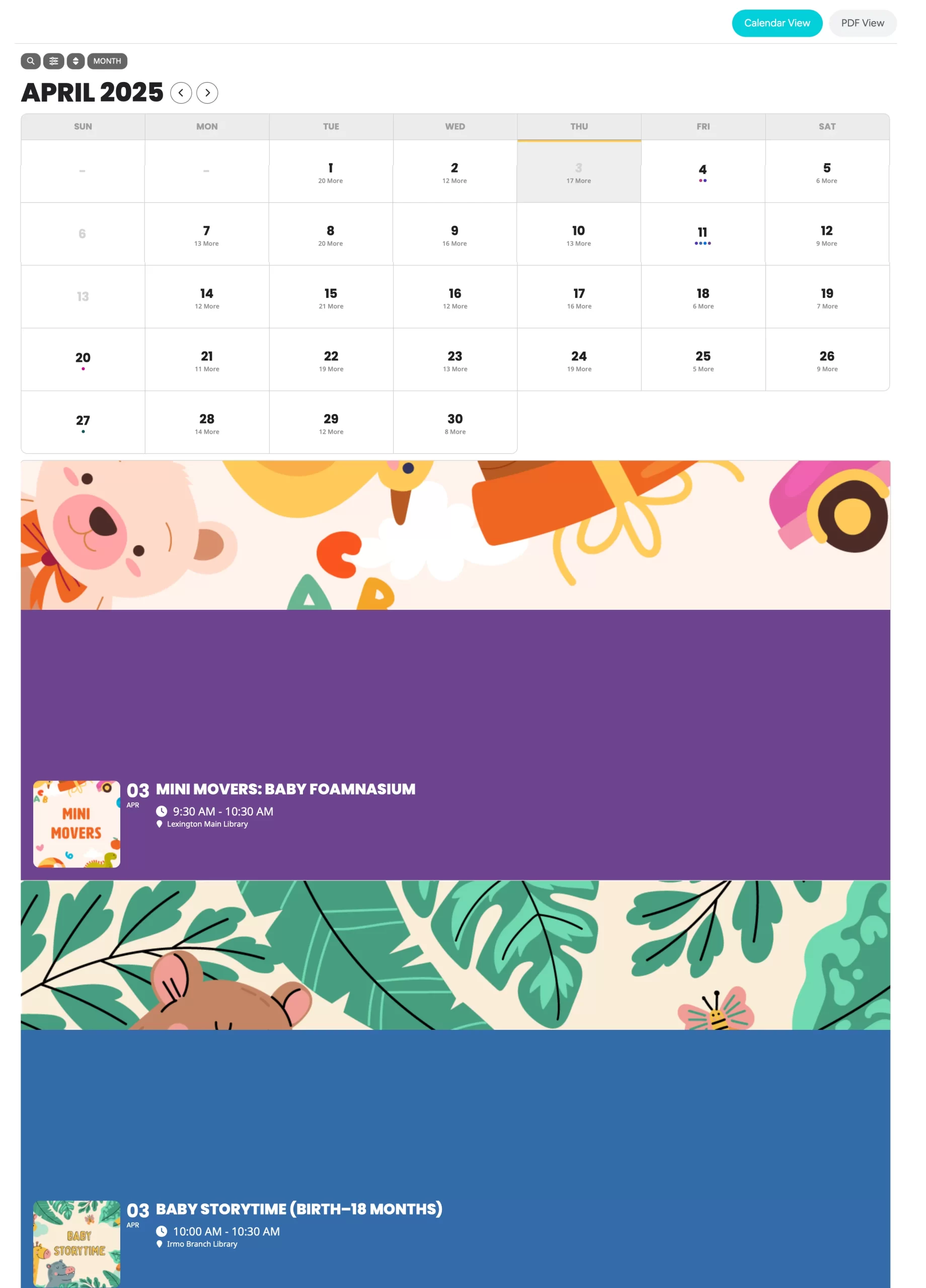
The attached screenshot is how the Monthly View looks using the switcher.
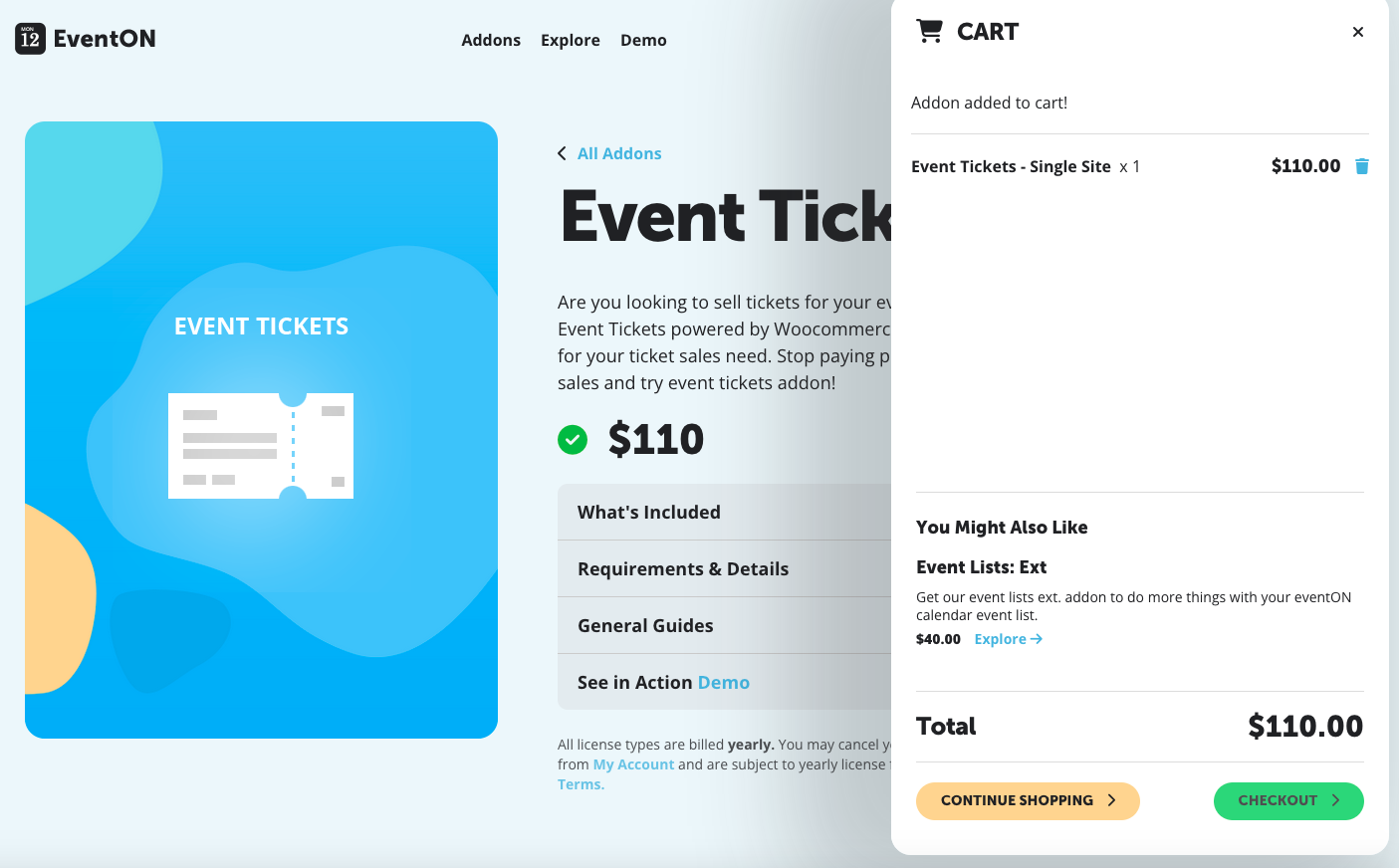
Hello,
I’ve purchased and installed Event Tickets.
I would like to know which CART you are using on your own website: www.myeventon.com.
I’d like to install the same cart on my website. 🙂
Thanks for your help.
+++ Alex
Sorry, try this user/pass:
user: adminFFlash
password: flashmedia!