Could you or may I please try the instructions mentioned in this documentation to make sure your issue is indeed coming from eventon.
I think the problem can be in one of your plugins, ie Custom Post Type UI.
Replies for tickets on suppota
Could you or may I please try the instructions mentioned in this documentation to make sure your issue is indeed coming from eventon.
I think the problem can be in one of your plugins, ie Custom Post Type UI.
I understand this but didn’t I fix your issue so you can now use PHP 5.6.32?
Hello,
1. Please use this shortcode: [add_eventon_list number_of_months=”12″ hide_empty_months=”yes” search=”yes” ]
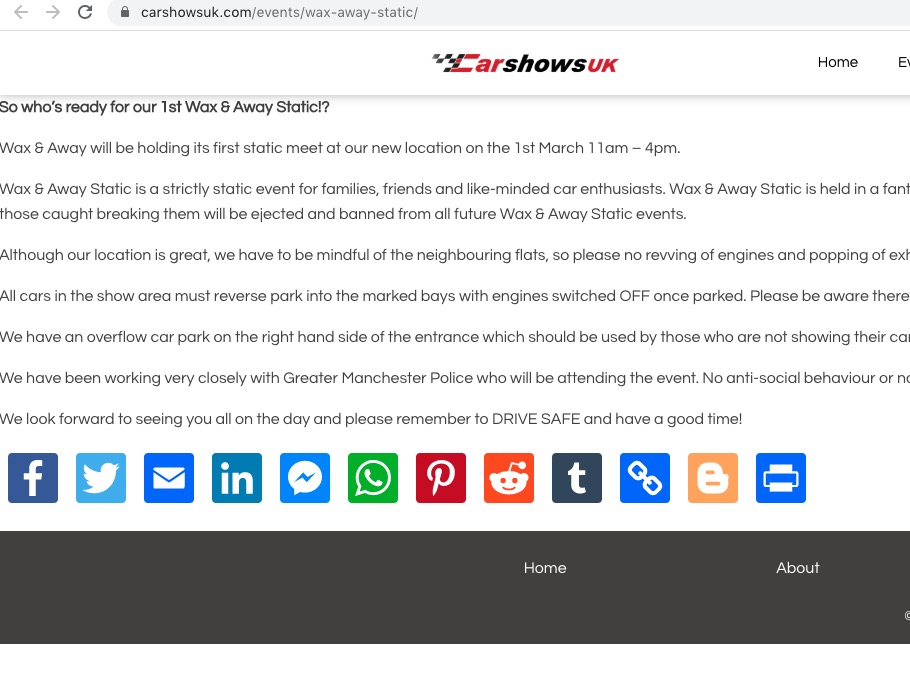
2. Please follow this guide: https://docs.myeventon.com/documentations/how-to-show-various-information-in-eventtop/ and activate them. This page https://carshowsuk.com/events/wax-away-static/ doesn’t show any calendars:
3. You can use this shortcode: [add_eventon_dv dv_view_style=”oneday” ] http://dev2.myeventon.com/20843-2/
Nope, that didn’t work either. I’m so sorry. But will this addon won’t help me put the events into the WooCommerce store and it was suggested by support that it would, I must have misunderstood. Anyway, just tested and I can’t use it so please refund. Thank you.
It can search the data in Location Name fields. You can try yourself on our test server:
http://dev2.myeventon.com/20840-2/ (search for MaulTsch)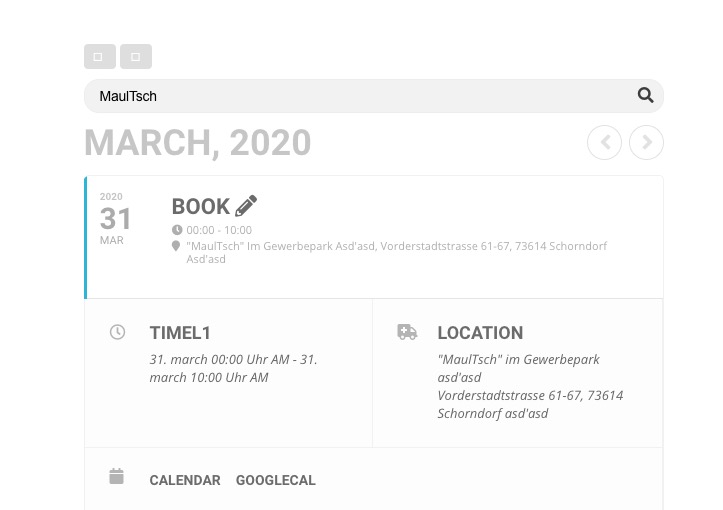
So you can add city, state and zip to Location Name and then hide it so users can search with this data.
Never mind, I found a good use for it and will use it:)
Thank you!
Please check https://docs.myeventon.com/documentations/how-to-show-past-events/, but with EventON 2.8.5 you should be able to achieve similar with this shortcode:
[add_eventon_list event_past_future=”past” number_of_months=”12″ hide_empty_months=”yes” ]
I found this js error:
jquery.mobile.custom.min.js?ver=4.3.4:7 Uncaught TypeError: e.event.special.swipe.start is not a function
at s.start (jquery.mobile.custom.min.js?ver=4.3.4:7)
at dispatch (jquery.js?ver=1.12.4-wp:3)
at r.handle (jquery.js?ver=1.12.4-wp:3)
Could you please try the instructions mentioned in this documentation to make sure your issue is indeed coming from eventon.
Do you have the same issue with our demo server: https://addons.myeventon.com/events/event-with-variations-options-addon/
thank you, appreciate it.
Hello,
Please also add this to the shortcode:
event_count_list=”yes”
This applies Event Count to Whole Events List.