Hello,
Please add this CSS code to EventON > Styles (If you can’t see any change, EventON > turn off Write styles to header > save settings > turn on Write styles to header):
.ajde_evcal_calendar.boxy .evcal_list_a span.evcal_event_types.ett2 { display: block !important }
Hello,
Please go to EventON > Sorting and Filtering > check your custom made categories.
Hi
Ok sorry you right its working well now 🙂 thanks
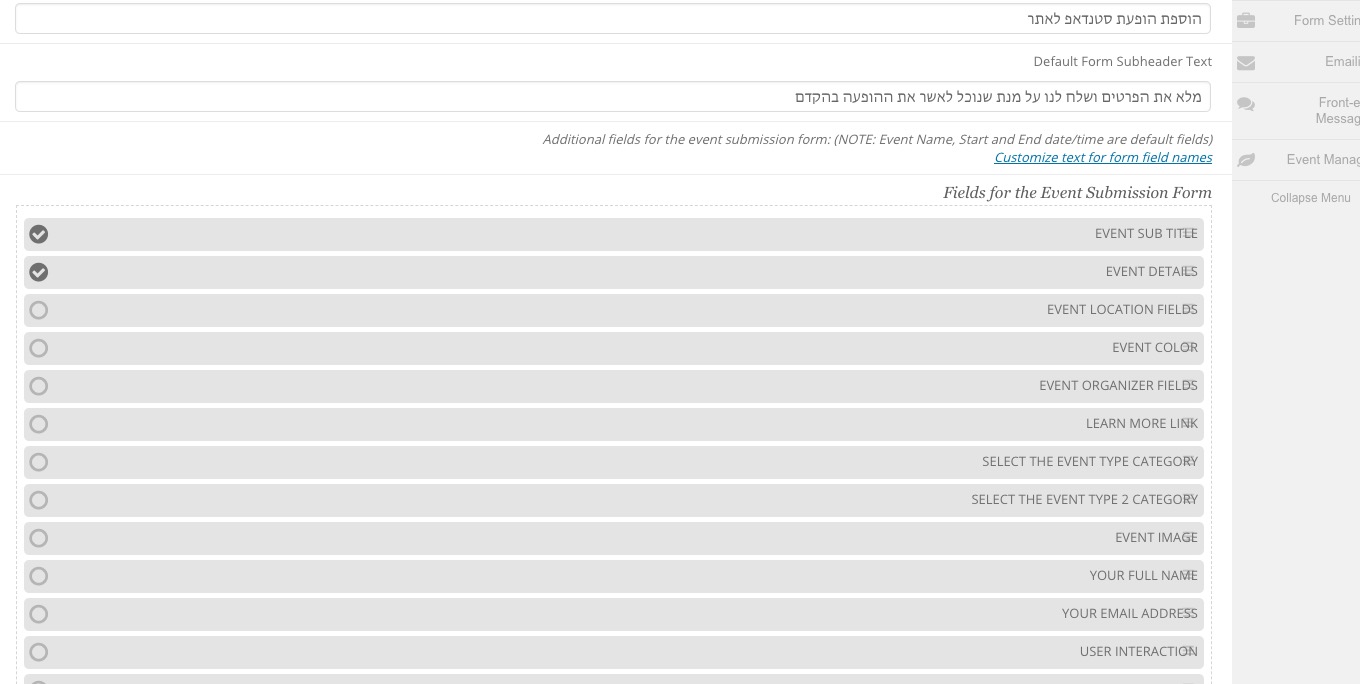
But as i can see in front end there is some fields in view as not RTL:
https://standupist.co.il/standup-account/add-standup-show/
can you please advice
thanks
Nitzan
Please try this code:
.evcal_cblock .evo_end:before { top: 14px !important; }
Please check this add-on: https://www.myeventon.com/addons/event-lists-extended/. You can use this shortcode to show past events from the current date and back (on our test server http://dev2.myeventon.com/20803-2/):
[add_eventon_el number_of_months=”12″ el_type=”pe” hide_empty_months=”yes” sep_month=”yes” month_order=”DESC” ]
Try on http://dev.myeventon.com/wp-admin/
This shortcode also should work:
[add_eventon_list event_past_future=”past” event_order=”DESC” number_of_months=”12″ hide_empty_months=”yes” ]
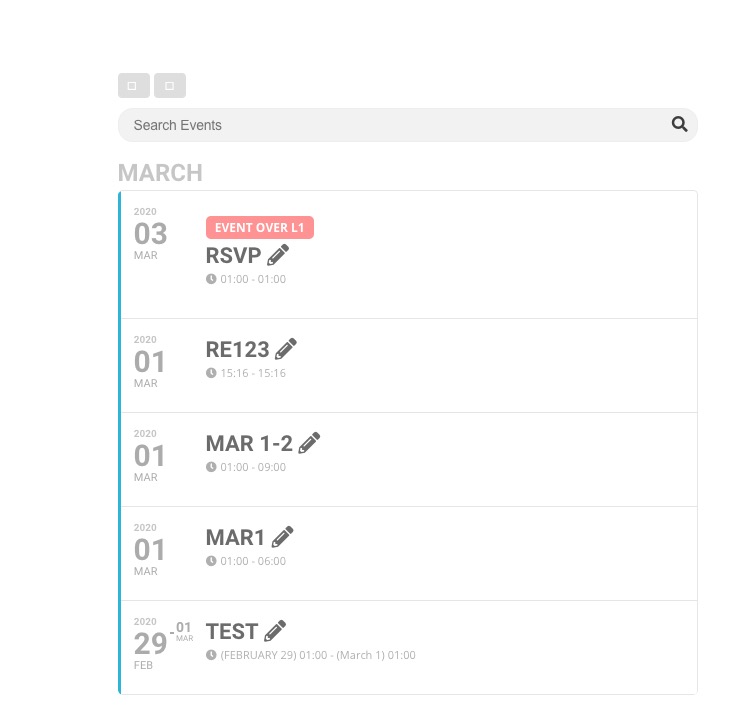
On our test server it starts with events from March and goes back:
Please also note that I cannot access wp-admin:
Sorry, you are not allowed to access this page.
Hello there
Is the below what you needed?
If not, please direct me where can I find the info you require.
| #63746 |
Action User |
EVO007cec5f-ea7e-4c2f-bbaa-f3d6fa1f36dc
Subscription Status ACTIVENext Payment August 18, 2020License Expire Date Not yet endedWebsite Activation Limit 1Email a.rhys-jones@virginmedia.comMANAGE LICENSE VIEW SUBSCRIPTION |
| #63746 |
Events Map |
EVOff4ecf75-71ee-47d8-88fa-cbb24c28b40d
Subscription Status ACTIVENext Payment August 18, 2020License Expire Date Not yet endedWebsite Activation Limit 1Email a.rhys-jones@virginmedia.com |
——————————–
License Key
EVO007cec5f-ea7e-4c2f-bbaa-f3d6fa1f36dc
Order ID63746
Addon IDEVOAU
License TypeSingle Site
Subscription StatusActive
Next PaymentAugust 18, 2020
License Expire DateNot yet ended
Website Activation Limit1
Email Address for Licensea.rhys-jones@virginmedia.com
Websites Activations
Site #1 ACTIVATEDDEACTIVATE https://aitaiata.global at 2019-08-18 12:15:55
——————————–
License Key
EVOff4ecf75-71ee-47d8-88fa-cbb24c28b40d
Order ID63746
Addon IDEVEM
License TypeSingle Site
Subscription StatusActive
Next PaymentAugust 18, 2020
License Expire DateNot yet ended
Website Activation Limit1
Email Address for Licensea.rhys-jones@virginmedia.com
Websites Activations
Site #1 DEACTIVATED https://aitaiata.global at 2019-08-18 13:21:21
It’s working for me:
Please try cleaning your cache.
Hello,
Could you elaborate more? What is “data” are you referring to? You can go to EventON > enable Hide past events for default calendar(s).
Please also check this add-on: https://www.myeventon.com/addons/advent-calendar/. Try on http://dev.myeventon.com/wp-admin/
1. Please try adding this to the shortcode: cal_init_nonajax=”yes”. This loads Initial Calendar without AJAX.
You can also send us a customization job request by creating a new ticket in here and selecting Customization Request as the category.