Ashish has accepted the job for 200
Archives: Replies
Replies for tickets on suppota
Reply to: tickets(170474)

Great! I was able to use this code you provided to change the arrow color! Thank you.
I’m having the same issue though with the close circle and ‘x’ on the event card. See screenshot. It is set to a very dark grey/black color and users cannot see it, but in the appearence settings I have it set to orange. Can you please provide the code to change color of:
- circle background color & hover background
- X and hover of X
Thank you!
-erin
Reply to: tickets(172242)
Hello,
The single event page is just that. It is a page which shows all the details of 1 event in 1 page.
Can you explain what you are trying to achieve?
Reply to: tickets(172005)
Hi Artem,
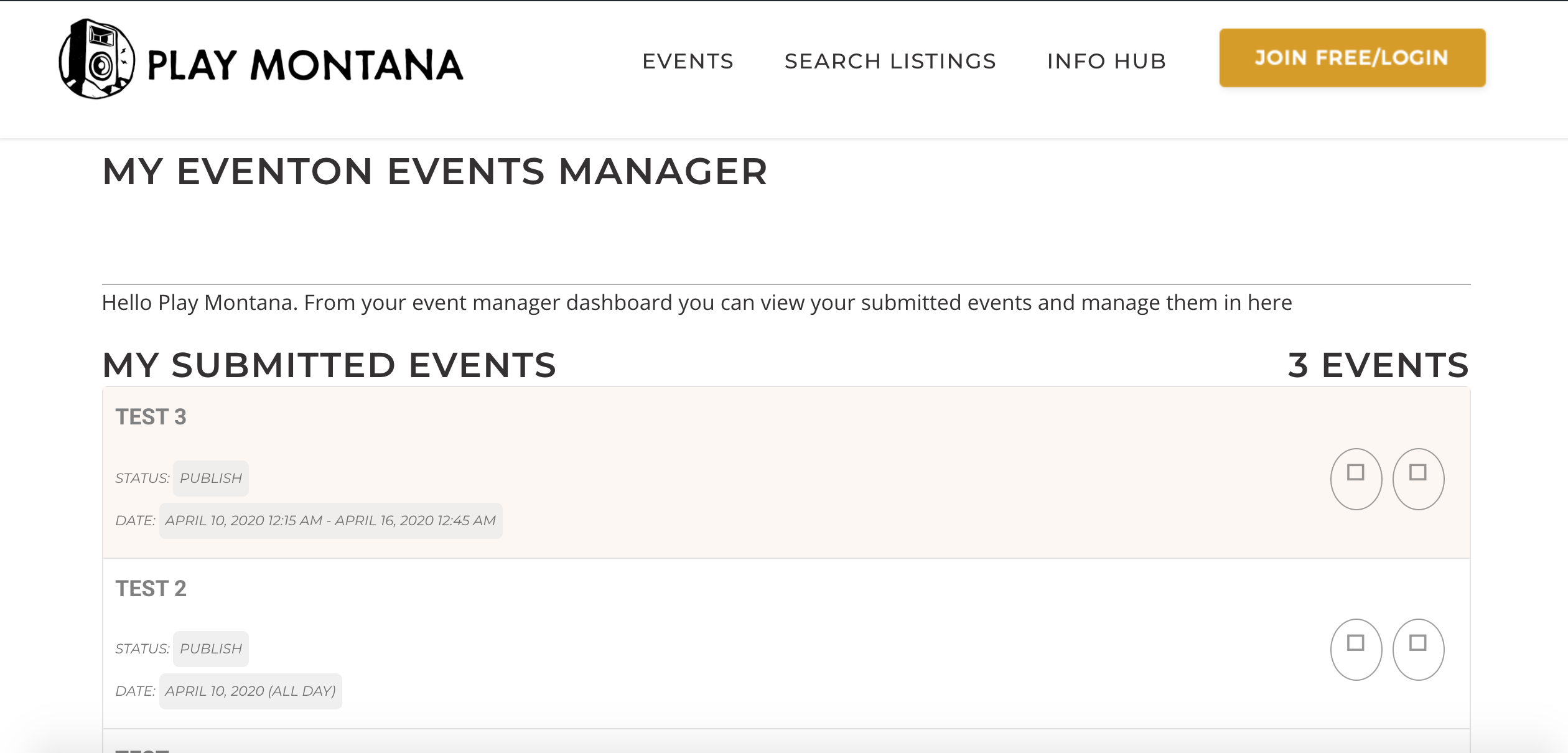
Thank you for getting back to me. I created a new page with the [evo_event_manager] shortcode. I attached a picture of what the page looks like now. Is there any way to edit it? I tried creating a new shortcode and there weren’t many options. Also, I’ve seen in other examples of a pencil icon showing up in the event on the calendar, and that isn’t happening.
Thanks!
Jonathan
Reply to: tickets(170445)
i am interessted, too!
Reply to: tickets(172240)
I think there is an answer to my question:
Reply to: tickets(172077)
Hi,
You did not help with my problem about the plugin you sell. The plugin is unusable and I have this message :
“EventON Daily View is enabled but not effective. EventON need to be installed and activated.”
Can You correct this ?
Reply to: tickets(171957)
2.8.8 is what is installed https://prnt.sc/ryirhc and it still loads awfully slow. What was the bug they found.
Reply to: tickets(171956)
Greetings,
We updated the EventON plugin this morning to 2.8.8, and this update removed styling for the list/calendar views, as well as displaying a default view now showing no events, though there are MANY events in each of the categories. For the time being, we’ve reverted the update, and have created an administrator user for the email address previously indicated. 😀
Thanks!
Reply to: tickets(172171)
Hi Iulian,
This is a little bit tricky, allow us some time to see how it can be done.