Hello,
Please use Event Lists: Ext add-on.
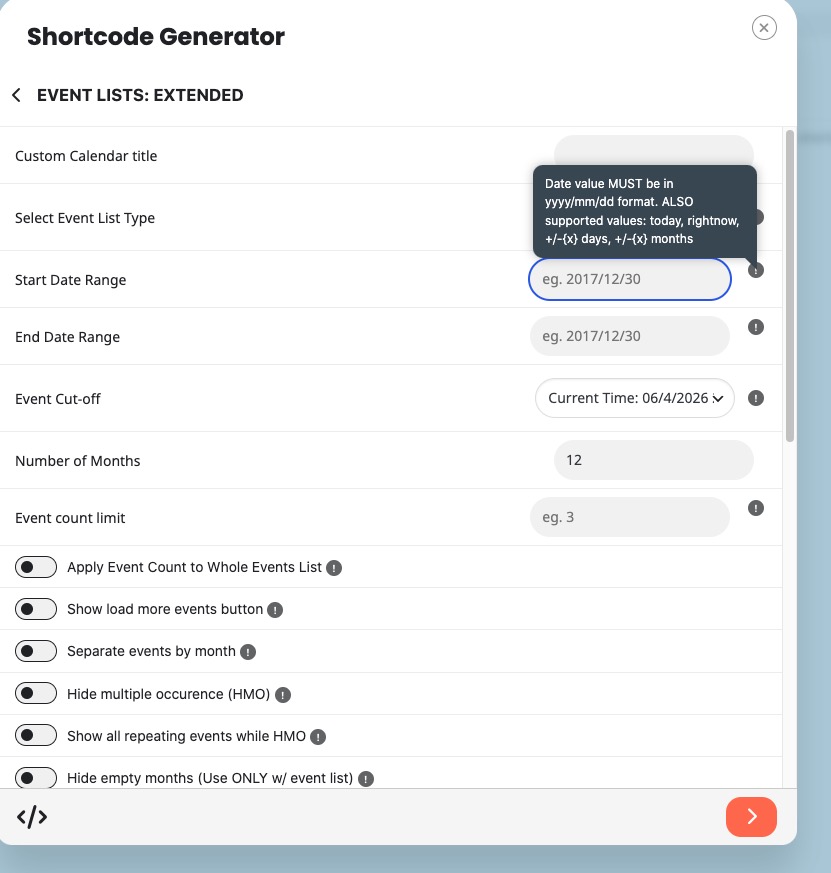
Create a new shortcode with ”Select Event List Type: Date Range”:
Add -48 months to ”Start Date Range”. You can add any number of months, just make that your server can handle it.
In ”End Date Range” you can use today or tomorrow or +48 months.
We are glad your issue is resolved, if you have any further questions or concerns please create a new ticket.
Hello,
In our system it says that the license is deactivated.
What’s is your current version of EventON and FullCal?
Please send us wp-admin access to your site from ”Access Info” box on right side menu, to further assist your situation.
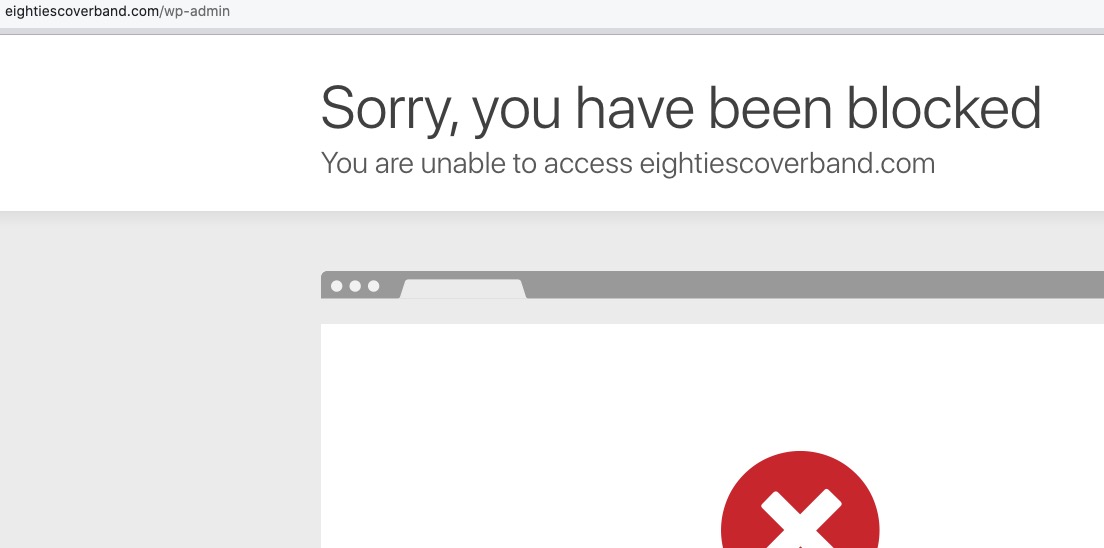
I cannot access your website:
Could you allow Spain and USA?
Hello,
Basic Event Lists doesn’t support month_order, you need to use Event Lists: Ext:
https://www.myeventon.com/addons/event-lists-extended/
event_order orders only within one month.
Test on
https://dev.myeventon.com/wp-admin/
Hi,
The previou ticket visibility was private. For me this means that only the support team had access to this info – I dont have any other explanation …
I would prefer to get an answer from ashanjay and his assessment how this could have happend..
thanks !
Now it’d OK, thanks for support!
Pass shared. Go to the Events section and you’ll see the blocks layout is all greyed out. Its usually black. The way it is now you cant see any of the blocks or text
Hello Sam, we take these things seriously. I can see this ticket was created 2 years ago. We have a new system where login information is shared via ”Access information” on right side which encrypt the data.
Thank you very much for letting us know and we will dig into this to get this private information hidden from public!
Downloaded new version and date selector is working now – thank you!