Please check now.
If you have a moment, we would greatly appreciate if you could kindly leave us a review at codecanyon! from your account > downloads. Cheers!
Replies for tickets on suppota
Please check now.
If you have a moment, we would greatly appreciate if you could kindly leave us a review at codecanyon! from your account > downloads. Cheers!
Hello,
We will have do several tests, including disabling plugins and changing themes.
Do we have you permission to do it?
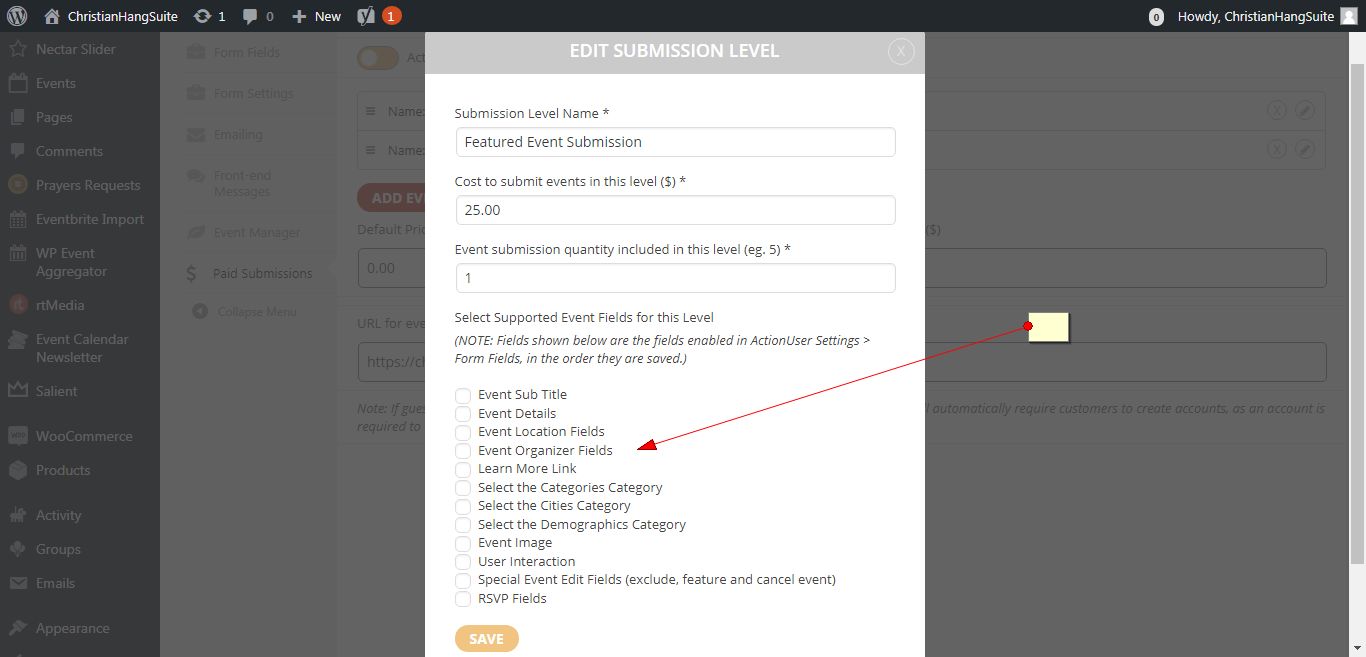
Have you enabled the fields.
Please check the attached screenshot?
Hello,
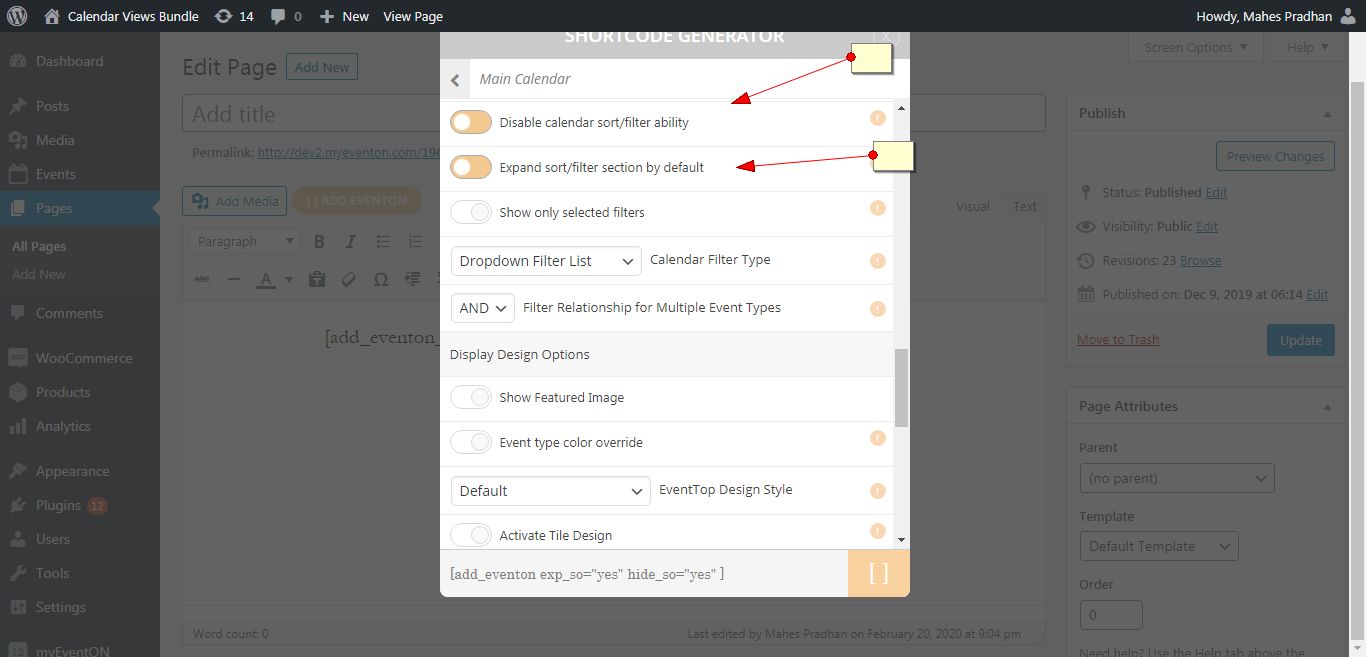
Please check the link above. Documentations there will answer most of your questions.
Let us know if you need help with anything else.
Thank You
Thank you for your messages, I am going to assign this ticket to Ashan and he will be able to take it from here and find you a solution. Please allow some time for him to get back to you, we greatly appreciate your patience and thank you for being a eventon customer!
Please post the Order ID as well.
I am going to assign this ticket to Ashan and he will be able to take it from here. Please allow some time for him to get back to you.
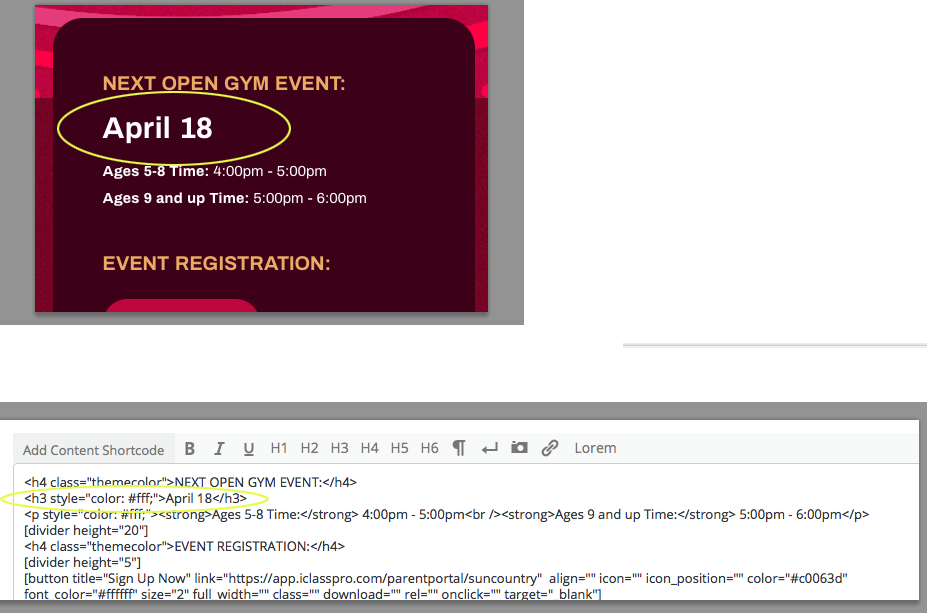
Hi. Sorry for the follow up. We’re not sure how to successfully complete what is needed.
Our main need is to create an event and category name (nothing else usually for an event), then all we need is to add the specific date within the <h3> tag.
What do we add to display only the date like the examples provided.
Thanks!
in the meantime, i would like suggest you to add wmpl compatibily next future:)
thanks for replay but i wan’t refound for eventon but for slider add that i buyed directly from your site.
the link works… https://padmasambhavameditationcenter.org/product/a-meditation-weekend-with-brendan-kennedy/
however the ticket section does not show tickets
thanks