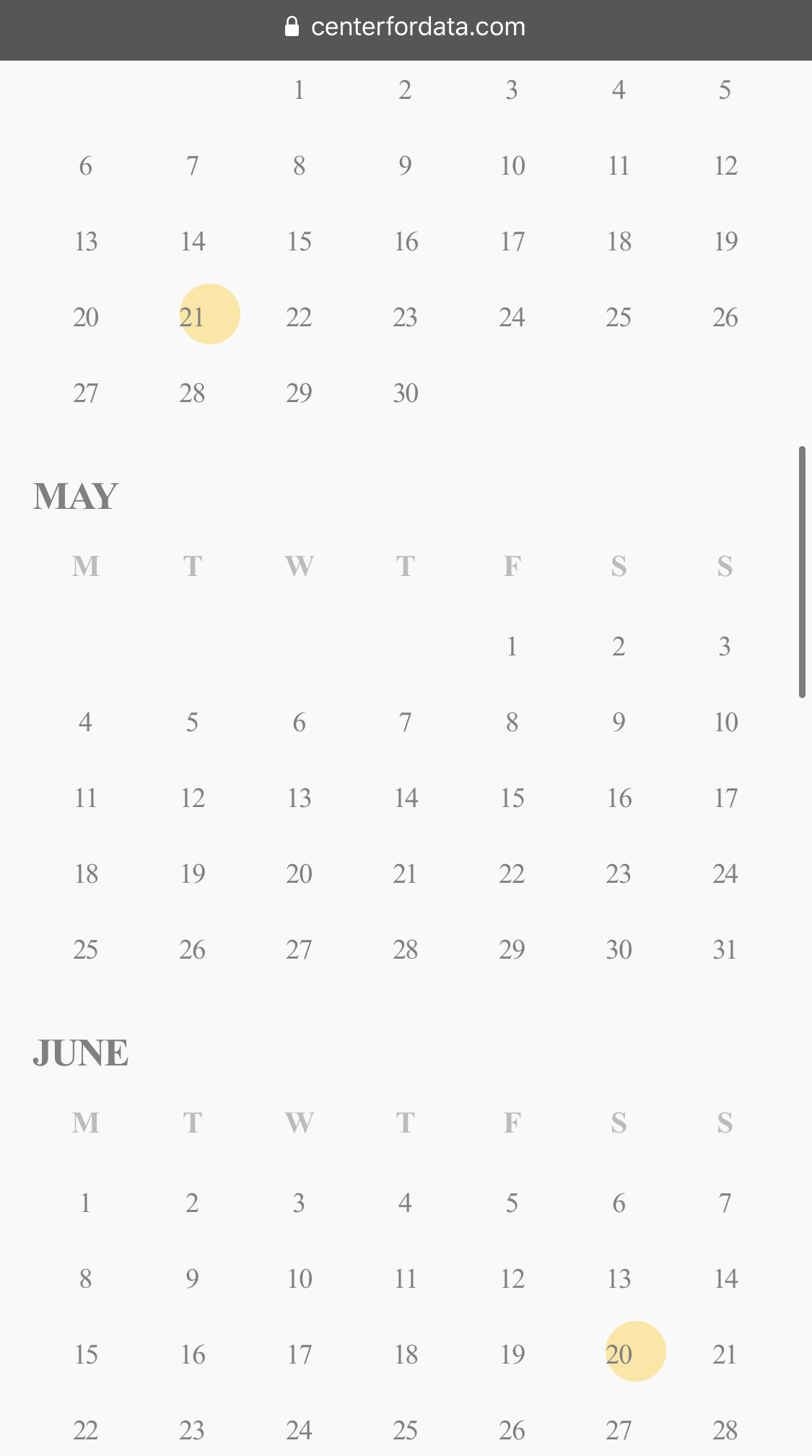
iPhone also showing like Safari on Mac with not-centered bubbles/circles.
Replies for tickets on suppota
iPhone also showing like Safari on Mac with not-centered bubbles/circles.
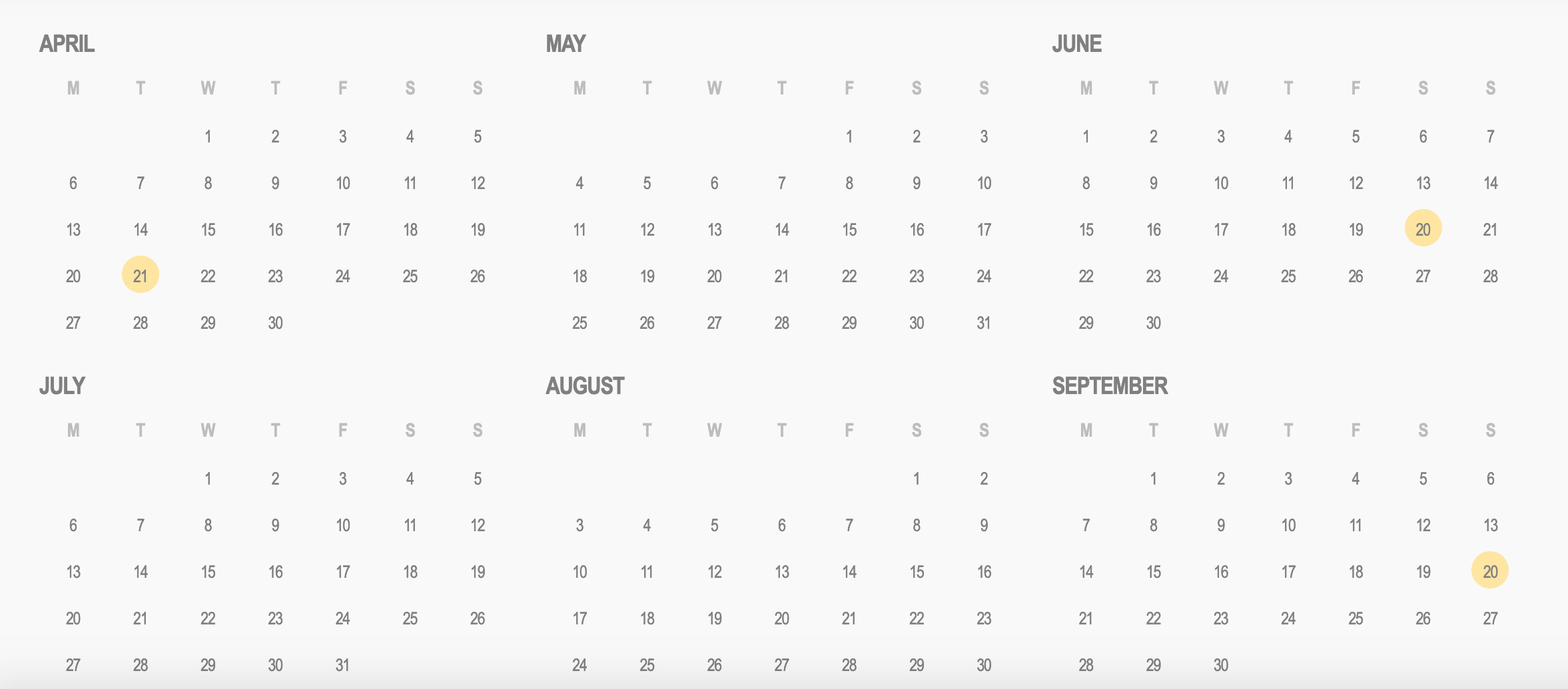
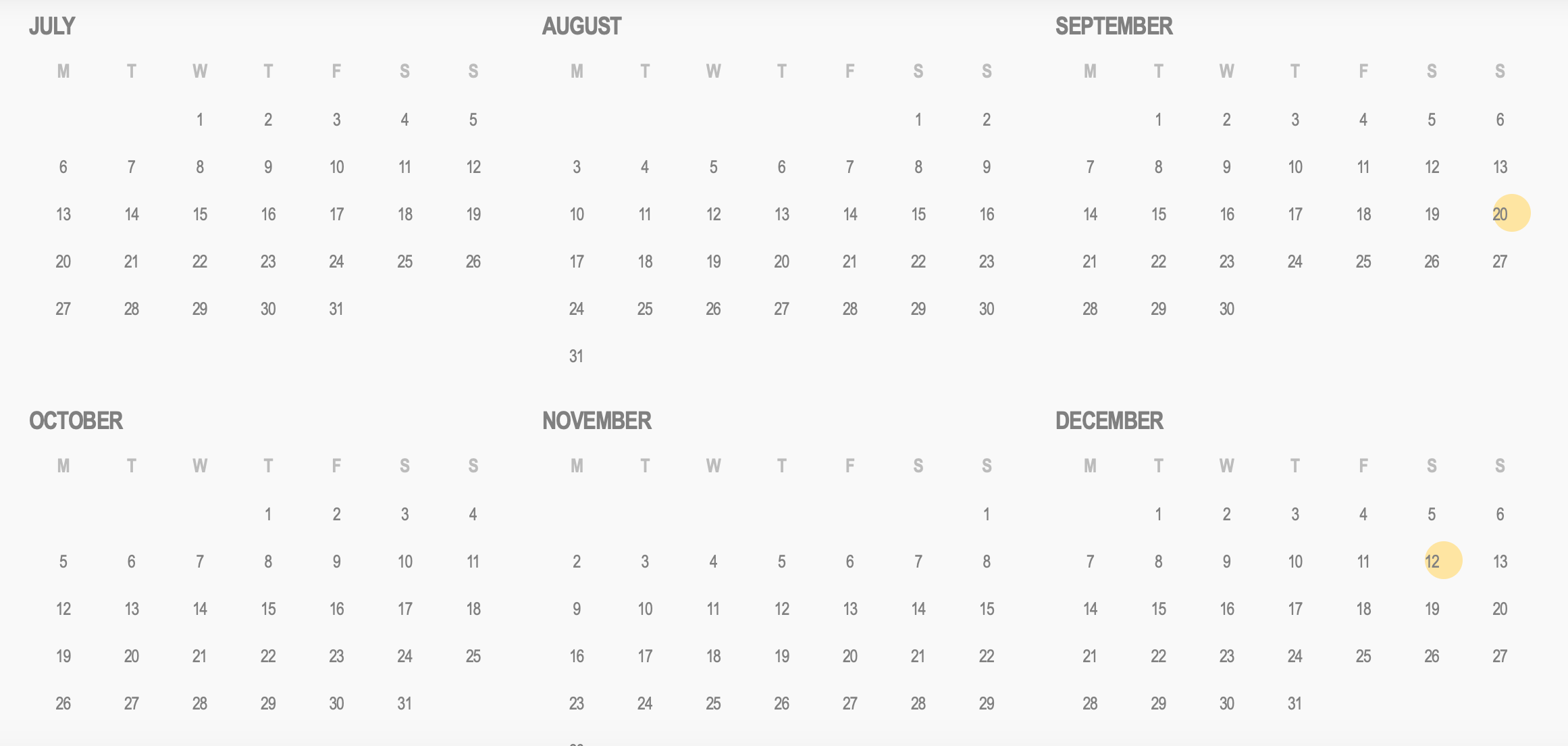
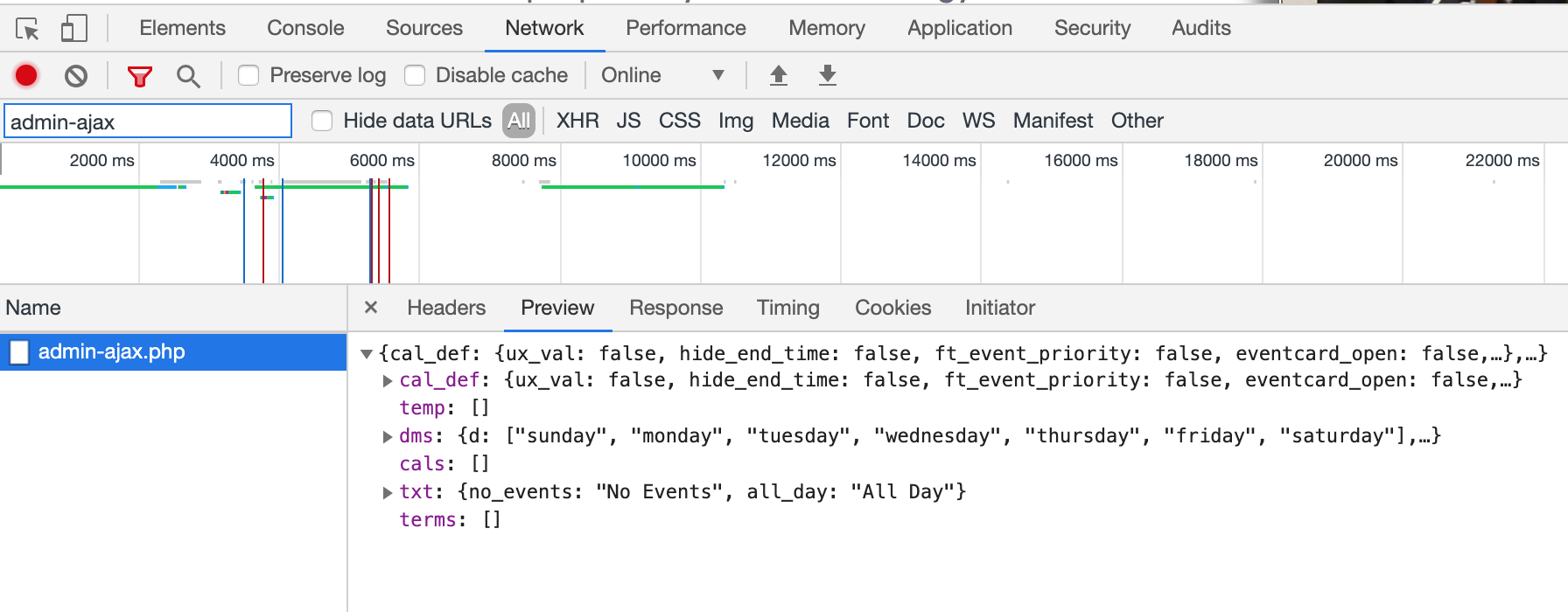
Here is the screenshot.
Thanks for that, definately my bad.
I want to note also that the 2nd to 4th reminders don’t appear in the event, only the first. Is this a bug or is there some way to get them to appear?
Could I please offer that setting up these RSVP reminders is an insanely painful experience. I’m so sorry to be critical but needed here is just:
Sorry, but for the price of this, I have just spent 3hrs trying to get your system combined with wordpress to format this correctly and as I cannot see what I am getting till I flip back and forth between the admin area message and the cron setup in a test event and keep changing the minutes before this is a total drag.
Can you please address this as I would really expect it to be simpler in what is otherwise excellent software.
Thanks, Leo
Updated from 2.8.4 to 2.8.5 problem was still there…. But I got the suspicion that it might have something to do with the dates…
I had just put random dates in… So like April 12 – march 18th was the start date and end date that I chose… I thought that maybe I had to tick the all day event check box… But still didn’t help…
So then I tried setting a time that actually made sense… like April 12th from 8pm to 11pm
Now its working… So can we not have events that last multiple days or weeks with the slider add-on?
Thank you!!
Oh i see whats goingo n i am sorry i did not see it correct. Can you send FTP access to wp-content folder so I can run some tests. we can not replicate this issue on our end so not sure why this is happening for you. And if you have a duplicate production version of your site where we can test things that would be better.
This actually work fine for me. What you need to make sure is that your website timezone is actually in your timezone and make sure in eventON settings “Hide past events for default calendar(s)” is DISABLED
try that and let me know if it works.
Not to worry Lars we are going to include the fix in the next eventON update which will be out soon. 🙂
I am sorry Jakob I can not commit to something based on your deadline as we already have deadlines of ours that we work on. We have added this to our development goals and will be implemented in the future updates.