Sounds good dan let us know if it doesnt work.
Archives: Replies
Replies for tickets on suppota
Reply to: tickets(163626)
Yes, you can add this from here:
You can add as many settings you need.
If we are good with this, please move to the next one so we can save time, I do not have a lot of free time so I can develiver this today / tomorrow morning also.
Reply to: tickets(163654)
OK – it seems to be working now. The calendar dialog/control wasn’t popping up previously but now it is.
Thanks!
Reply to: tickets(163654)
I will take a look. I was able to change the date but not SAVE the change. You were able to do that?
Reply to: tickets(163811)
Great! That worked!
Is there any documentation on how to change the styles of the events listed there – for example, I’d like to have it include more than just the event name – like the image, etc.
Also, how do I add a map to that page of that venue?
If you can point me toward the documentation to change these items, that would be extremely helpful.
Reply to: tickets(160190)
My client has decided not to use this plugin. Is it possible to get a refund of the original eventOn plugin ($20) and the ICS extension please ($35) for a total of $55?
Reply to: tickets(163915)
Working. TNX a lot.
Reply to: tickets(164122)
Nevermind I figured it out.
Reply to: tickets(164122)
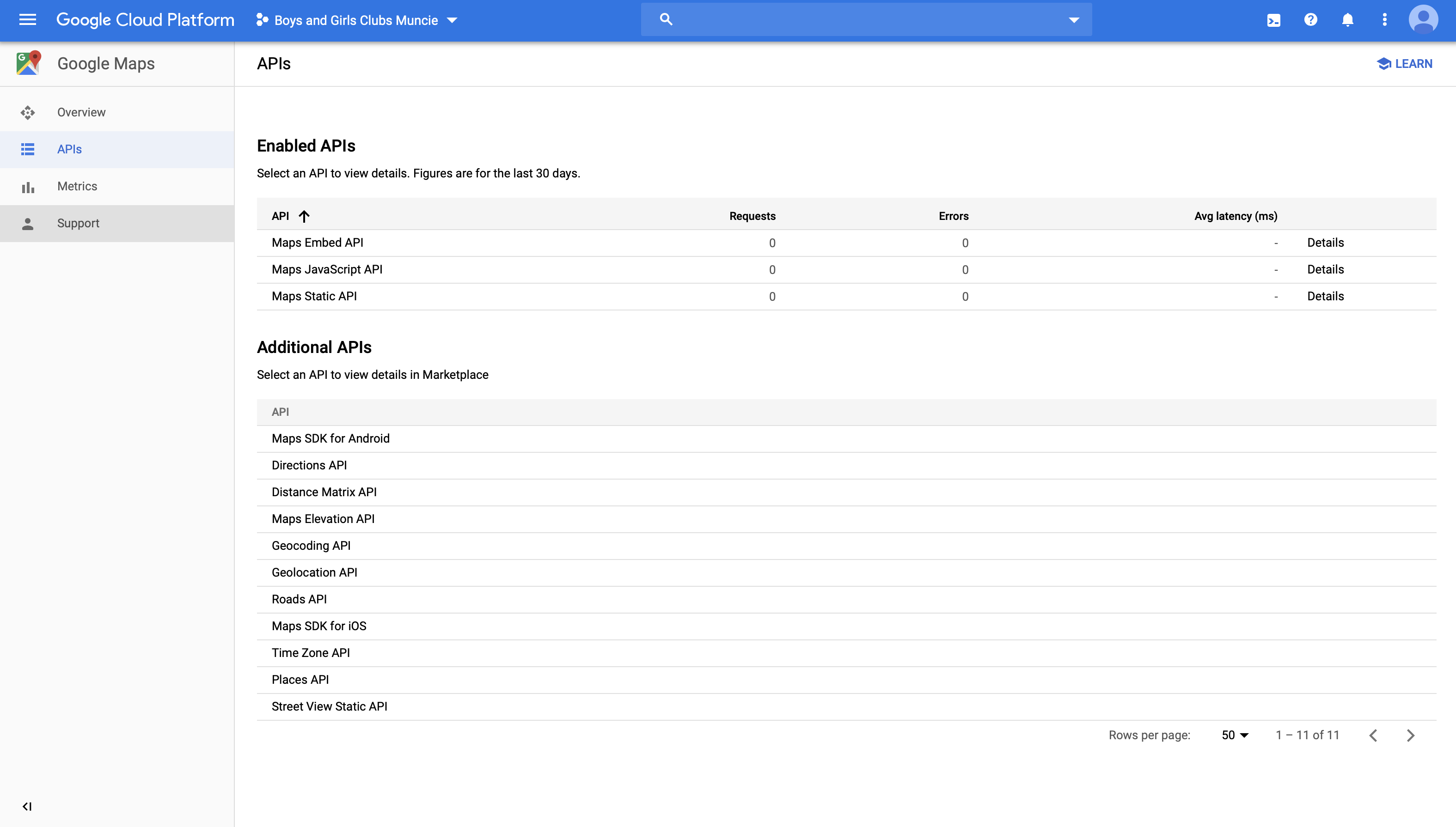
We have generated APIs and everything looks fine on the Google Cloud Platform side…?
Reply to: tickets(163626)
Can you tell me where it is configurable in my wordpress? I don’t see it anywhere.