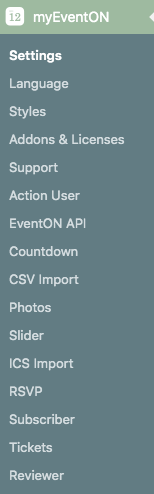
Thanks but I do not see the RSS add on?
Replies for tickets on suppota
Thanks but I do not see the RSS add on?
Hi there,
is there any update already or anything to do for me to fix this problem?
Br
Jens
Please fix this error:
Geocoding Service: This API project is not authorized to use this API. For more information on authentication and Google Maps JavaScript API services please see: https://developers.google.com/maps/documentation/javascript/get-api-key
More info: https://elfsight.com/blog/2018/06/how-to-get-google-maps-api-key-guide/
Please check if it works or not on this test page: http://skyhighphoto.dk/events/6551/
Hello,
Please go to EventON > Events Paging > EventOn Event Post Slug.
1. Please check now.
2. Start/End dates font-size, Subtitle, Title, Categories.
Please create a new ticket and select Feature Request as category so others can vote on your idea and get it moved into development faster.
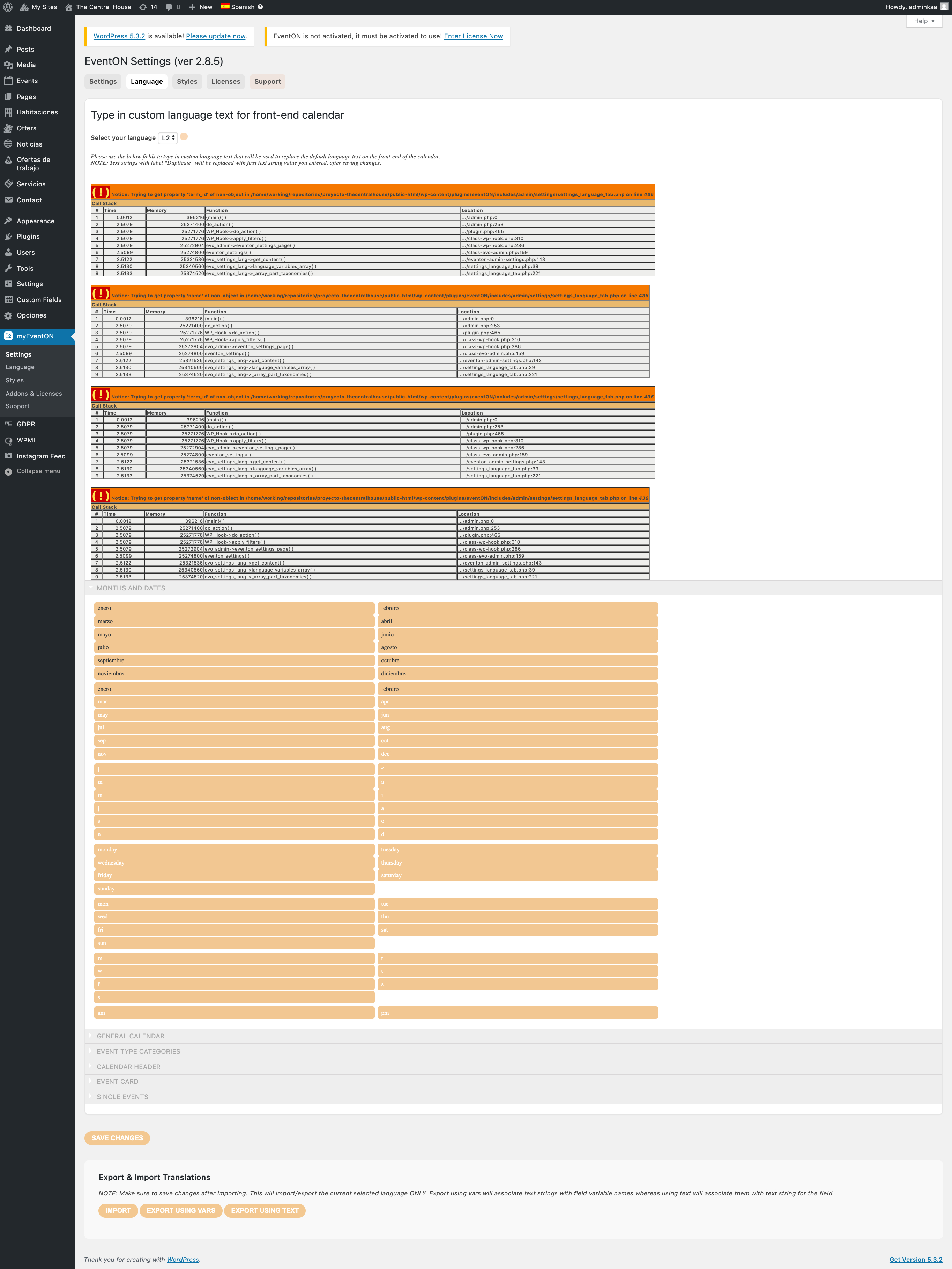
I wish I could, but I really cant.
In the screenshot, you can see the Languages tab.
No JS errors in the console.
Dear Artem,
Thank you for your reply.
It was already a feature, actually. And this has been working flawlessly until we installed v.1.1.1.
How else would I have known about these short code addons that do not longer work?
Thanks, I’ll await Ashans response and restore the wp login account credentials.
Vh. Niels
You can test our products on our demo website: http://dev.myeventon.com/wp-admin/