Hey Bruce,
I loaded the calendar I do see January loading just fine.
Replies for tickets on suppota
Hey Bruce,
I loaded the calendar I do see January loading just fine.
Hey,
Please add the following CSS rule:
.evcal_month_line {
padding-top: 20px;
padding-bottom:20px;
}
Let us know if it works out for what you need.
Hey Juan,
Can you please check the password u provided I cant login
Okay, I realize the hover behavior is because the events in my slider are “featured” events in my calendar. So now the question is, “how do I turn off the hover for featured events that are in the slider but keep the behavior in the calendar?”
Hello
Yes it works now !
https://www.squadravendee.fr/galerie-evenements-passes
Thanks
Have a nice day
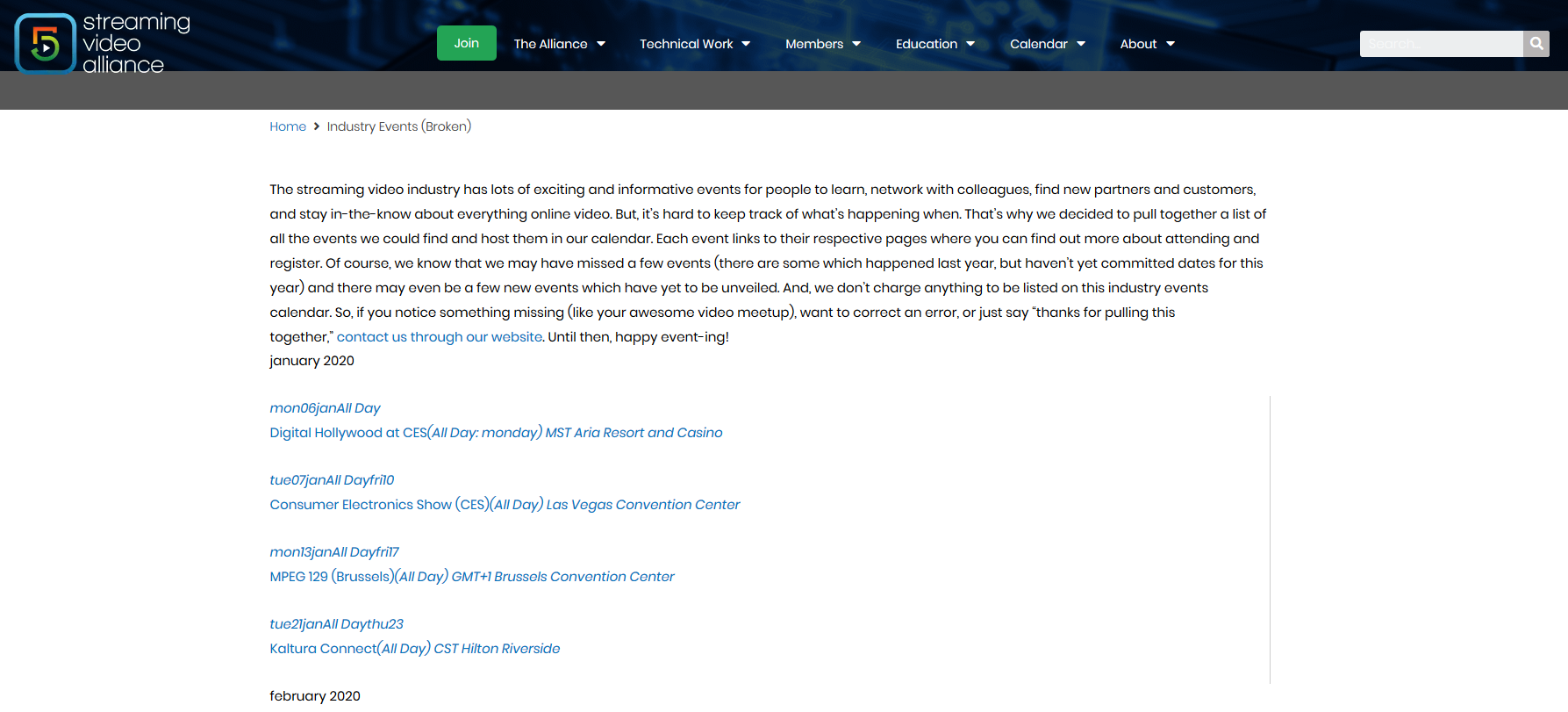
Well, this is super strange. Here is the shortcode I’m using (sorry, the one pasted in the ticket description is wrong):
[add_eventon_el number_of_months=”12″ event_type=”879″ hide_so=”yes” show_et_ft_img=”yes” hide_past=”yes” sep_month=”yes” hide_empty_months=”yes”]
This does NOT display correctly (it’s missing all of its styles). But when I add this shortcode to the page as well:
[add_eventon_list number_of_months=”0″ event_count=”15″ hide_past=”yes” event_type=”879″ hide_empty_months=”yes” ]
It displays correctly (although I obviously have a “no events” message at the bottom corresponding to the second calendar).
I am not sure if this has to do with CSS minification/optimization (I am using WP Rocket) but I excluded the following css from WP Rocket:
/wp-content/plugins/eventon-event-lists/assets/(.*).css
/wp-content/plugins/eventON/assets/css/(.*).css
I am not sure if I am missing one or if this is even necessary?
I can’t have a production page without styles so I have created a second page that shows how the styling is broken:
https://www.streamingvideoalliance.org/industry-events-broken/
On that duplicate page, I have unchecked the following WP Rocket features:
1. Caching (the page will not be cached)
2. No CSS minification or optimization
3. No JS minification or optimization
4. No JS defer
It still remains broken.
Thanks,
Jason
Hi,
I created some back up codes so you can bypass the authentication step:
Thank you for helping me.
Diana
Ok I’ve done it was a problem on .htacces files.
Now everything is working ….
Just couple of questions :
1) on the destination website is it possible to open a lightbox instead of redirect people to the site where is the calendar after click on an event ? Or at least i can remove at all redirection, so nothing append if someone click on event ?
2) on the destination website is it possible to show calendar like “tiles” mode instead a list of events? Or at least there is a way to make the colored right bar on events list bigger cause people can see better which king of event it is ?
3) If I have full cal addon is it possible to show events in a full cal mode on the destination web site ?
Thanks
Ok Adam I have refunded you for the upgrade and you should be good to go.
I have gone ahead and refunded you for the addon andre.