Reply to: tickets(156357)
Replies for tickets on suppota
The problem is in BKNinja Composer. Please try disabling it.
It seems your website have javascript errors caused by other plugins/theme:
Uncaught TypeError: $this.$bkcontainer.find(…).dropdown is not a function
at Object.sec_menu_cfg (page-builder.js:257)
at Object.run_cfg (page-builder.js:153)
at HTMLDocument.<anonymous> (page-builder.js:877)
at i (load-scripts.php?c=0&load[]=jquery-core,jquery-migrate,utils,jquery-ui-core,jquery-ui-widget,jquery-ui-mouse,jquery-ui-sortable,moxiejs,plupload&ver=5.2.5:2)
at Object.fireWith [as resolveWith] (load-scripts.php?c=0&load[]=jquery-core,jquery-migrate,utils,jquery-ui-core,jquery-ui-widget,jquery-ui-mouse,jquery-ui-sortable,moxiejs,plupload&ver=5.2.5:2)
at Function.ready (load-scripts.php?c=0&load[]=jquery-core,jquery-migrate,utils,jquery-ui-core,jquery-ui-widget,jquery-ui-mouse,jquery-ui-sortable,moxiejs,plupload&ver=5.2.5:2)
at HTMLDocument.J (load-scripts.php?c=0&load[]=jquery-core,jquery-migrate,utils,jquery-ui-core,jquery-ui-widget,jquery-ui-mouse,jquery-ui-sortable,moxiejs,plupload&ver=5.2.5:2)
You can find and resolve them by following this guide. Once these javascript errors are fixed, eventon scripts will be able to run properly and will resolve your issue.
Hello,
“Show guest list ONLY after RSVP-ing to event” setting is enabled. When you turned it off:
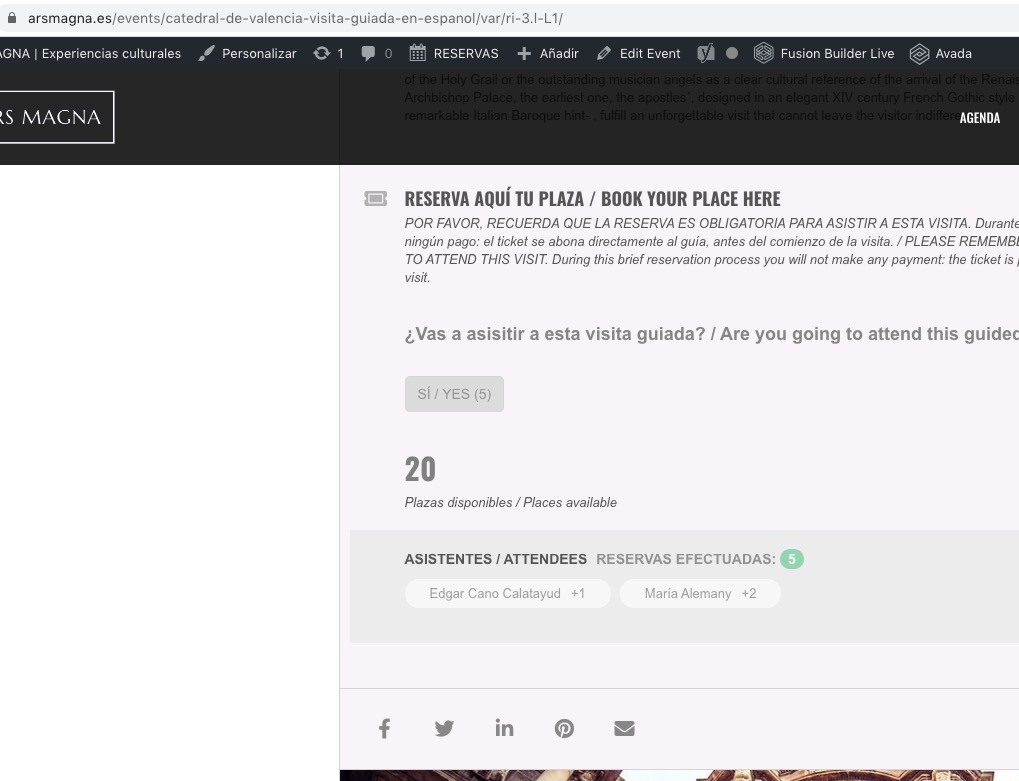
You cannot see the guest list even after you RSVPed to the event?
Hello,
Please add hide_mult_occur=”yes” to the shortcode and check.
Hello,
Could you please ask your client to elaborate more? No issues from my side:
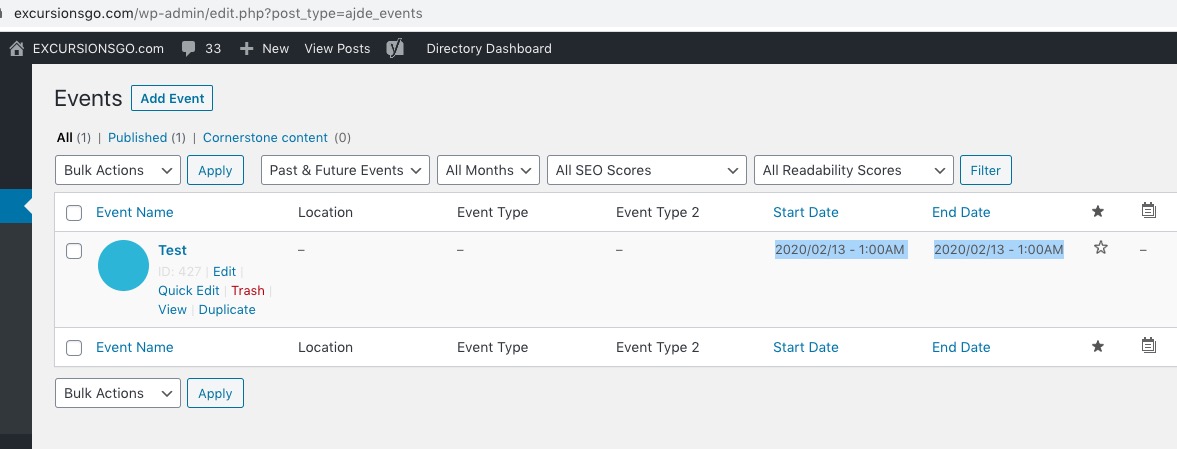
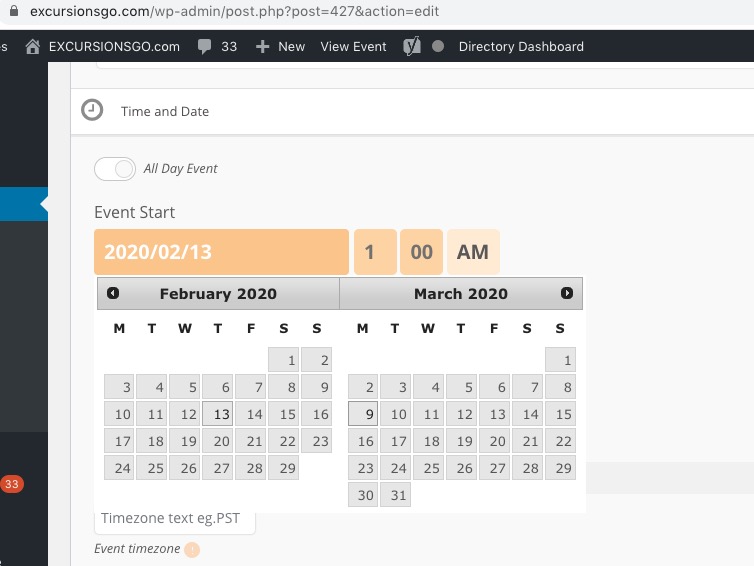
The small calendar icon where they can click on the desired date is also not showing up.
Could you send us a screenshot of this icon? No issues in Edit Event > Time and Date:
Hello,
Event Slider https://www.myeventon.com/addons/event-slider/ and EventON Slider Add-on https://codecanyon.net/item/eventon-slider-addon/11063359 are two different products. If you want to have access to http://www.eventonslider.com/administration/ please purchase EventON Slider Add-on.
Hi there,
Try again as I’ve changed the user settings so you should be able to access.
Dan
Hello,
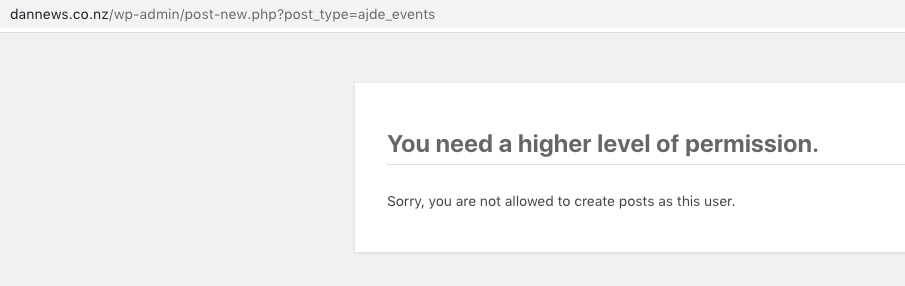
Unfortunately, I cannot access Edit Event or EventON Settings pages:
Could you please try the instructions mentioned in this documentation to make sure your issue is indeed coming from eventon.
Ashish has accepted the job for 150