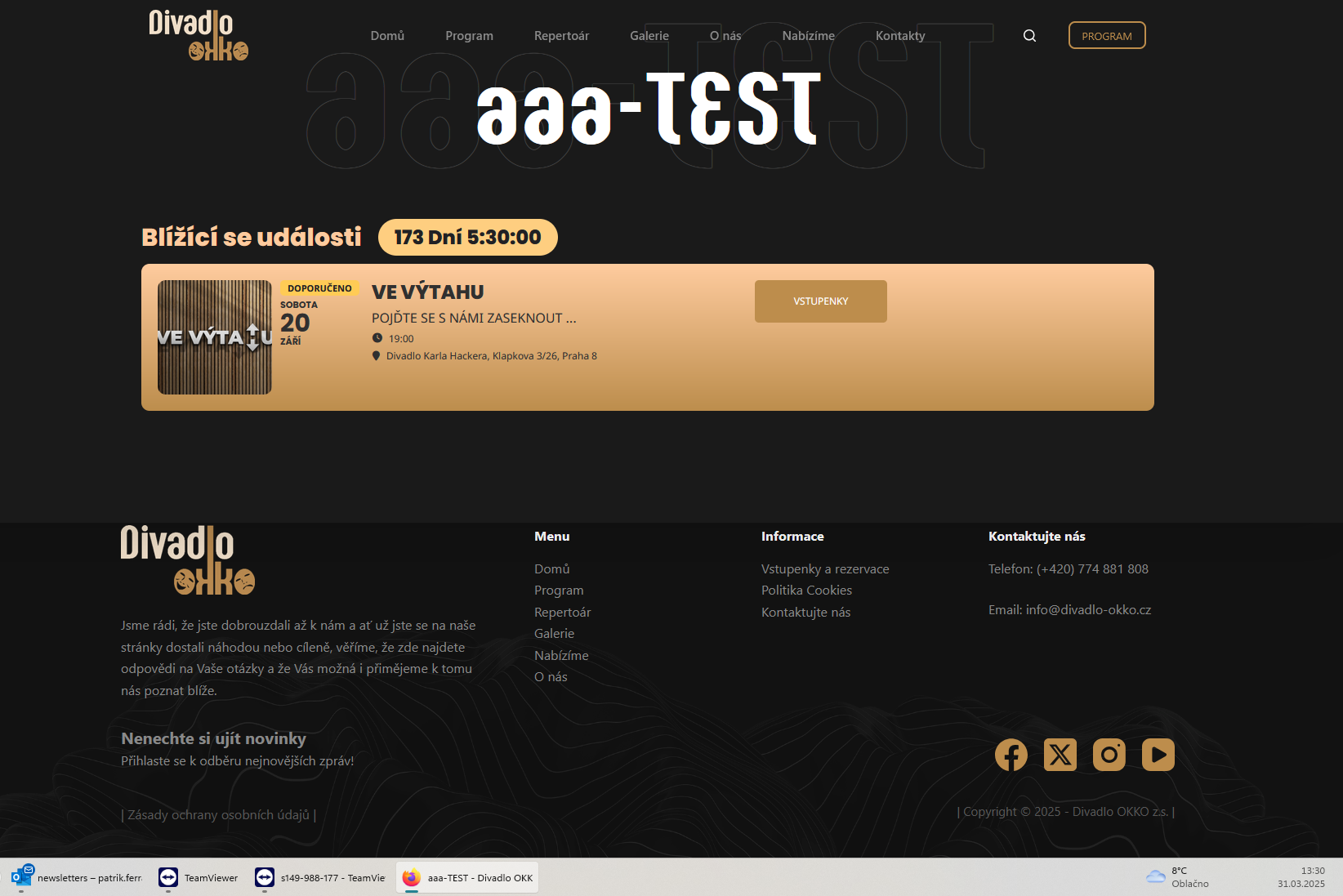
After the change to daylight saving time, the countdown is now working fine. So the problem arises when there are different events during these periods.
5:30 + 13:30 = 19:00 – OK
Replies for tickets on suppota
After the change to daylight saving time, the countdown is now working fine. So the problem arises when there are different events during these periods.
5:30 + 13:30 = 19:00 – OK
We are glad your issue is resolved, if you have any further questions or concerns please create a new ticket.
If you have a moment, we would greatly appreciate if you could kindly leave us a review at Codecanyon. By going to your account > Downloads. We are very grateful for your kind review!
Sorry for the delay. This worked, thank you so much.
I removed Montserrat custom font style from this link:
https://magdeboogie.de/wp-admin/customize.php?return=%2Fwp-admin%2Fadmin.php%3Fpage%3Deventon%26tab%3Devcal_1
So now it uses Open Sans font:

Could you check and let me know?
We are glad your issue is resolved, if you have any further questions or concerns please create a new ticket.
If you have a moment, we would greatly appreciate if you could kindly leave us a review at Codecanyon. By going to your account > Downloads. We are very grateful for your kind review!
Hello,
Thank you for your messages, I am going to assign this ticket to Ashan. Please allow some time for him to get back to you, we greatly appreciate your patience and thank you for being a eventon customer!
Hello,
Please take a look at this event:
https://addons.myeventon.com/event-with-bookings/
You can add as many blocks as you like from different dates as well.
Also try our products on
https://dev.myeventon.com/wp-admin/
also… this is not a emergency… just something I was working on and wanted to share with you, as i believe it could be beneficial to all EventOn users if officially implemented…
You guys are awesome!!!!!
Here is the Zip File Mentioned above..
https://wheremusicmeetsthesoul.com/eventon_custom_thumb_bundle.zip
Hi,
I really need to get this resolved. Can you give me a hook/snippet to simply hide the second event details in the woocommerce order email or another way to disable it through settings?