First of all Devon you have done some amazing work on your site to utilize eventON in it.
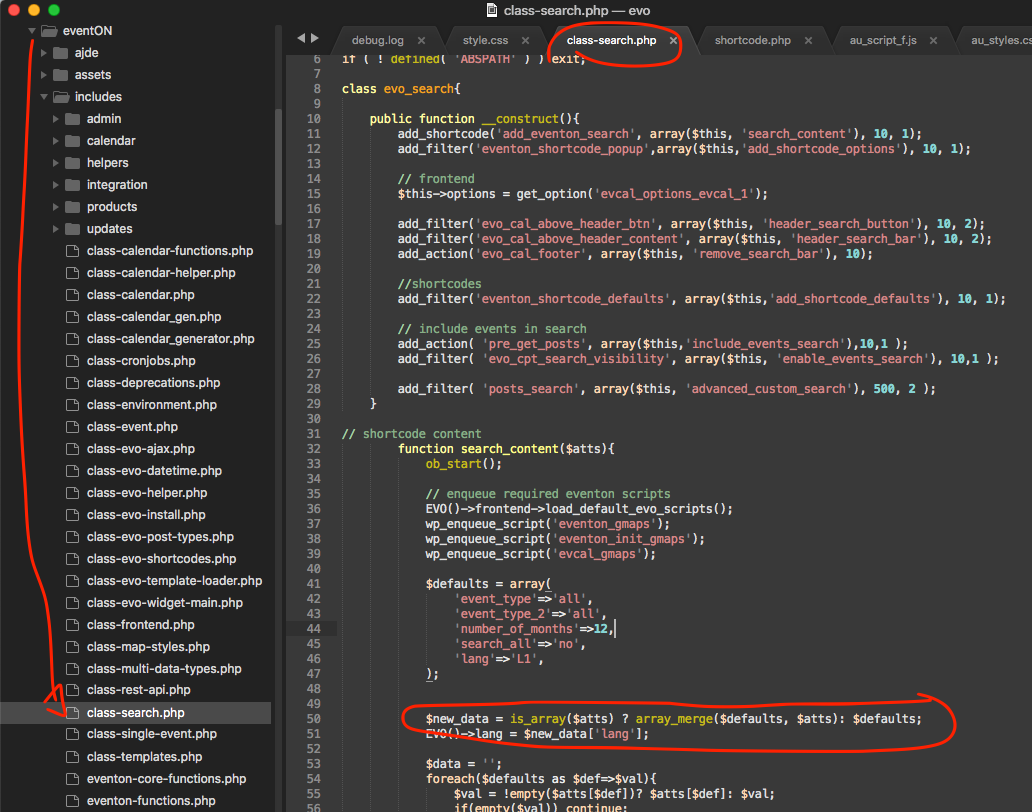
here is a patch fix to resolve that error you were getting.
Replies for tickets on suppota
First of all Devon you have done some amazing work on your site to utilize eventON in it.
here is a patch fix to resolve that error you were getting.
I added that to the shortcode and it’s still not working. None of the shortcode features are working. Attached is an image of my back-end events page, here’s the link to the front-end events page: https://threemooncollective.com/events/
I am trying to show 3 categories and their filters and have them be able to use the ‘all’ option on the filters.
But it keeps showing 4 fitlers and they are not working and showing everyting no matter what you select
Could you also tell us more about what are you trying to achieve?
Could you try updating EventON to 2.8.6?
Checking this on a different computer using Google Chrome, the date is not showing. On another computer using Google Chrome it is showing. Is there some kind of incompatibility with Google Chrome?
Usually the problem is in cache. Could you clean your website’s cache plugin https://indivisiblemrv.org/wp-admin/options-general.php#epc_settings and also browser cache on your mobile?
Added but the filters just show everything no matter what filters are selected. https://hawkridgesys.com/training/course-schedule
New shortcode:
[add_eventon event_location=”61,1221,1222,1223,1224,1225,1226,1227,1228,1229,1230,1231,1232,1233,1234,1359,1435,1487″ event_type_2=”1276,1277,1278,1279,1534,1533″ event_type=”1363,1243,1244,1261,1360,98,1236,1245,63,1248,1249,1247,59,1240,1254,1255,1256,1253,1246,1239,1250,1259,1260,1241,1237,1251,1257,1258,1252,1235,1238,1242″ filter_type=”select” exp_so=”yes” show_et_ft_img=’yes’ hide_past=”yes” event_count=”15″ ux_val=”2″ jumper=”yes” exp_jumper=”yes” jumper_offset=”2″ jumper_count=”2″ show_limit=”yes” show_limit_ajax=”yes” filter_relationship=”OR” ]
Please add this to the shortcode: filter_relationship=”OR”
Hello,
But looking to Google result…
Could you send us a link to your search results?
– first, this pages have a bad layout, I mena a wrong layout (please visit the url I wrote above)
It seems there is an incompatibility issue with the theme. Please add this CSS code to EventON > Styles (If you can’t see any change, EventON > turn off Write styles to header > save settings > turn on Write styles to header):
.tax-event_location .content-area {display: block !important;width: 100% !important;flex: none !important;padding: 0 !important;max-width: none !important;} .tax-event_location .main-content { display: block !important; }
– second, Event Location are just info, not post., also because I can not manage widgets and other stuff about them.
You can customize Location Page by following this guide: https://docs.myeventon.com/documentations/customize-location-organizer-archive-page/
So, how can I avoid the Event Location post?
Please use Yoast or similar plugin to restrict access to these pages.
I had to set up a new user because I used an invalid email address when setting up the first one.
username: EventOn-New
Password: 9pbpdoKEMoTCsR$V