i just had a look at Event Organiser and in their free version I can do this myself just using relative date formats.
i prefer the look of EventOn, and I have already purchased it, is it really so complicated to have this functionality?
Replies for tickets on suppota
i just had a look at Event Organiser and in their free version I can do this myself just using relative date formats.
i prefer the look of EventOn, and I have already purchased it, is it really so complicated to have this functionality?
Hi again
Actually this is what I have now for the featured event sidebar but the HMO is not working ?
[add_eventon_list number_of_months=”3″ event_count=”10″ cal_id=”1″ ux_val=”4″ event_past_future=”future” only_ft=”yes” show_repeats=”yes” hide_mult_occur=”yes” ]
Tks
Martin
Hi
I have not contacted them yet as I only just installed your plugin last night and this the first time I had an issue.
I put your style edits in the Theme custom CSS and disabled Write Dynamic Styles To Header option and everything look OK now. is this OK ?
Also I have another issue regarding the Featured Events listings. It only appears to be showing a single featured even from 1 month even tho my shortcode is set to show 1 from multiple months. Can you help here also ? There is a featured event for March 17th not showing.
https://loveshannon.ie/events-directory/
[add_eventon_list number_of_months=”3″ event_count=”1″ cal_id=”1″ ux_val=”4″ event_past_future=”future” only_ft=”yes” ]
Tks
Martin
Please either give me a firm date that the issue will be fixed, or issue a refund for the addon.
Hey Adam,
We do need some more time, while we work over those issues.
Sure, I have assigned the ticket to him 🙂
Hello Martin,
I do believe that the issue comes form the Builder.
have you considered contact the company to see what they have to say?
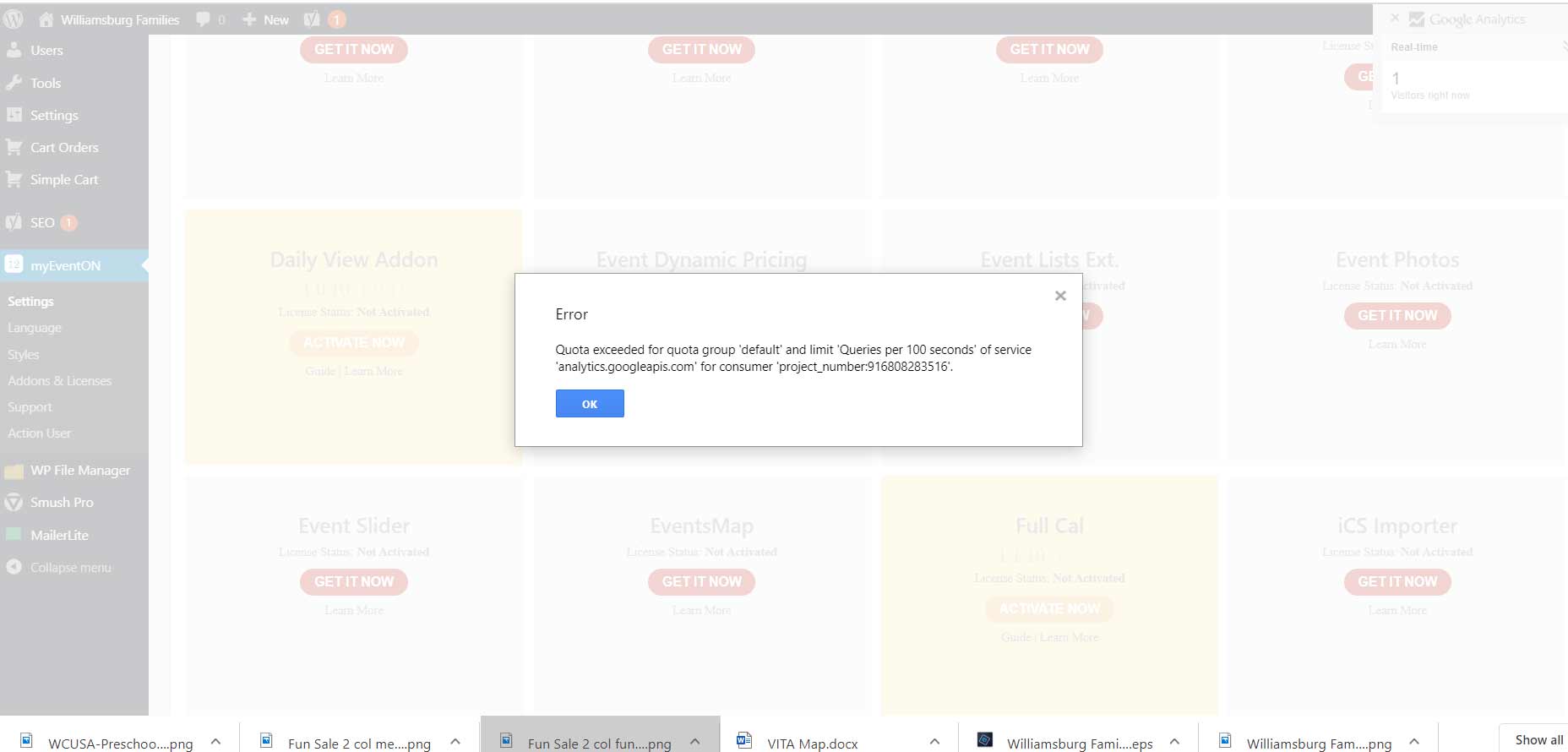
Also we are getting this error and it is kicking us off the site and our readers – it has happened to me over 5 times just today. My programmer said it had to do with our calendar and the google maps link. Please help us with this. This is the warning we get in a pop up screen: “Quota exceeded for quota group ‘default’ and limit ‘Queries per 100 seconds’ of service ‘analytics.googleapis.com’ for consumer ‘project_number:916808283516’.”
Thank you for the response.
As an update if you view my link I provided earlier it will look like it’s working but that is because I’ve written a custom jQuery to override the issue until it’s fixed.
Hi
Adding the styles on their own didn’t do anything.
Write dynamic styles to header was already disabled by default so I enabled it and saved settings fixed the page layout but disabling it again and saving settings breaks layout again.
So I need to leave ‘Write dynamic styles to header’ enabled ?
Tks
Martin