Hello Rob,
You can use multiple calendars in a page.
You can just add cal_id=”2″ parameter in the shortcode to distinguish them.
Thank You
Replies for tickets on suppota
Hello Rob,
You can use multiple calendars in a page.
You can just add cal_id=”2″ parameter in the shortcode to distinguish them.
Thank You
Hello,
Unfortunately, colours aren’t available for other categories except Event Type. However please create a new ticket and select Feature Request as category so others can vote to get it moved into development faster. OR You can send us a customization job request by creating a new ticket in here and selecting Customization Request as the category.
Please add this to the shortcode:
etc_override=”yes”
Select this option to override event colors with event type colors, if they exists.
Hello,
You have two pages named “Events”. Please choose the first one to show [add_eventon] shortcode:
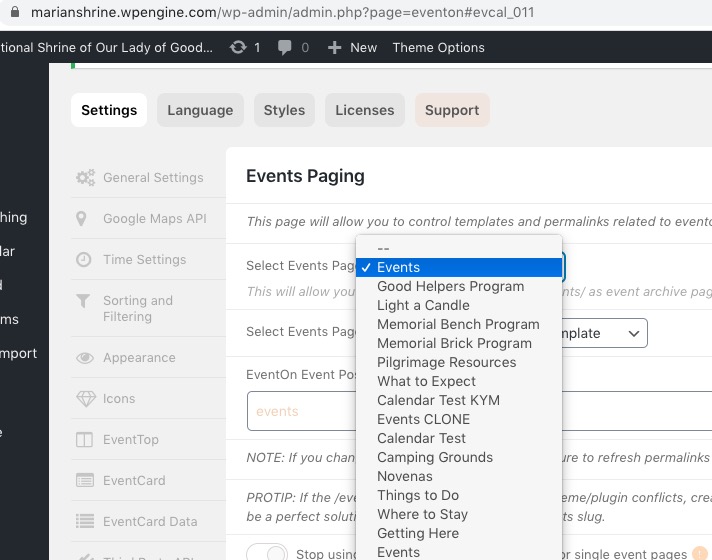
Default EventOn Template – your theme uses EventON’s template to show the events archive page. You can customize it by following https://docs.myeventon.com/documentations/how-to-customize-events-archive-page/.
Default Page Template – your theme uses it’s own page template that doesn’t have anything to do with EvenON, that’s why the page is different https://drive.google.com/file/d/1vvR-fenLTPPmVo5R4FnkrIsYeOP7OGuk/view.
2. No issues on this page:
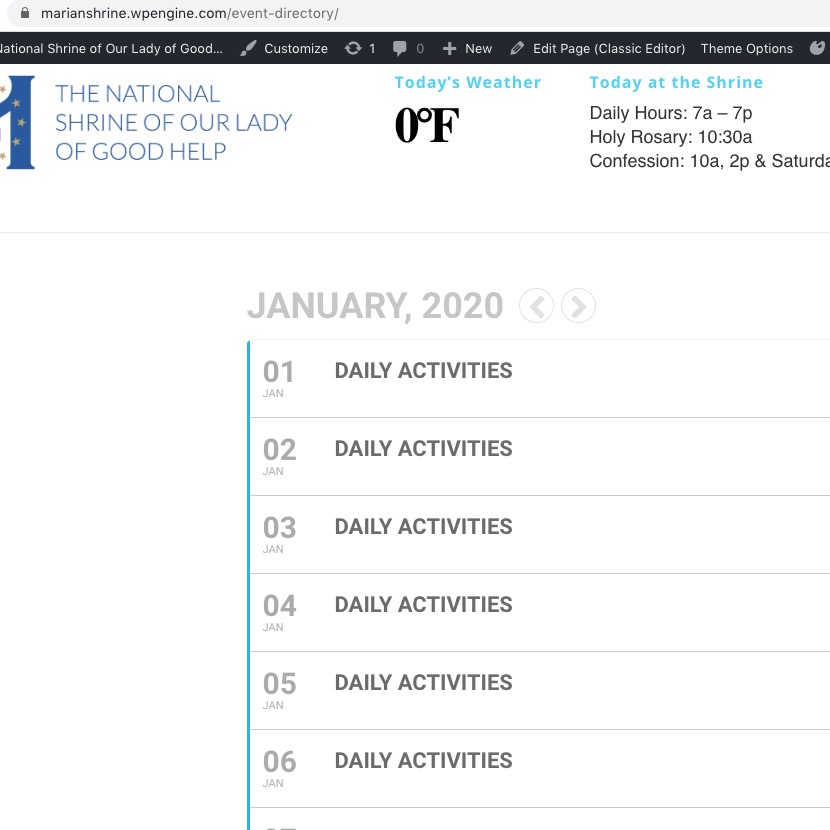
Do you want your main events page to be https://marianshrine.wpengine.com/events/ or https://marianshrine.wpengine.com/event-directory/?
I tried to login to your website with this info:
User: eventon
Password: V(f&A%vQb0h652I#V3(v4$Qw
But cannot access EventON Settings or Events or Pages. Could you give us full access?
Could you or may I try the instructions mentioned in this documentation?
All of the other plugins including the ext one are also at the most current level. I was expecting this to be missing a site setting of some sort but we haven’t done an event calendar in 2020 so I haven’t used the plugin this year and trying to now. So I do not know if this was a problem before migrating.
It is updated, it made no difference.
Hi
Sorry, one of the team deleted the dummy event I sent you a URL for.
If you look at this post then you can see the default green text. To fix this the team are having to manually change this text to black in the text editor. I want to change the default to black but I don’t know where it is getting the green from (it’s not a website colour we use).
https://little-vikings.co.uk/events/yorkshires-jurassic-world/
Thanks
Rob