More info: https://docs.myeventon.com/documentations/change-events-slug/
Archives: Replies
Replies for tickets on suppota
Reply to: tickets(164208)
Hello,
Please go to EventON > Events Paging > EventOn Event Post Slug.
Reply to: tickets(163973)
1. Please check now.
2. Start/End dates font-size, Subtitle, Title, Categories.
Please create a new ticket and select Feature Request as category so others can vote on your idea and get it moved into development faster.
Reply to: tickets(164050)
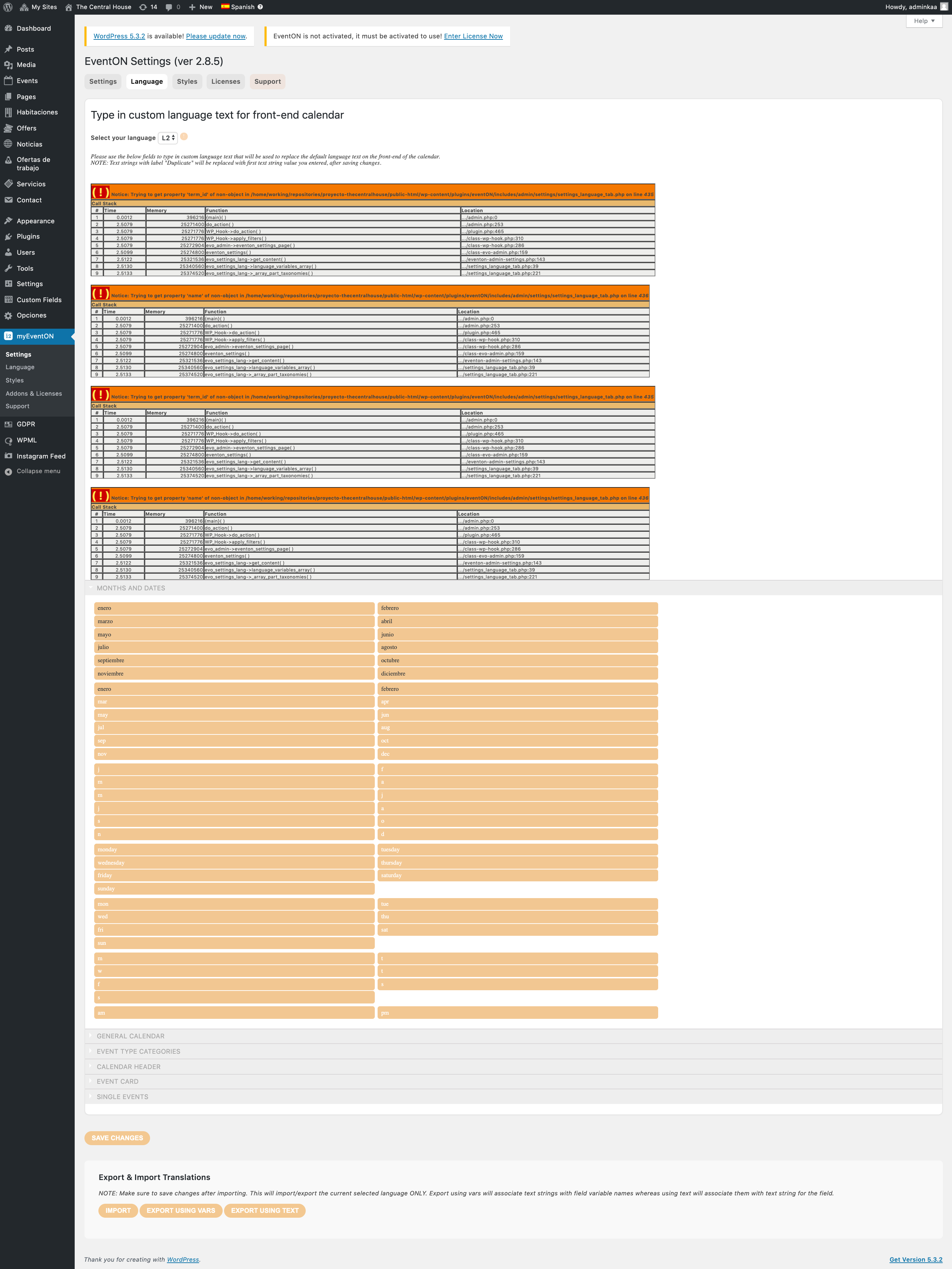
I wish I could, but I really cant.
In the screenshot, you can see the Languages tab.
No JS errors in the console.
Reply to: tickets(163405)
Dear Artem,
Thank you for your reply.
It was already a feature, actually. And this has been working flawlessly until we installed v.1.1.1.
How else would I have known about these short code addons that do not longer work?
- show_limit=”yes”
- show_limit_ajax=”yes”
- event_count1=”5″
Thanks, I’ll await Ashans response and restore the wp login account credentials.
Reply to: tickets(164129)
Hi
the code works thanks for that, but also has a problem with it being unable to show google map i have an api code but it doesn’t work
api code: AIzaSyAbODyo7bUc39m9M93pD7qY4IRpROeihA8
the code works thanks for that, but also has a problem with it being unable to show google map i have an api code but it doesn’t work
api code: AIzaSyAbODyo7bUc39m9M93pD7qY4IRpROeihA8
My login is
skyhighphoto.dk click on the padlock
admin
Webtest2019
Vh. Niels
Reply to: tickets(163907)
You can test our products on our demo website: http://dev.myeventon.com/wp-admin/
Reply to: tickets(164050)
May I check wp-admin? Could you send us your login info?
Reply to: tickets(163405)
Please also note that Login Info stopped working:
Du har överskridit antalet tillåtna inloggningsförsök. Försök igen om 356 minuter.
Could you check?
Reply to: tickets(163405)
Ashan,
Does WeeklyView support “load more”?