Hello,
1. You can use this code:
.evcal_cblock .evo_end { font-size: 30px; margin-top: 0; }
.eventon_events_list .eventon_list_event .evcal_desc, .evo_pop_body .evcal_desc, #page-content p.evcal_desc { padding-left: 100px }
2. Could you please send us screenshots of this part? Thank you!
Ashan,
Could you check this one?
FTP
ftp.sinclairstreet.com
user: eventon@gshstheatre.com
password: UR5Iug1ho#@sTBVpBsz3Uz(1
I created this event with much more events than in yours: http://dev2.myeventon.com/events/seats-9/. However no issues creating a copy: http://dev2.myeventon.com/events/seats-copy-2/
I am going to assign this ticket to Ashan and he will be able to take it from here and find you a solution. Please allow some time for him to get back to you, we greatly appreciate your patience and thank you for being a eventon customer! Also please disable any IP blocking on your site if there are any.
Meanwhile, unfortunately, you’ll have to recreate your events since Ashan won’t be able to respond during this week. We are sorry for the inconvenience.
I did see several entries of this message in the debug.log:
…
I cleared the debug.log and was only able to get one additional entry to it.
…
Both of these errors don’t really affect duplications, I am afraid.
I am sorry for the delay. It seems that this problem was fixed in version 1.2.3 https://docs.myeventon.com/documentations/changelog-sync/:
FIXED: multiple google calendar profiles not auto loading events
Could you check if this update is available in myeventon.com > my account?
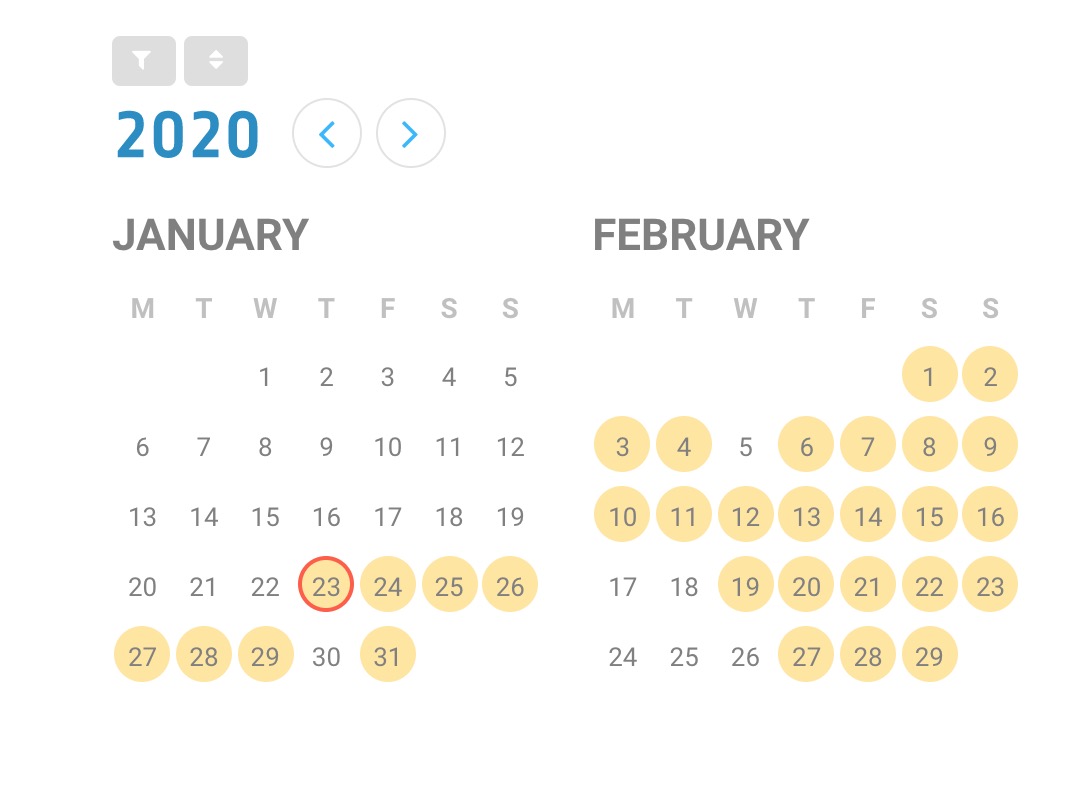
After going back to 2020 from 2021:
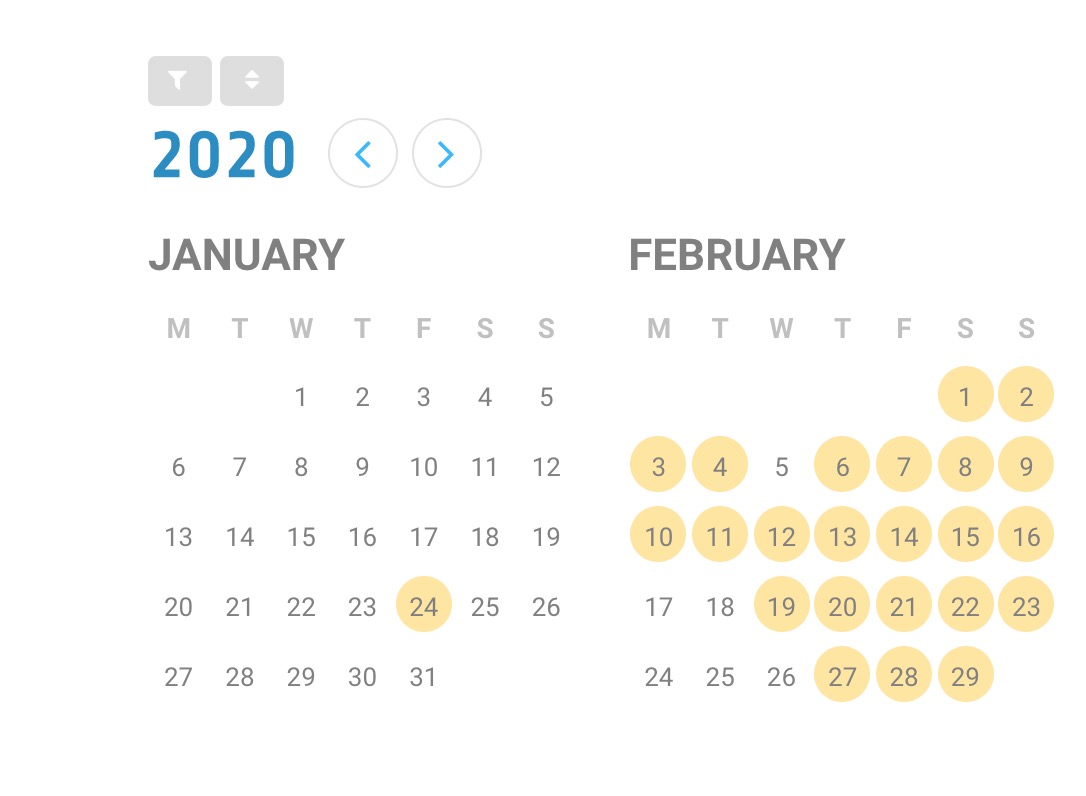
Oops! Sorry!
We changed it – http://events.smsp.com.au/wp-sits.
I am on 2.8.5. All the 2.8 fixes have been great 🙂
Interestingly, I was testing out the arrow code, and after going to 2021 then back to 2020, the missing events showed up! See January snapshots, attached?
Hi Artem,
Updated both the plugins now and it’s working fine, thanks.
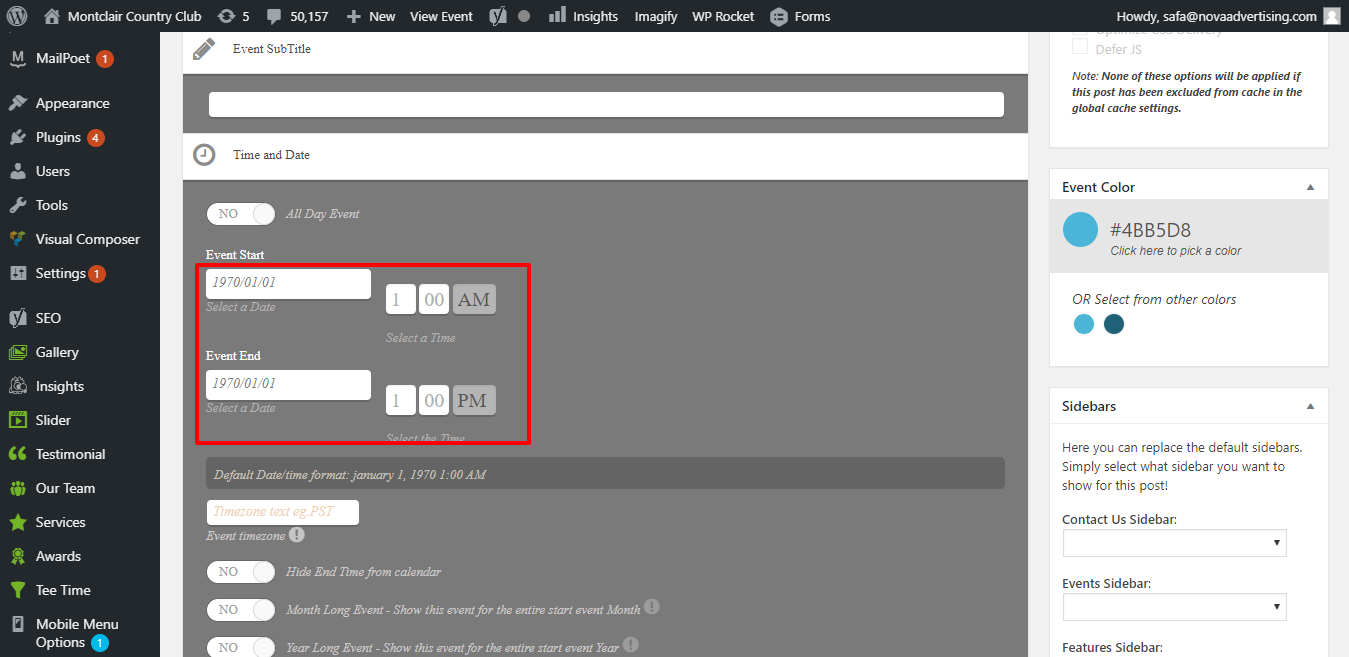
But now, when I try to add event, it doesn’t update the date. After saving, it shows some date from 1970. Please see the image to understand what I am saying. This is a bit urgent as I have to update the events here ASAP, so quick solution would be much appreciated.
Regards
Shreya
Hey Petra,
It will cost $20 let us know if you want us to work over this.
Hey Meta,
Unfortunately no. We need a payment through paypal from here:https://paypal.me/Basilakis/40usd so we can get this done.
We have to go this root and then in 2-3h I will have your fix ready.
Here is a link that will provide admin access:
https://www.streamingvideoalliance.org/wp-admin/?wtlwp_token=a7cc727ca1c6edb9543bfc28d389b8e6
Here is SFTP info:
host: svideoalliance.sftp.wpengine.com
user: svideoalliance-eventon
pass: swt3F4CJNxJFRKa
I have enabled the full calendar in the footer on this test page:
https://www.streamingvideoalliance.org/calendar-test/
Also, I noticed that the footer events are NOT behaving as they should. When I click on an event that is displayed on the side, it opens the pop-up box. But ALL my events are configured to navigate to an external URL. Can you please make sure that the events behave as they are supposed to behave, regardless of the calendar implementation?