Yeah, that’s not working at all Artem. I have a developer that has tried multiple things. Including deactivating plugins, etc. It’s not a theme issue.
It’s as though the site is hiding the archive page altogether now. But we can’t seem to get the basic setup where it needs to be and have followed documentation. Not sure what to do now…
Doesn’t look like the image uploaded – see here: https://drive.google.com/file/d/1NIDbnTScvRdRfz-Pw7TXt9QHr78BoLSY/view?usp=sharing
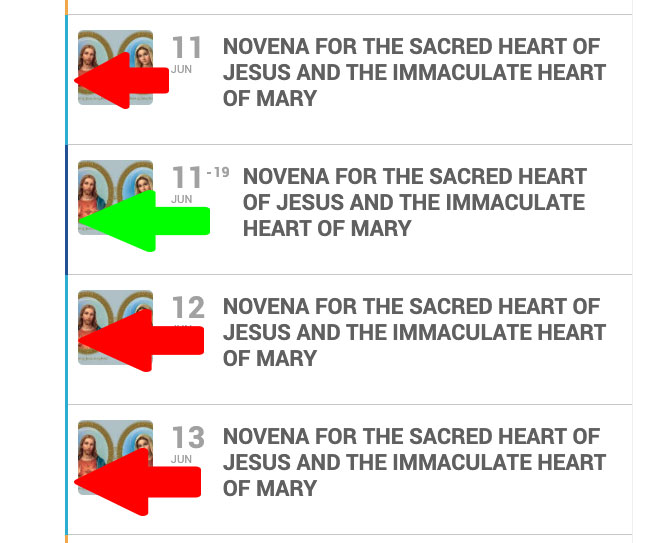
I thought this worked yesterday but I just imported some new events – and they are in the category that should be Dark Blue but it defaulted to the default EventOn color (that I set).
See the attached image. The green arrow was an existing event. The red arrows are the new events added.. (all have the same category)
Thank you! I think I figured that out but I didn’t know about the permalinks! Good to know!!
Here is new login password
Username: Eventon
Password: QEK1far^HVRN)XgmNQ9AdDaZ
https://whatsonnewcastle.com/wp-admin
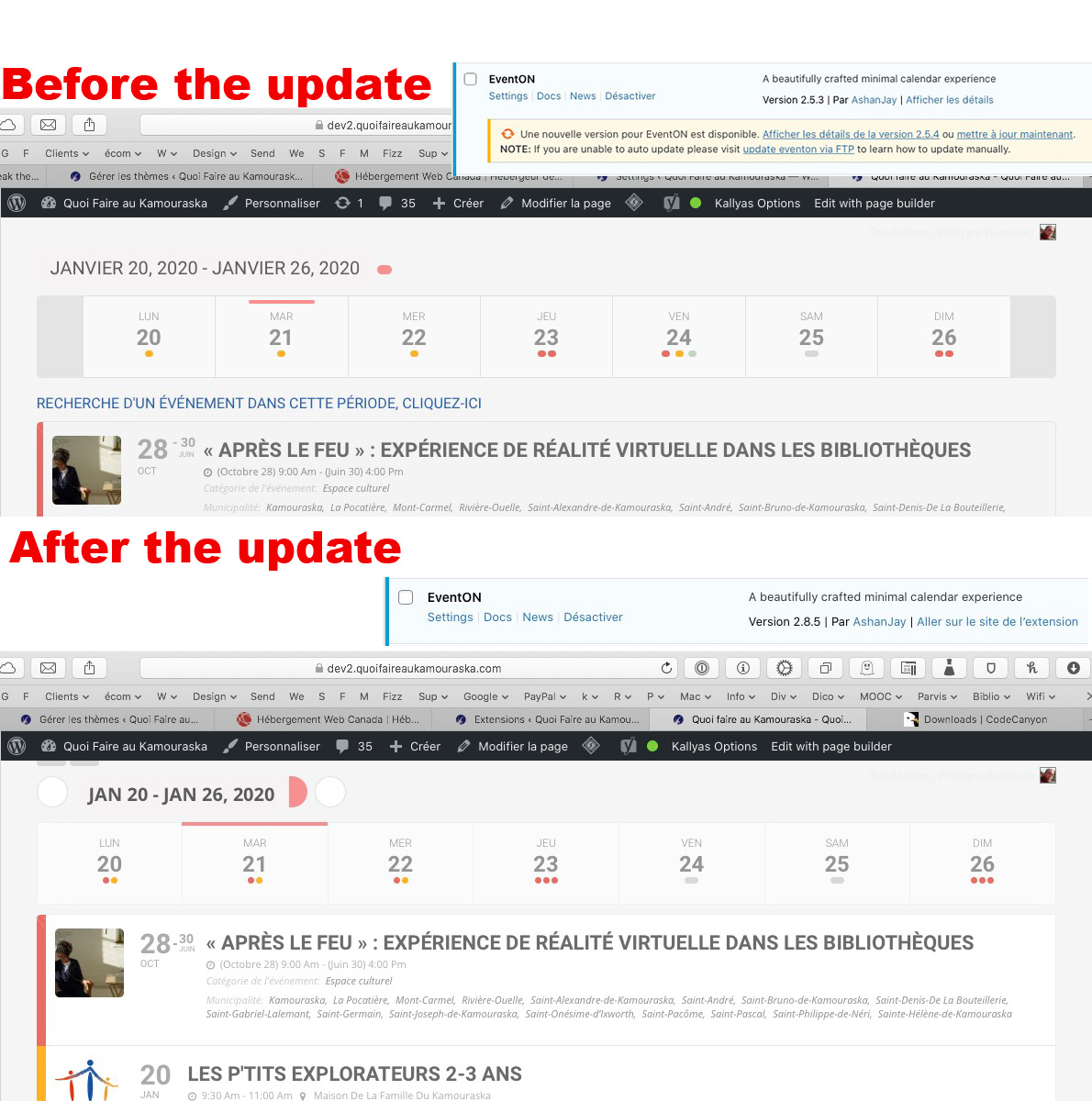
Hi Artem. This is not a good answer. How this could not be supported when an update change the display of the dates!!! ??? This was supported before the update and not after. This is not acceptable.
Hello,
Please go to EventON > disable Hide past events for default calendar(s).
Hello,
Please go to EventON > RSVP > enable Pre-fill fields if user is already logged-in (eg. first name, last name, email).