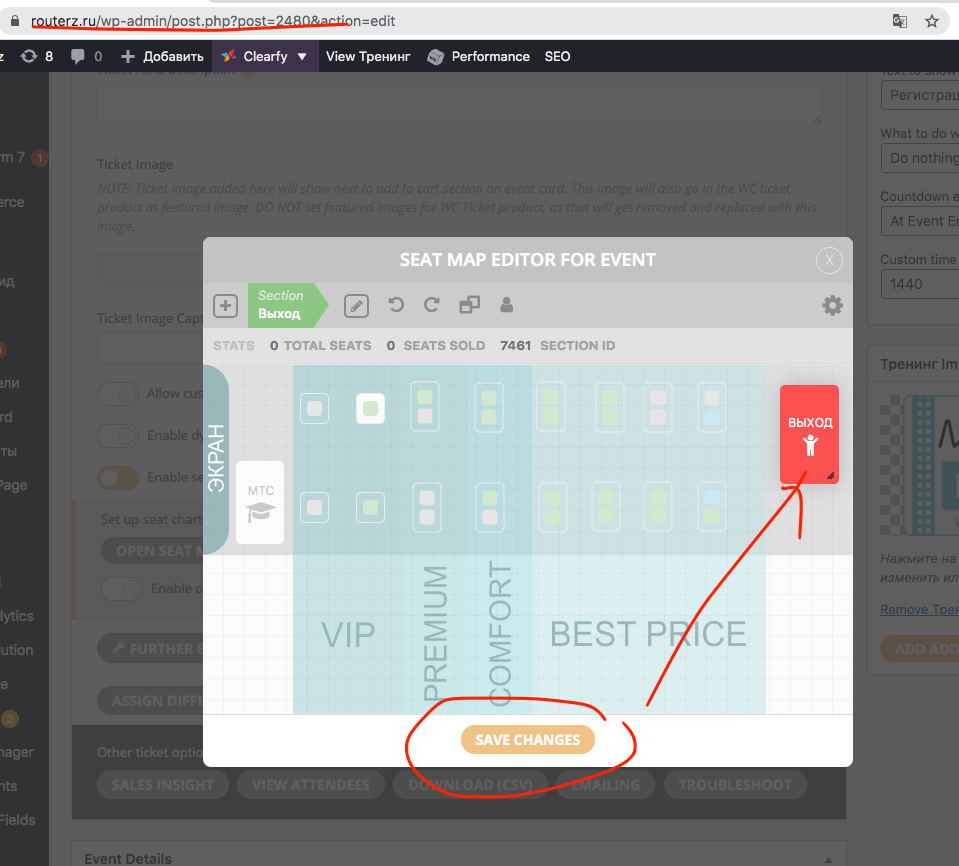
after you set color and click save changes you have to click save changed again on main editor as well.
If you have a moment, we would greatly appreciate if you could kindly leave us a review at codecanyon! from your account > downloads. Cheers!
Replies for tickets on suppota
after you set color and click save changes you have to click save changed again on main editor as well.
If you have a moment, we would greatly appreciate if you could kindly leave us a review at codecanyon! from your account > downloads. Cheers!
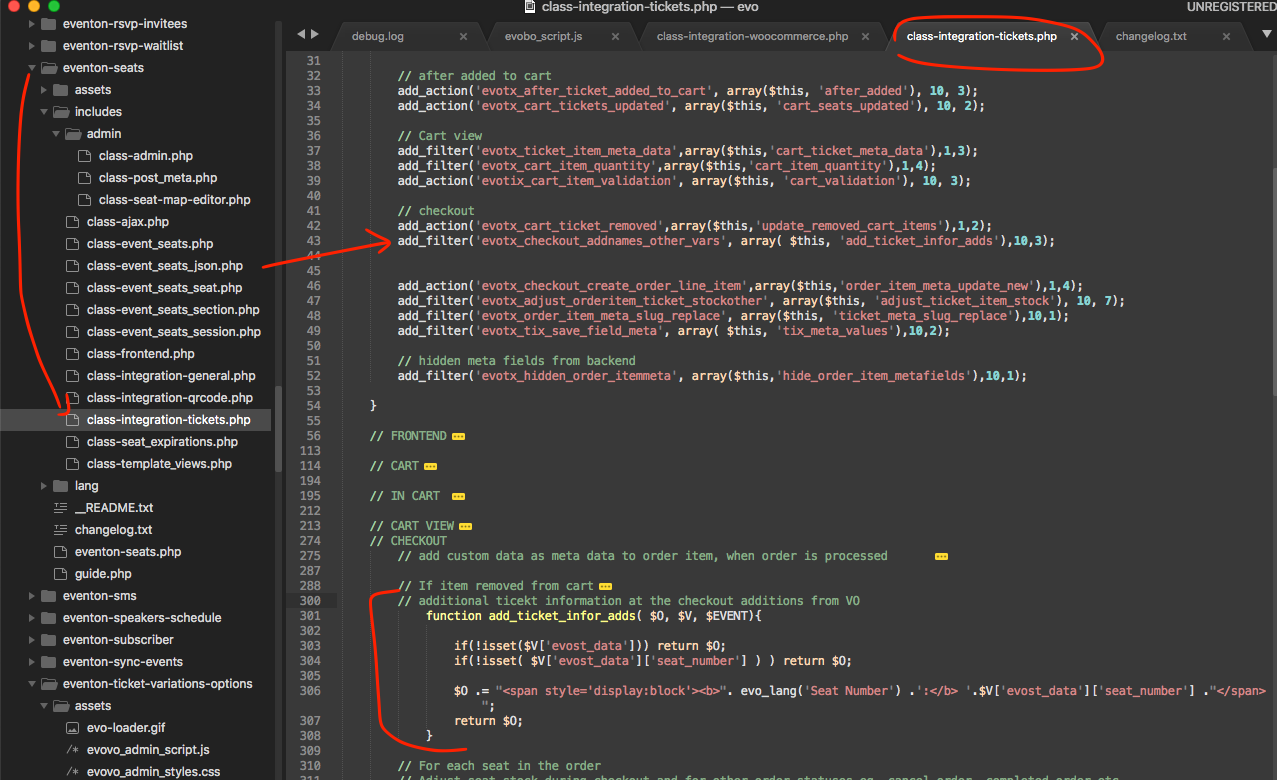
Good catch mate, Here is the patch fix to resolve the issue and show seat number in there to clarify the difference.
1. the eventTop spots remainging should change if the RSVP is changed to NO
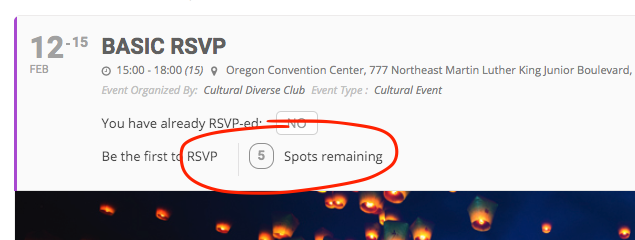
This number does not change, this is TOTAL capacity.
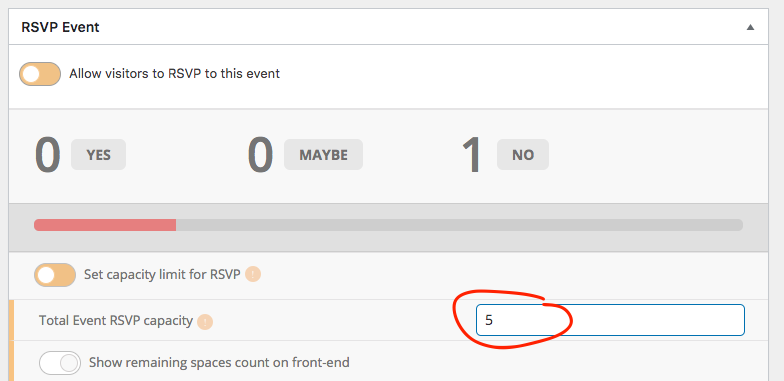
2. May be counted as a space. Setting to maybe will not free the space.
3. At the moment it is set to email only when status changed to yes or no only.
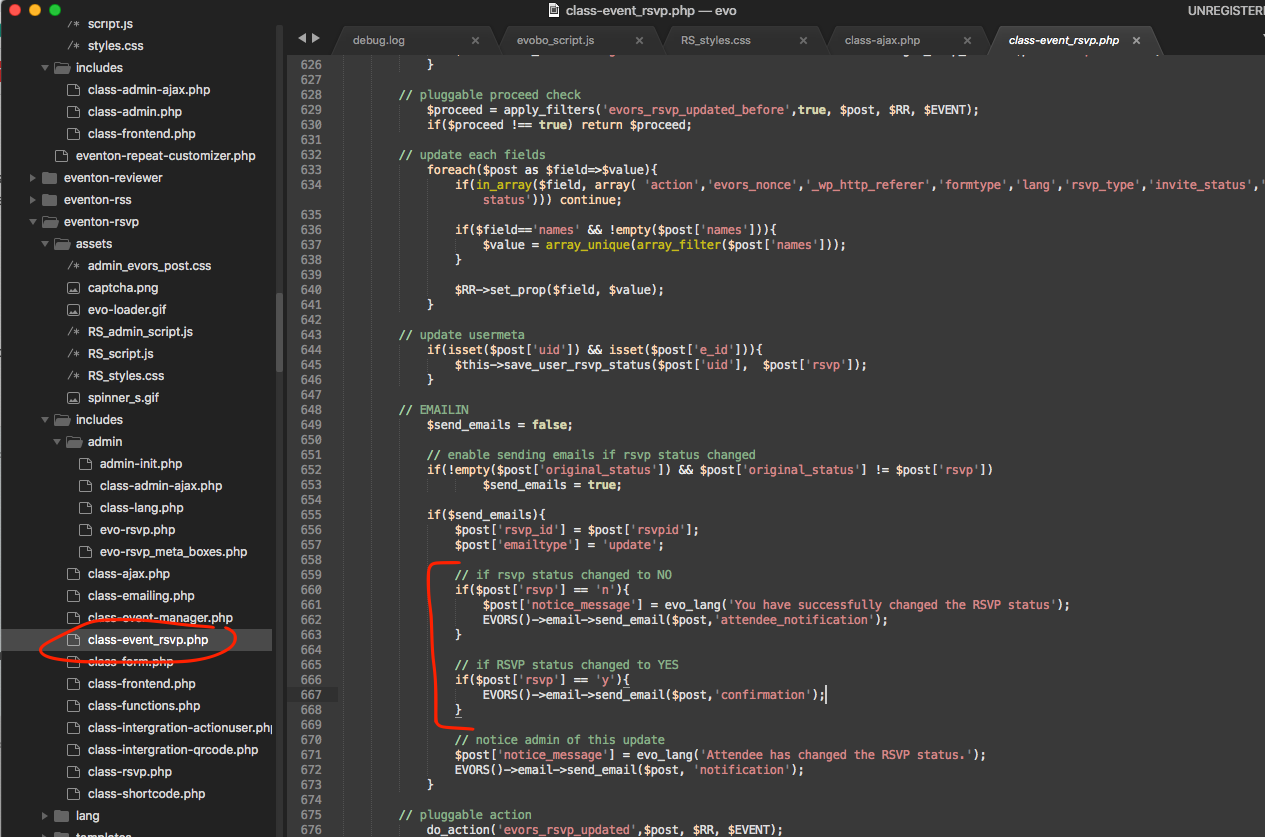
I will add maybe email notifications as a feature in the future updates 🙂
When I click on the event we have it set to popup the order form so the URL doesn’t change.
Is there another way to get the URL?
Awesome, thank you!
Can you also run some tests on your side and try adding same seat at the same time from different browsers and see if you can add the same seat twice?
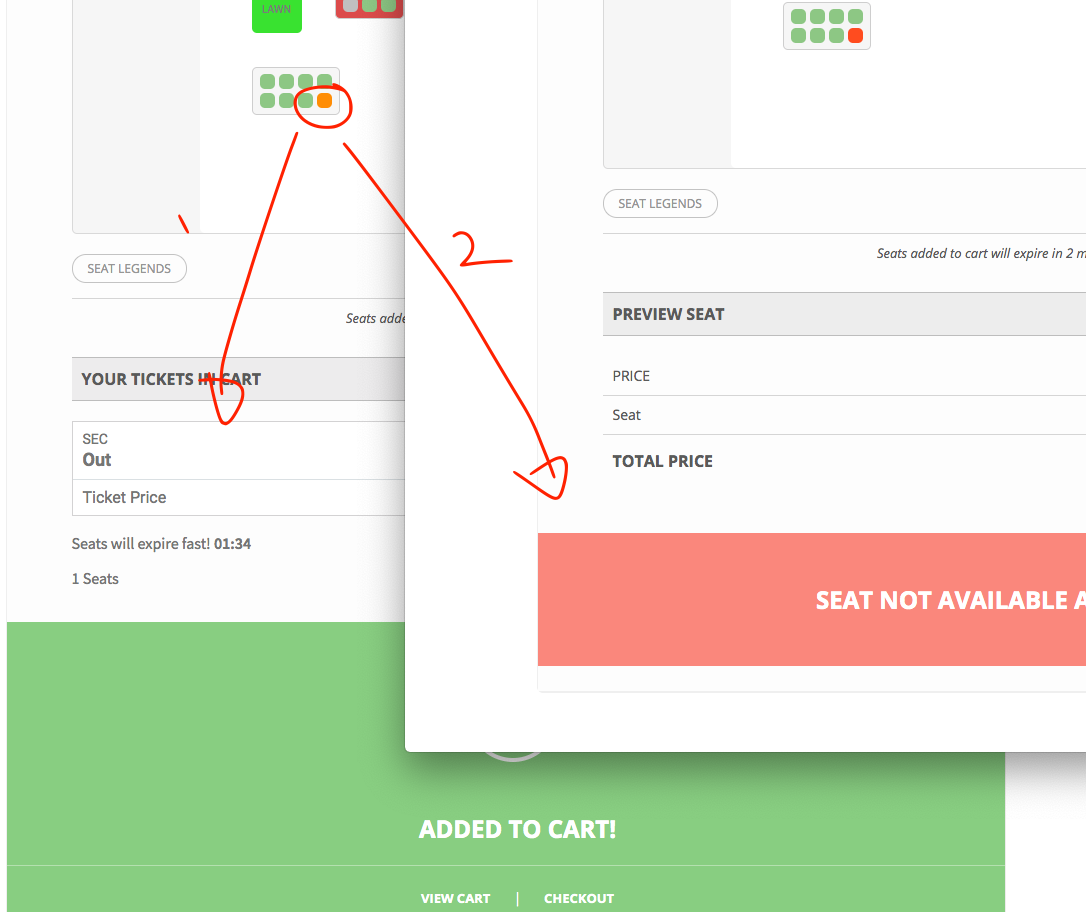
Did some tests, but the program seems to be working correct. I could not add the same seat to cart at the same time if it was added once by another customer. I am going to keep testing.
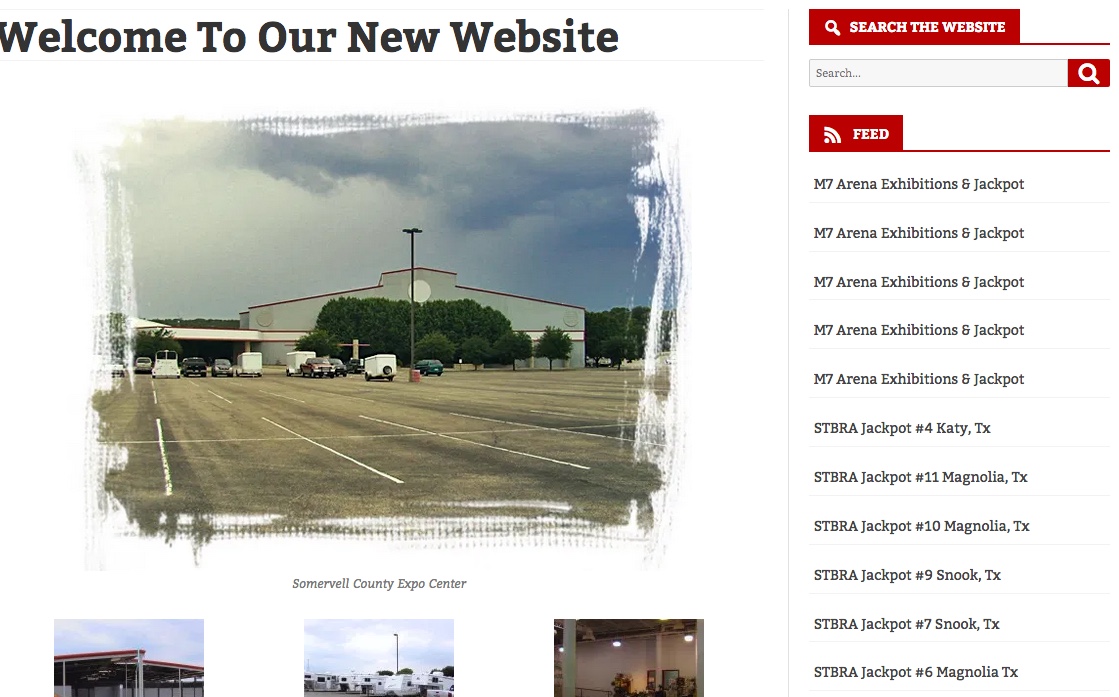
We only use our RSS feed on another one of our sites, www.arenas.ebarrelracing.com I have attached an image of the feed as it looks on the site. On www.arenas.ebarrelracing.com we have a RSS feed on each arena of upcoming events from that particular arena. The RSS feed that shows up on the front page of www.arenas.ebarrelracing.com only uses the https://www.events.ebarrelracing.com RSS feed
Hello,
Thank you,
I am trying to get the view “All” function not really the filtering. As you can see from the previous attachment the view “ALL” button is not there on the drop down menu. I have updated the daily view to the latest as well…
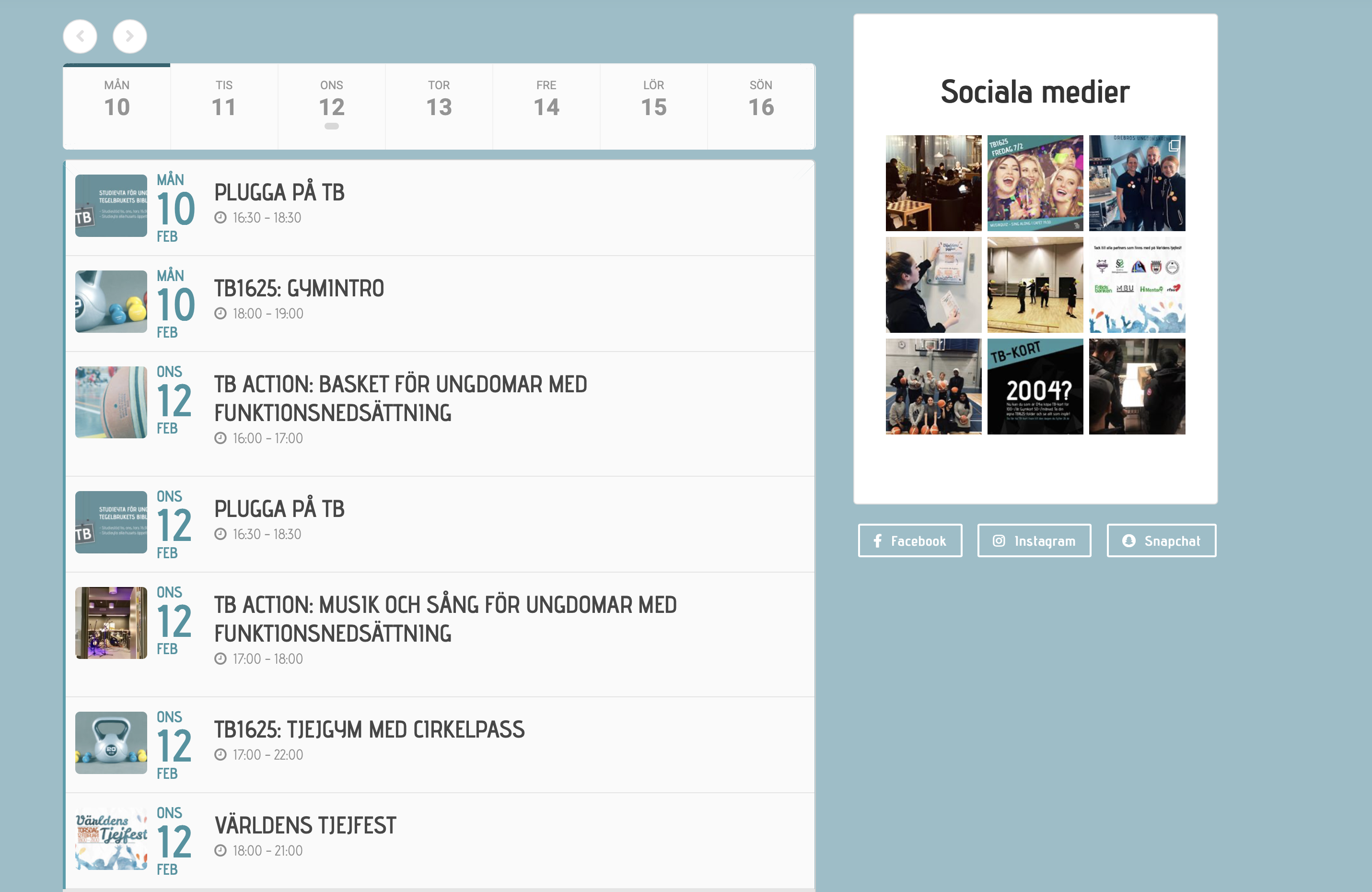
I created an account for you to use. However, we use 2FA via email code, so you need a valid email adress. I took a chance on contact@myeventon.com. If this is not an email adress you can use, please get back to med with which email you want for the 2FA.
I’ve also attached the screenshot of the problem here.
Username: EventOnService
Password: 1y#%*kM*tOv39PPsp&OS4!^6
User email-adress: contact@myeventon.com