Hi There,
If updating would solve the issue, I’ll go ahead and do that now. But, I want to check we’re on the same page.
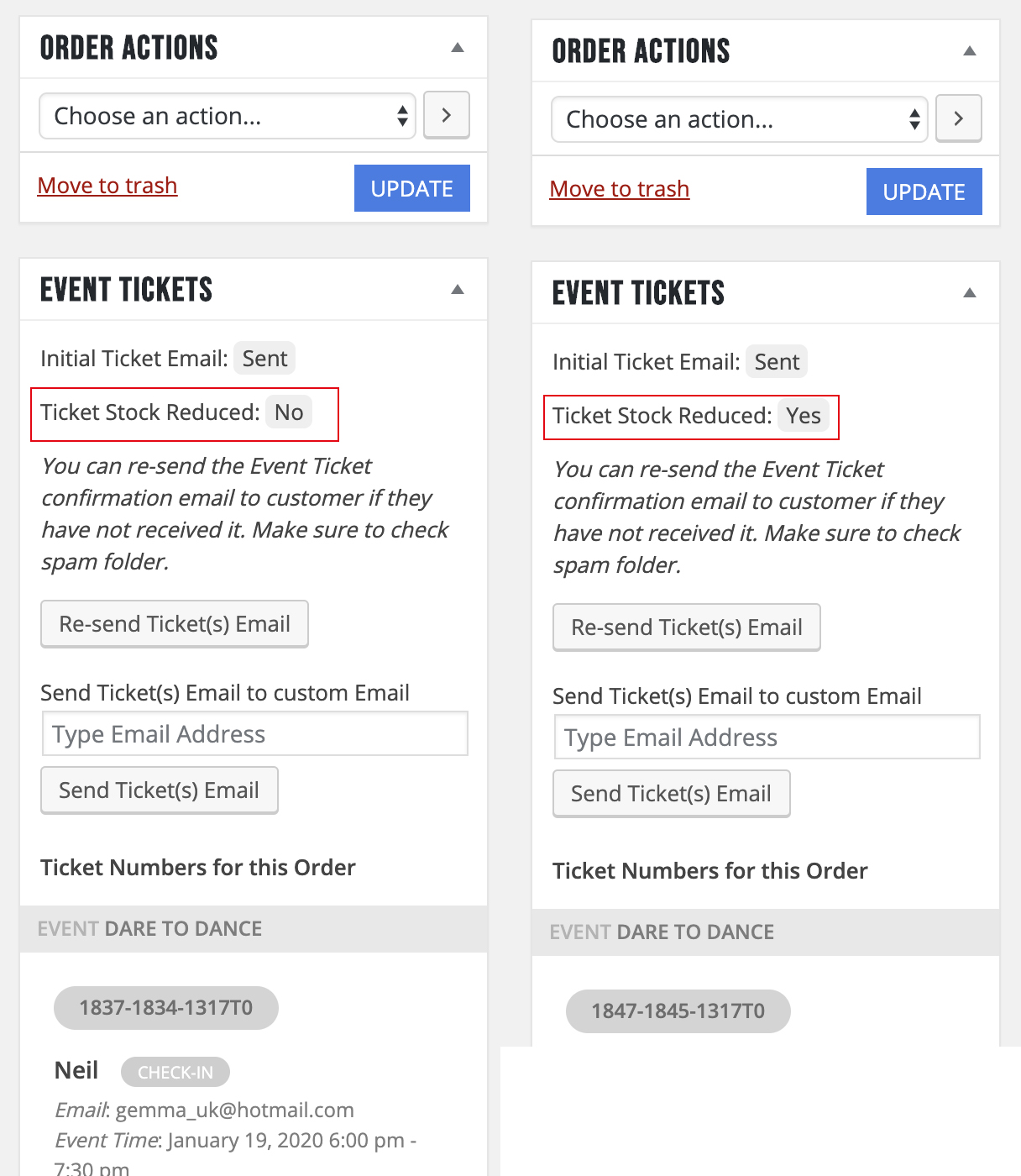
There isn’t any stock management on that event as it uses the seating module, so the stock is created by the amount of tickets?
In the attached image, you can see the difference on the order pages, in the right hand column ( https://www.arts1.co.uk/wp-admin/post.php?post=1845&action=edit | https://www.arts1.co.uk/wp-admin/post.php?post=1834&action=edit ). These were created using the same method so unsure how the stock only reduced on one.
The links I sent weren’t the same seats that were purchased, they were examples of when the seat was changed from ‘Available’ to ‘Unavailable’ and one that remained ‘Available’, for someone else to purchase, even though it was purchased.
Hope this helps.
Thanks,
Lee
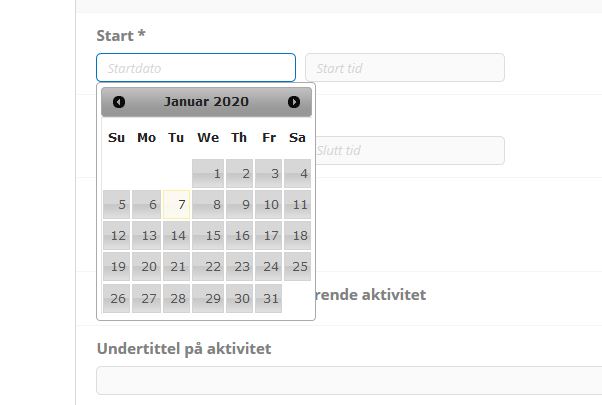
Attached screenshot of where I want the change to occur
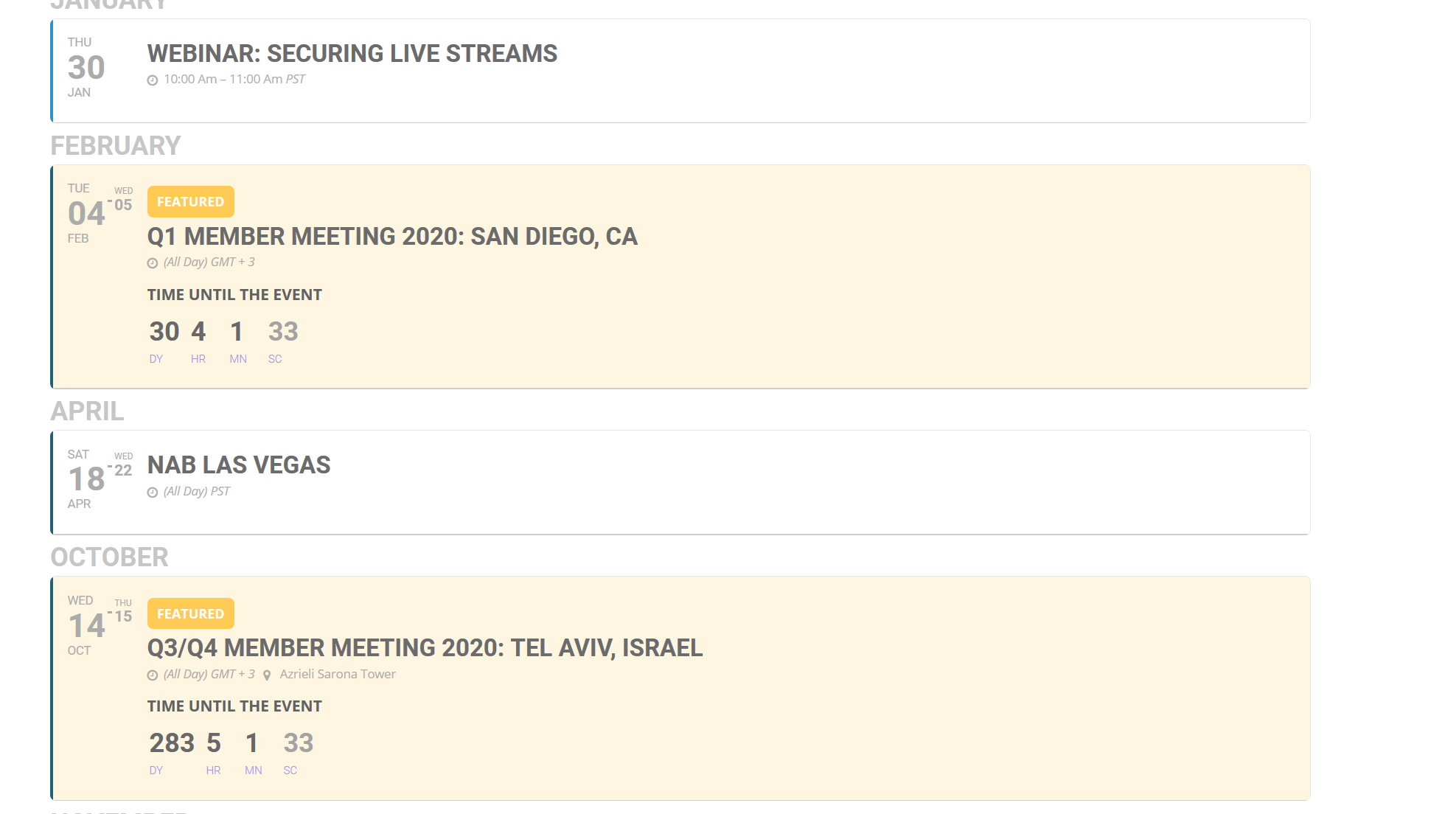
Thanks for addressing #1 and #2. That definitely worked (with the turning on and turning off). As for the missing boxes on my countdown, attached is a screenshot.
So I’m still waiting for Ashan to investigate why the slider is causing the click behavior for individual events in the calendar to misbehave. I have also found this in the yearview as well. When I click on a day in my year calendar now, it pops up the events for that day. That’s great. But when I click on one of those events, it opens the pop-up box with the event details. That is not what is in the event post itself (it’s configured to open an external URL). I have left the page open for you:
https://www.streamingvideoalliance.org/calendar-test/
I have removed the slider, thinking that was the problem, but it wasn’t. Let me know if you want me to add the slider back again.
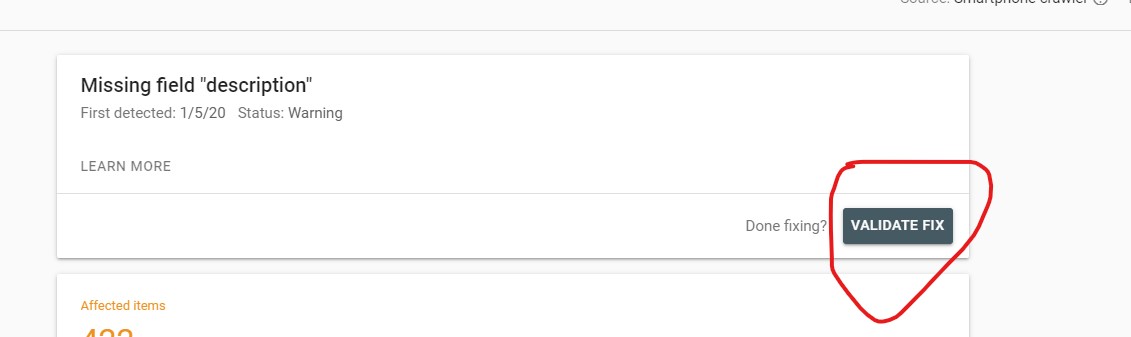
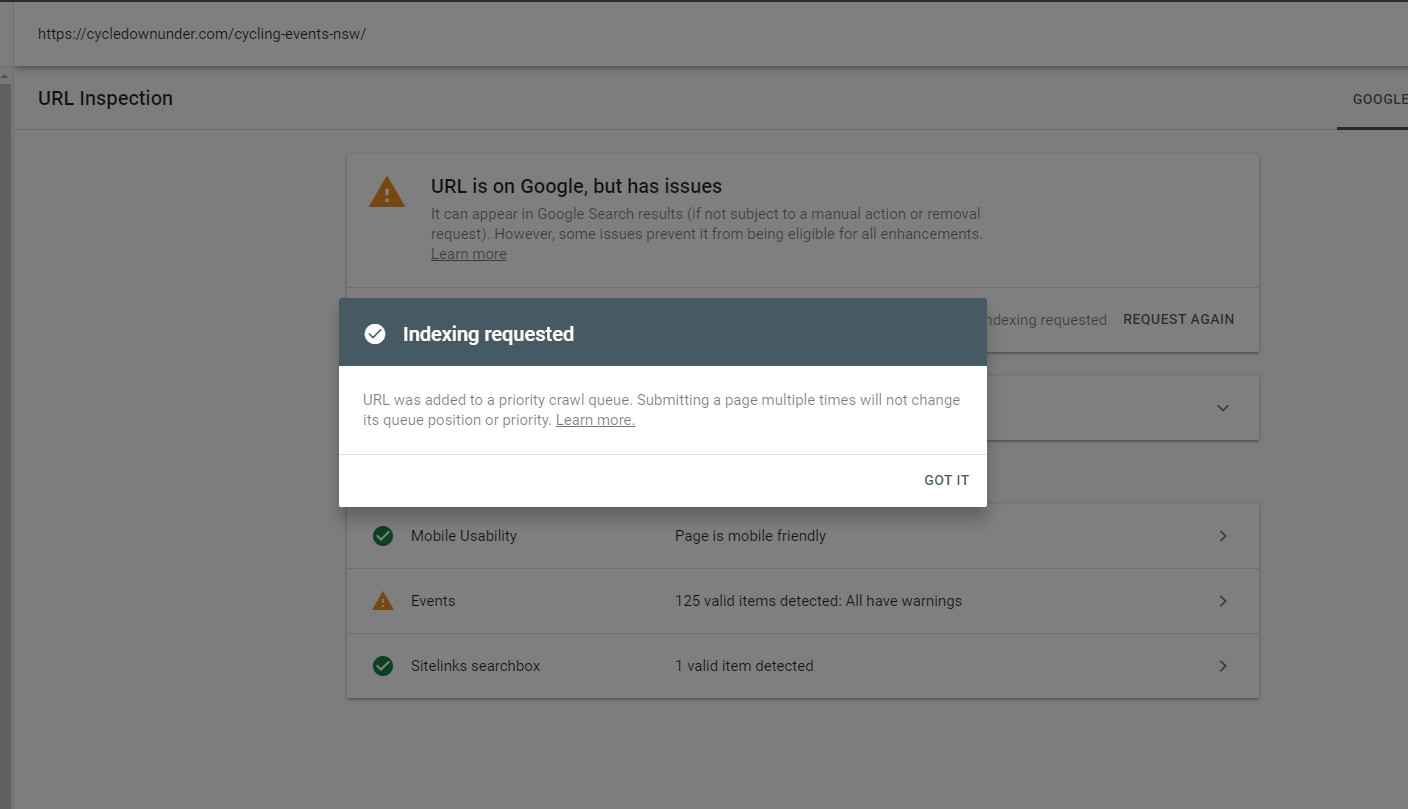
recrawl that post or all 422?
This happens everytime i do an update of the plugin with you guys (if you look in my history of tickets you will see it)
i have just clicked the ‘validate fix’ and it says it isn’t fixed
and requested indexing on one page to see what they send back
Hi Artem,
Thank you for your assistance, however, that didn’t help.
Could you please log into my website and fix the issue?
Thank you in advance!
Yes, weird… But if there is no solution i will work with the lightbox version no problem.
Thank you very much!
Kind regards,
Roy
Hello,
Could you update EventON to 2.8.4 and FullCal to 1.1.10? Before update please backup EventON’s data.
To update eventon to latest version: If you are unable to do autoupdate, you can go to codecanyon your account > download and get the latest eventon version as zip file. Then you can go to your website, deactivate old eventon, activate (Do not delete eventon settings & data when EventON is uninstalled) from eventon settings, delete old eventon, install new one and activate. This link will further explain the process it. Also you can follow us on twitter to get real-time announcements on updates!
To update eventon addons: You can download latest eventon addons from myeventon > my account. Then you can go to your website, deactivate old addon and install new one and activate then delete the old addon. This link will further explain the process. Also you can follow us on twitter to get real-time announcements on updates!
Hello,
If Modern Tribe calendar can export events in CSV format similar to the one used by EventON you can use this add-on to import https://www.myeventon.com/addons/csv-event-importer/.
Please go to http://dev.myeventon.com/wp-admin/ and check EventON > CSV Import > **CSV file guidelines.