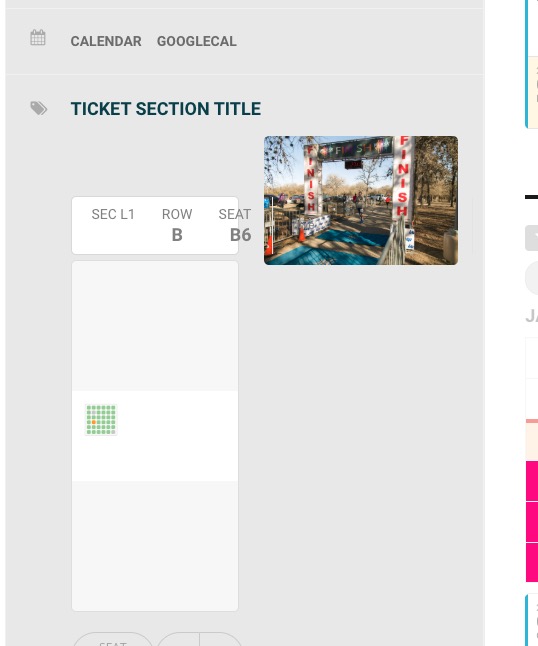
Ashan,
1. The same on dev2:
http://dev2.myeventon.com/wp-admin/post.php?post=19456&action=edit
2. The same on dev2. Add a section > move it > save > add another > they both should jump to the corner: http://dev2.myeventon.com/wp-admin/post.php?post=19456&action=edit
3. I’ll ask the customer to send a video.
Hello,
Please check this add-on https://www.myeventon.com/addons/bookings/. Try on http://dev.myeventon.com/wp-admin/
Can the ticket show dates in a dropdown instead of a pile of dates in the single event view?
You can use https://www.myeventon.com/addons/ticket-variations-options/.
Hello,
Could you update EventON to 2.8.4 and Seats to 1.0.7? Before update please backup current versions and the data.
Please elaborate more about your current issue. You are referring to Ticket Stock but in this event https://www.arts1.co.uk/wp-admin/post.php?post=1316&action=edit “Manage Ticket Stock” options is disabled.
‘Ticket Stock Reduced’ is sometimes set as ‘No’
Could you tell us where can I find this?
Also in https://www.arts1.co.uk/wp-admin/post.php?post=1845&action=edit and https://www.arts1.co.uk/wp-admin/post.php?post=1834&action=edit I didn’t find purchased identical seats.
Ok thanks,
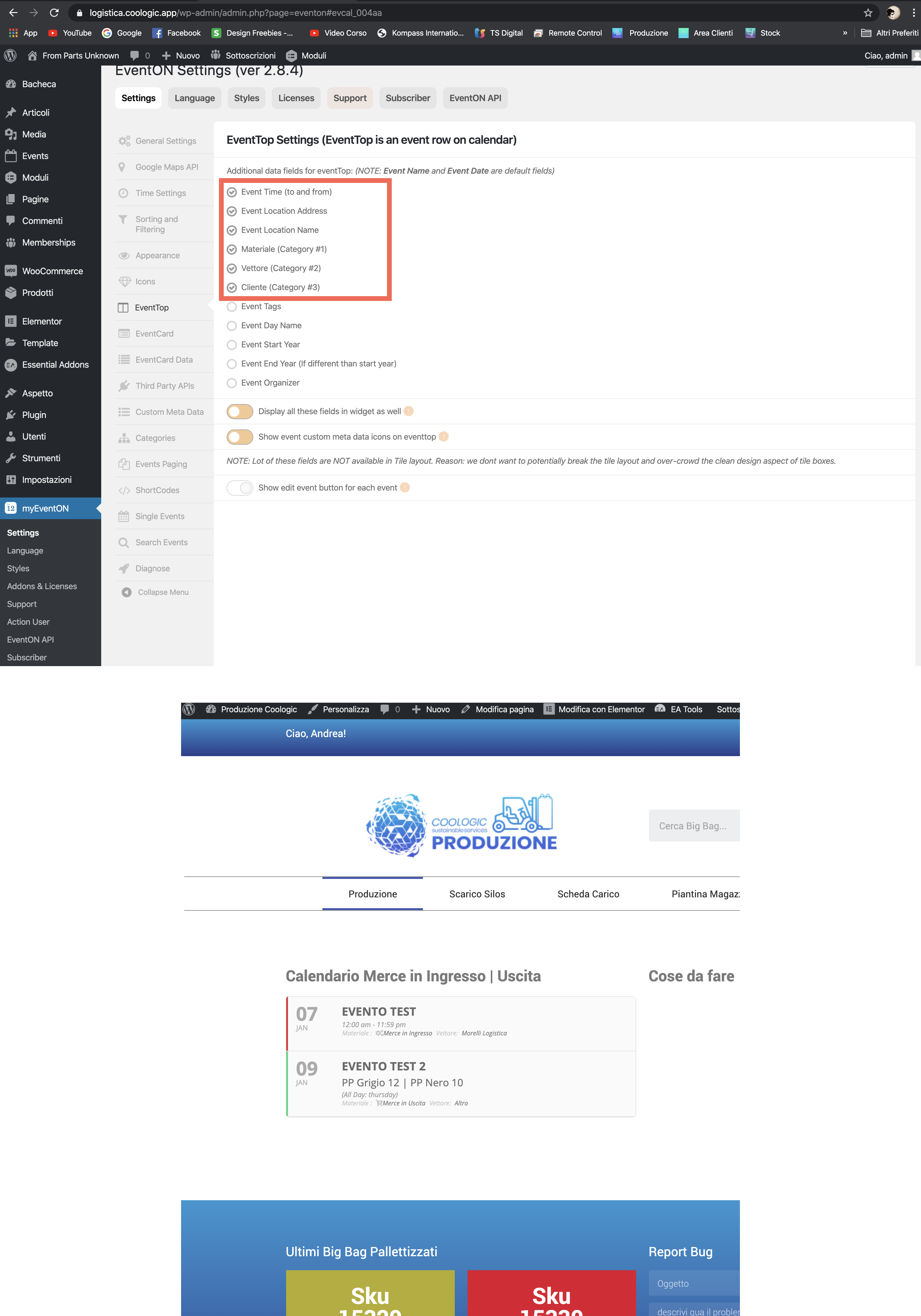
as you can see by attached file i’set to show on top events more information but not of all are showed.
do you know why ?
Hello,
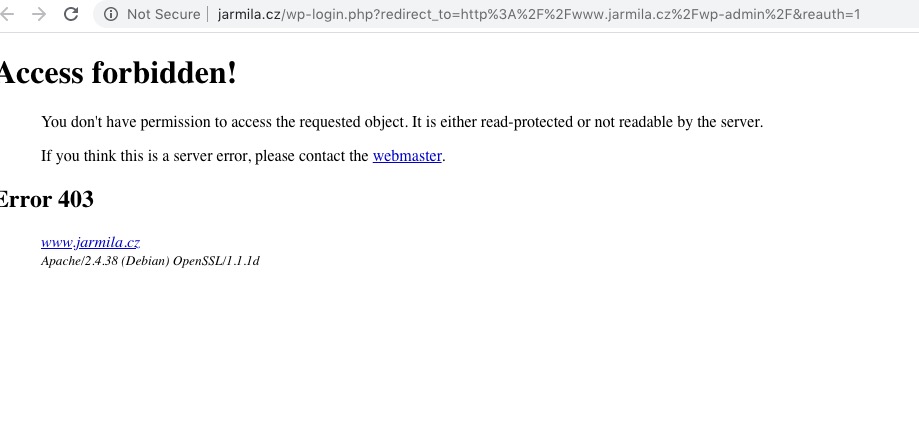
I cannot access wp-admin:
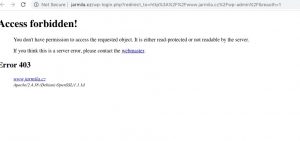
Could you check?
Ok cool now it’s working I didn’t know about the shortcode. i’ve done everything besides the shortcode and now it’s working ! thanks a lot !
Hey,
What I mean by that is, so I’ve set the tile event list using [add_eventon_list tiles=”yes” fixed_year=”2019″ fixed_month=”12″ accord=”yes” tile_bg=”1″ tile_count=”3″]
This makes there be 3 tiles on one line on the website, lets say each tile by this design is 100px, I would like to make it so that featured events have tiles that are say 200px. Does that6 make sense and is that possible?
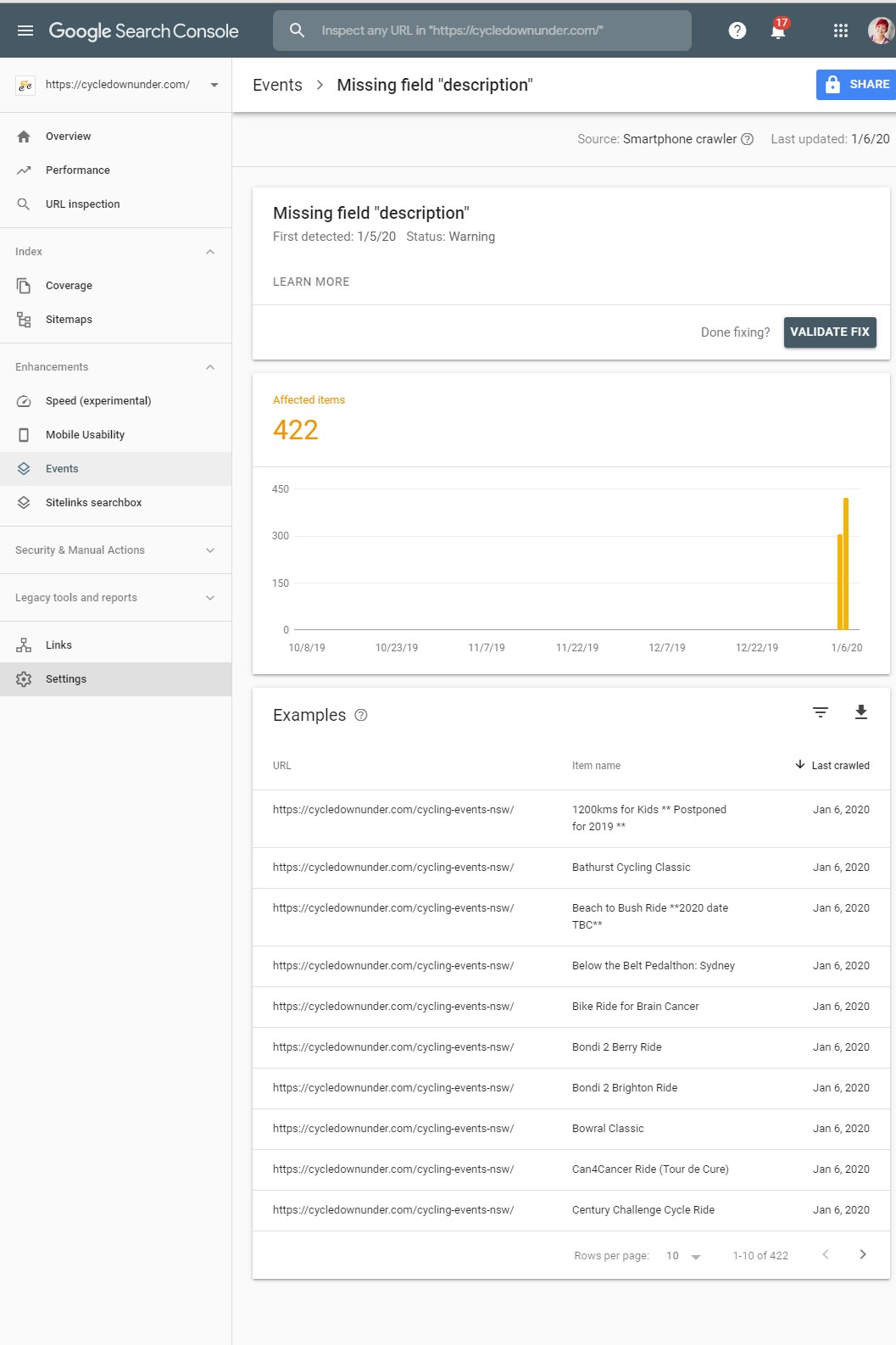
screenshot attached from the search console
Unfortunately, you cannot slide open events when Edit Event > User Interaction for event click > External Link. Please change it to Slide Down Event Card.