Hello,
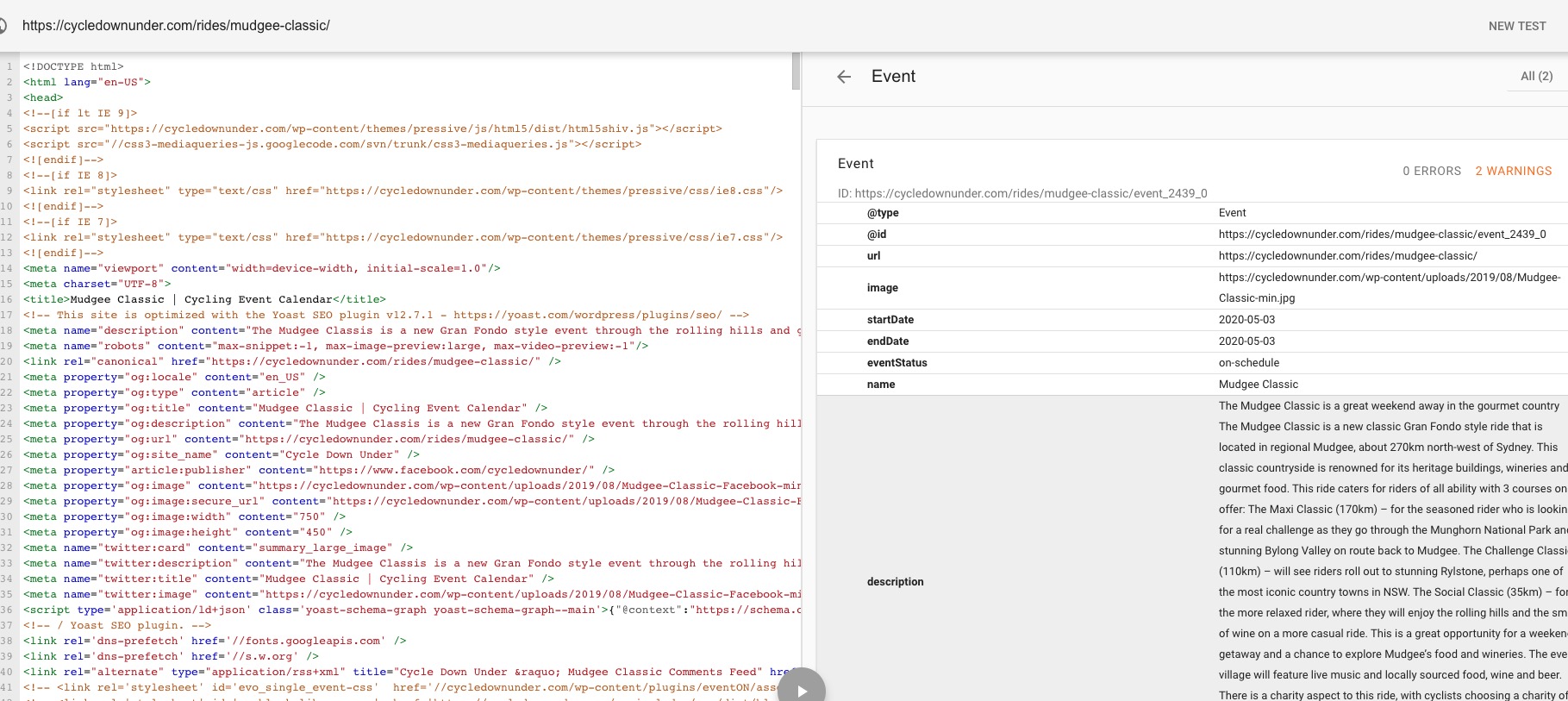
Could you send us a screenshot? No issues on this page https://cycledownunder.com/rides/mudgee-classic/:
Replies for tickets on suppota
Hello,
Could you send us a screenshot? No issues on this page https://cycledownunder.com/rides/mudgee-classic/:
Hello,
Could you please add this CSS code to EventON > Styles (If you can’t see any change, EventON > turn off Write styles to header > save settings > turn on Write styles to header):
.evo_metarow_socialmedia a.evo_ss i { font-family: evo_FontAwesome !important }
Hi,
I can’t disable it without disabling it for all logins. I reset the back up code settings so these should work for you now:
Hello,
What do you mean by “dimensions”? Could you elaborate more?
Have you tried using !important: https://www.geeksforgeeks.org/how-to-apply-important-in-css/?
Thank you for your messages, I am going to assign this ticket to Ashan and he will be able to take it from here and find you a solution. Please allow some time for him to get back to you, we greatly appreciate your patience and thank you for being a eventon customer! Also please disable any IP blocking on your site if there are any.
Ashan,
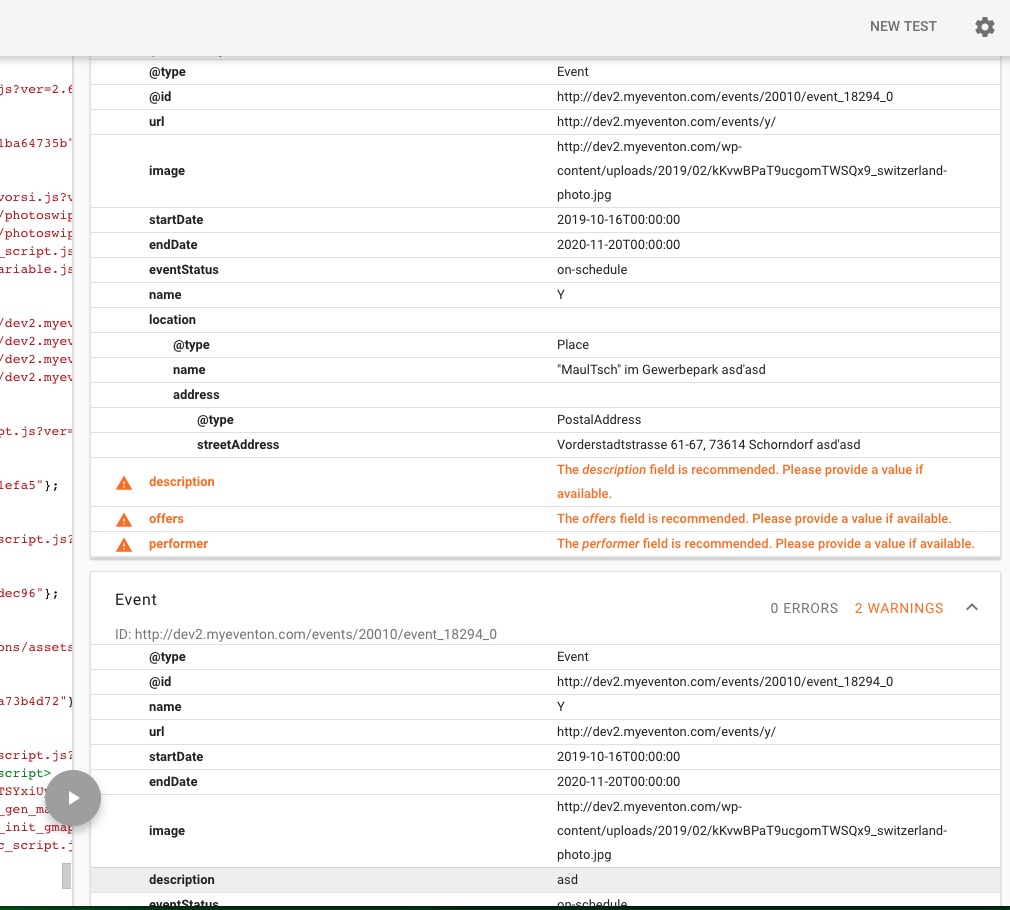
The same on dev2: http://dev2.myeventon.com/events/20010/
Google checks the same event twice (with and without description):
Hi,
Thank you for your prompt reply! Even though it changes the date format it unfortunately also disables the language options for the date. For example, I have events for which the start time is till unknown and thus I have given them ‘All day’ status. I have translated “All day event” to “Use ‘TICKET INFORMATION’ link if available”. That is now replaced by ‘ “start time” – “end time” ‘ . Is there a way to keep the translations but still hide the weekday?
Best wishes,
David
We are glad your issue is resolved, if you have any further questions or concerns please create a new ticket.
If you have a moment, we would greatly appreciate if you could kindly leave us a review at codecanyon! from your account > downloads. Cheers!
Hello,
Could you please add this CSS code to EventON > Styles (If you can’t see any change, EventON > turn off Write styles to header > save settings > turn on Write styles to header):
.eventon_events_list .eventon_list_event .evcal_list_a:after { content: none !important } #evcal_list .sep_month_events { border: none !important }

Hello,
1. I disabled EventON > Load eventON scripts and styles only on eventON pages so now it should work:
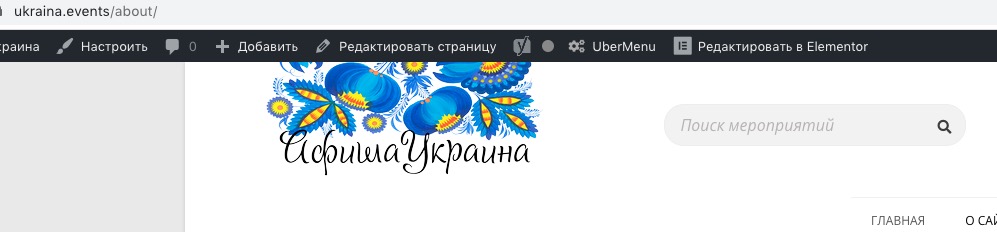
2. Please go to https://ukraina.events/wp-admin/admin.php?page=eventon#eventon_social > enable Create Single Events Page Sidebar.