I switched your theme and it solved the issue: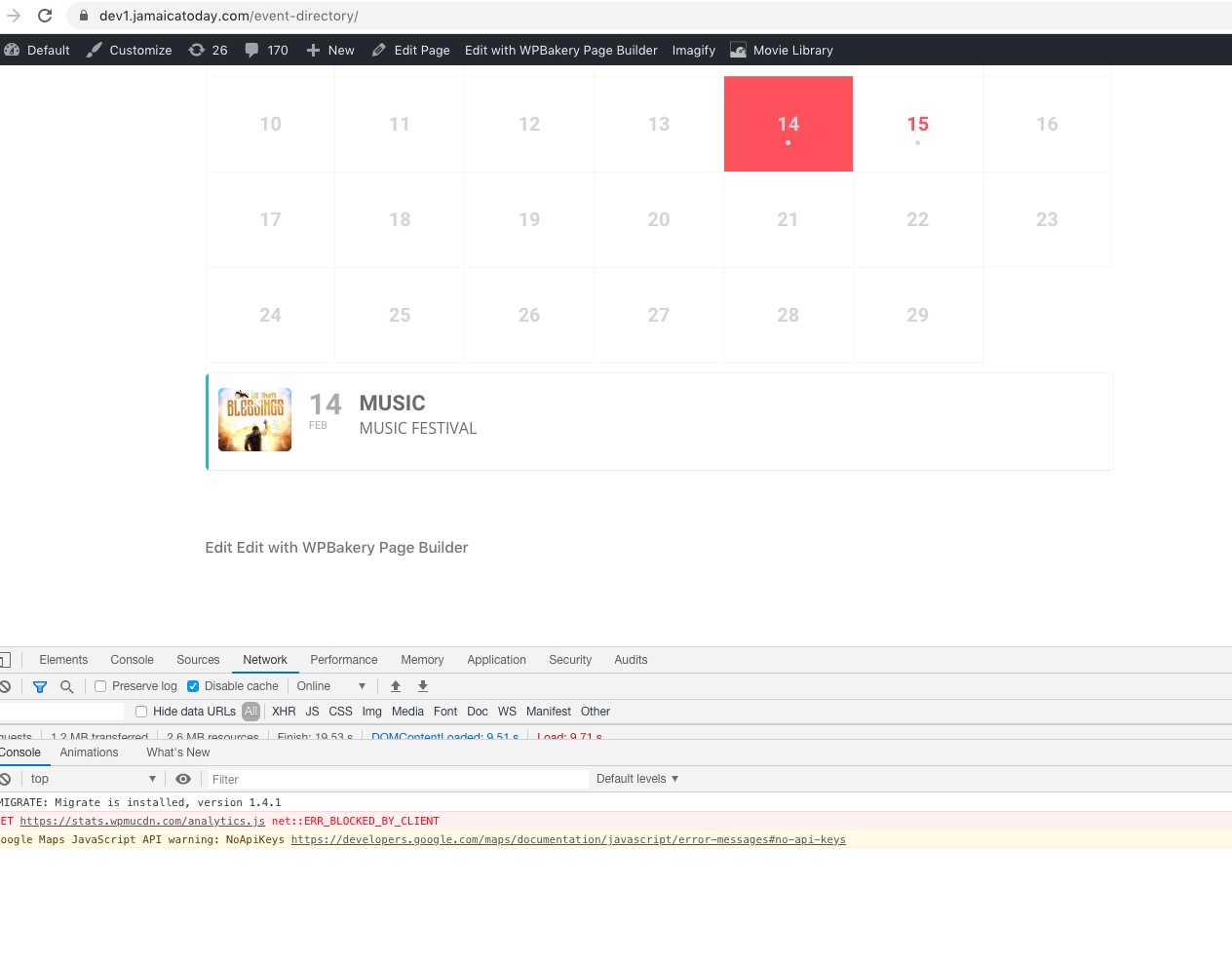
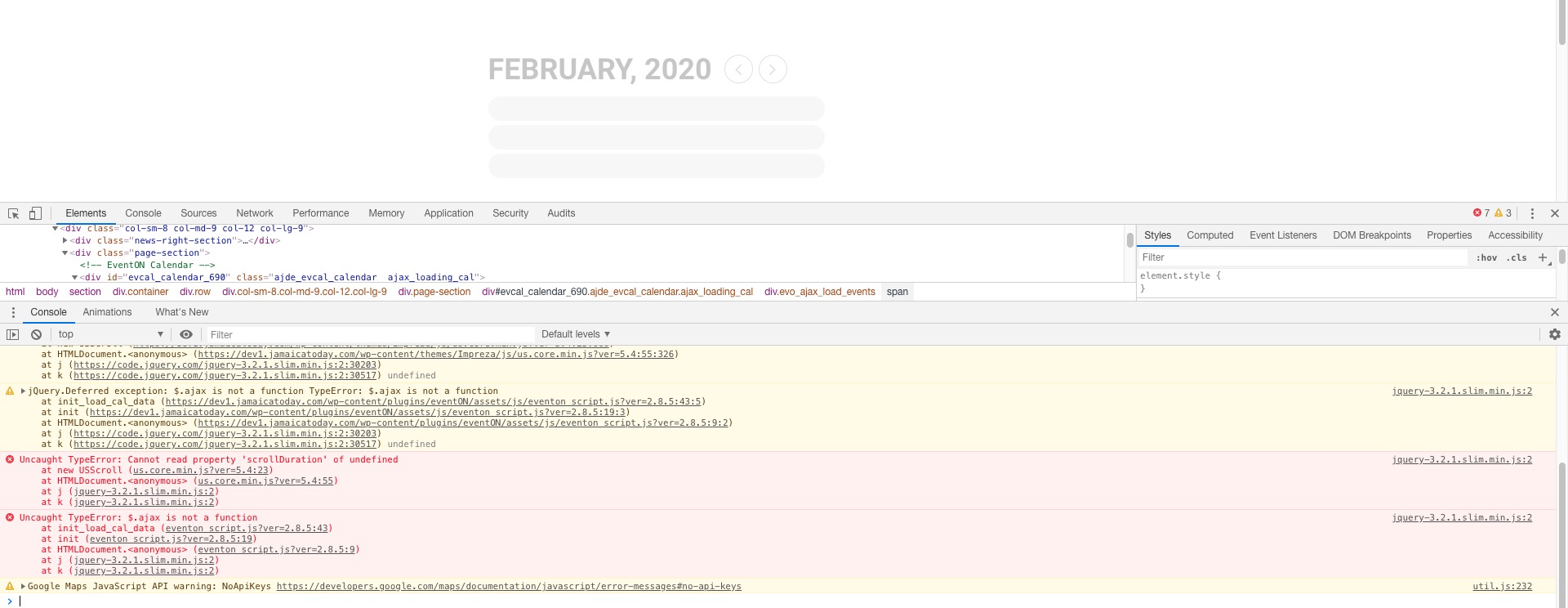
Could you contact the theme developers and ask about these errors:
And https://helpdesk.ashanjay.com/wp-content/uploads/2020/02/Screenshot-2020-02-06-at-11.57.32.jpg
Replies for tickets on suppota
I switched your theme and it solved the issue:
Could you contact the theme developers and ask about these errors:
And https://helpdesk.ashanjay.com/wp-content/uploads/2020/02/Screenshot-2020-02-06-at-11.57.32.jpg
I switched your theme to Twenty Twenty and it fixed the issue: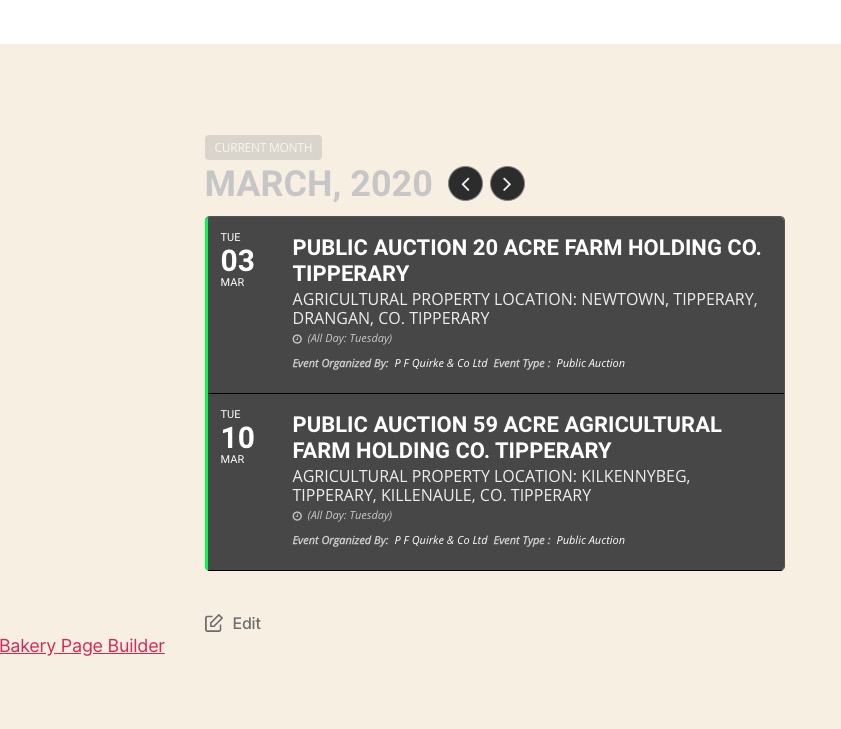
Please follow the instructions in this documentation to activate debug in your site to see any PHP errors recorded that can provide insight on to whats going on. Please reply with a link to debug.log file. If you are not able to do this please send us FTP access to your site so we can do this for you.
I don’t see any purchases associated with this email: rajiv.ganger@critservicesinc.com. Could you send us your other email and order ID?
Please also note that you can go to EventON > Appearance > FullCal Styles to change colours of backgrounds.
Hello,
Thank you for your great suggestion, at the moment it is not supported. FullCal days don’t have any classes that you can use to change their background color depending on categories.
However please create a new ticket and select Feature Request as category so others can vote on your idea and get it moved into development faster. OR You can send us a customization job request by creating a new ticket in here and selecting Customization Request as the category.
Hello,
Thank you for your great suggestion, at the moment it is not supported. However please create a new ticket and select Feature Request as category so others can vote on your idea and get it moved into development faster. OR You can send us a customization job request by creating a new ticket in here and selecting Customization Request as the category.
It seems there is incompatibility between EventON and your third-party plugin. Unfortunately, we are unable to provide support for issues caused by their-party themes or plugins. As they are not our products, we are unaware of how they have been programmed or how it is supposed to work. As such, we recommend you to contact the plugin developer and ask them for their assistance in solving the problem. Let us know if you need help with anything else.
Hi,
I already have the purchased version of action users, please see to it
Thanks
Unfortunately, Autoupdate isn’t available at the moment. We are still working on it. Please update EventON manually.
Hello,
Please follow this guide and customize the archive template: https://docs.myeventon.com/documentations/how-to-customize-events-archive-page/
You can send us a customization job request by creating a new ticket in here and selecting Customization Request as the category.
Please also check this:
If the /events page does not work due to theme/plugin conflicts, create a new page, call it “Events Directory” Insert eventon shortcode and use that as your main events page which will have a URL ending like /events-directory. This would be a perfect solution if you have conflicts with /events slug.