I don’t see my screenshot coming through in the messages I posted, so here is a direct link to the file.
https://www.dropbox.com/transfer/AAAAABdWEAs96ZdvXAvPRpJULT8AKdyq6HbIKgCmWaaCZNIWuh9omYM
Replies for tickets on suppota
I don’t see my screenshot coming through in the messages I posted, so here is a direct link to the file.
https://www.dropbox.com/transfer/AAAAABdWEAs96ZdvXAvPRpJULT8AKdyq6HbIKgCmWaaCZNIWuh9omYM
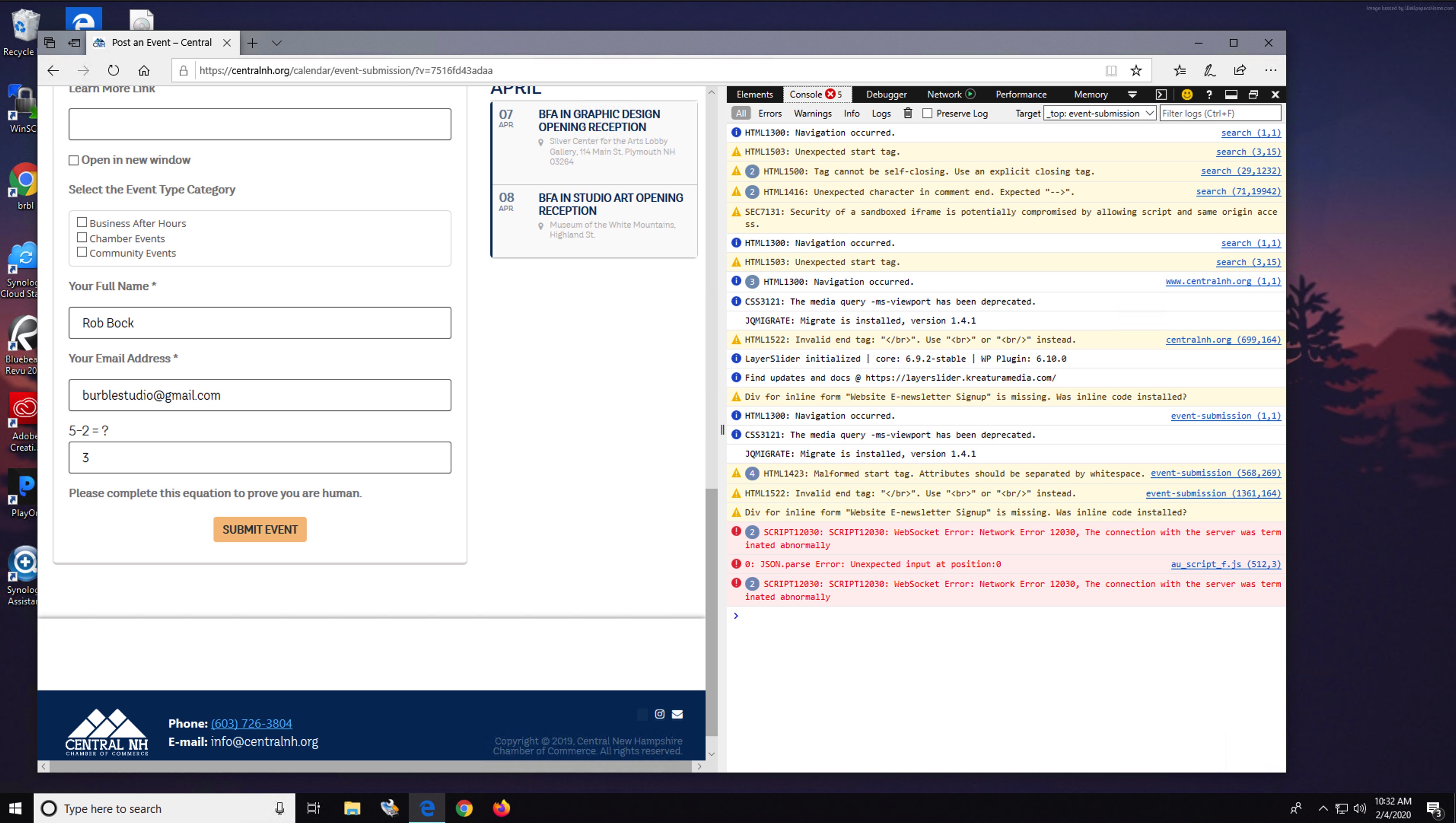
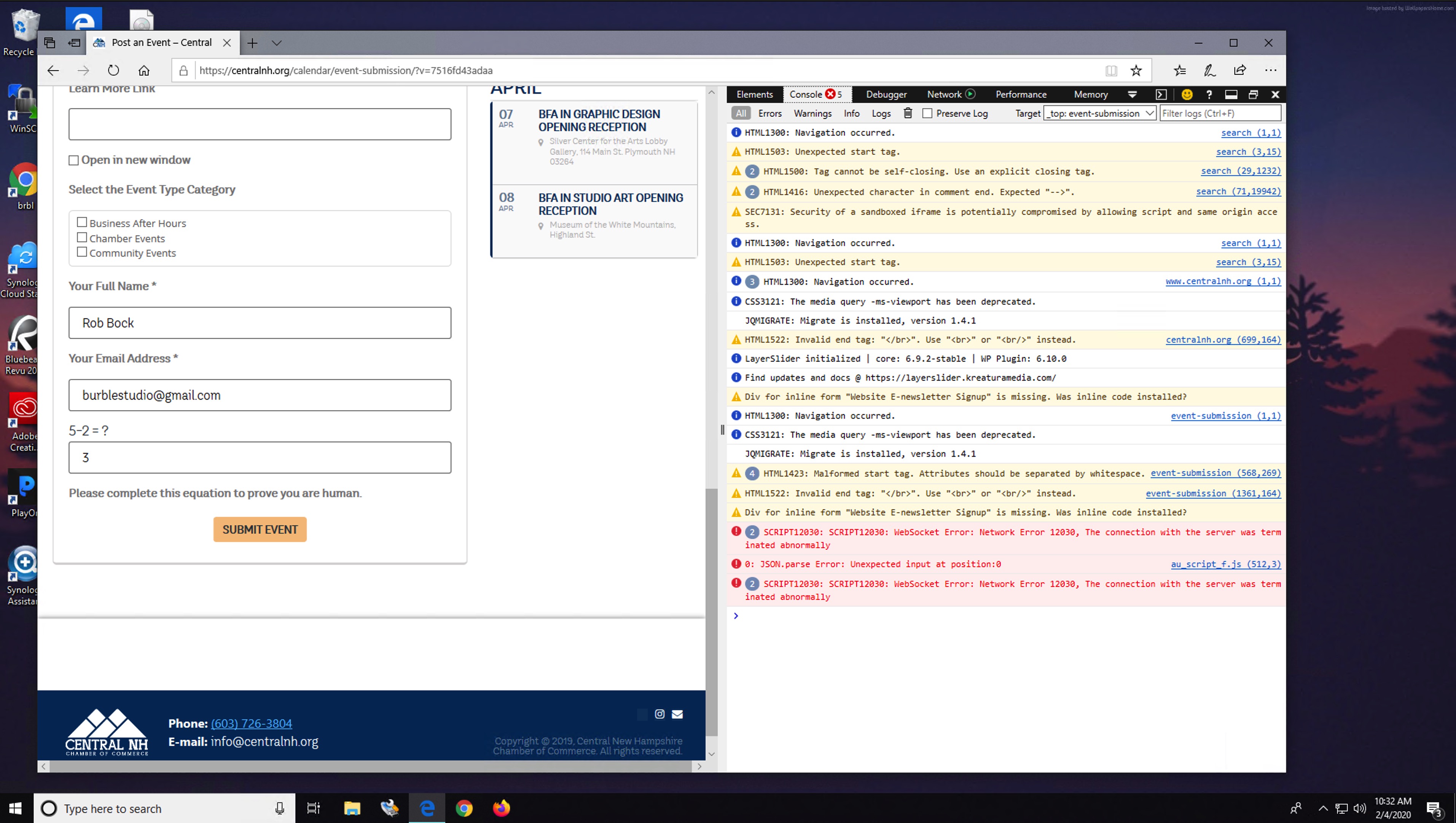
That’s odd. I’ve tried multiple browsers in incognito mode and it happens every time. Happening for my clients too and their users. Here is a loom showing it happening in both Chrome and Firefox with private/incognito mode on.
https://www.loom.com/share/d3b426fc0e06483a920889cd8f0e9ab3
Happens on both Mac and PC. Attached a screenshot of the error message in Edge on Win 10 PC.
thanks
I just published a new event to the calendar this morning – the National Journal Workshop.
https://www.womeninmining.us/event-calendar/
Doesn’t appear that any notifications went out, even though it says “already emailed subscribers”. I did this from a different computer than I normally use, as you requested. I am also still getting the WP Mail SMTP send failure notice upon publishing the event too (the same message I showed you already in a screen capture).
I’m going to take this error up with SiteGround and see if they can see anything in their error logs that might provide more information on why this plugin in particular doesn’t work right when it comes to emailing notifications. Aside from that, if we cannot get this resolved shortly, we’re going to have no choice but to move to another solution that just works. My review will be updated to accurately reflect the experience – and overall great calendar solution, as long as you don’t need email notifications to work….
It seems like you’re out of ideas on how to solve this problem too. Is that the case?
OK problem fixed. Thanks Artem.
username:
blendadmin
Password:
!@4%sd~u;-hYg[%2(6
Hi,
Is there a way that I can get a refund on the plugin that I purchased booking script and exchange it for the RSVP add on instead?
That extra code actually worked. Thanks. I’ll still allow you to access the site for today, if you need to.
Sorry, forgot to set user role. You have full access now. Thanks. I’ll try the Ajax code now.