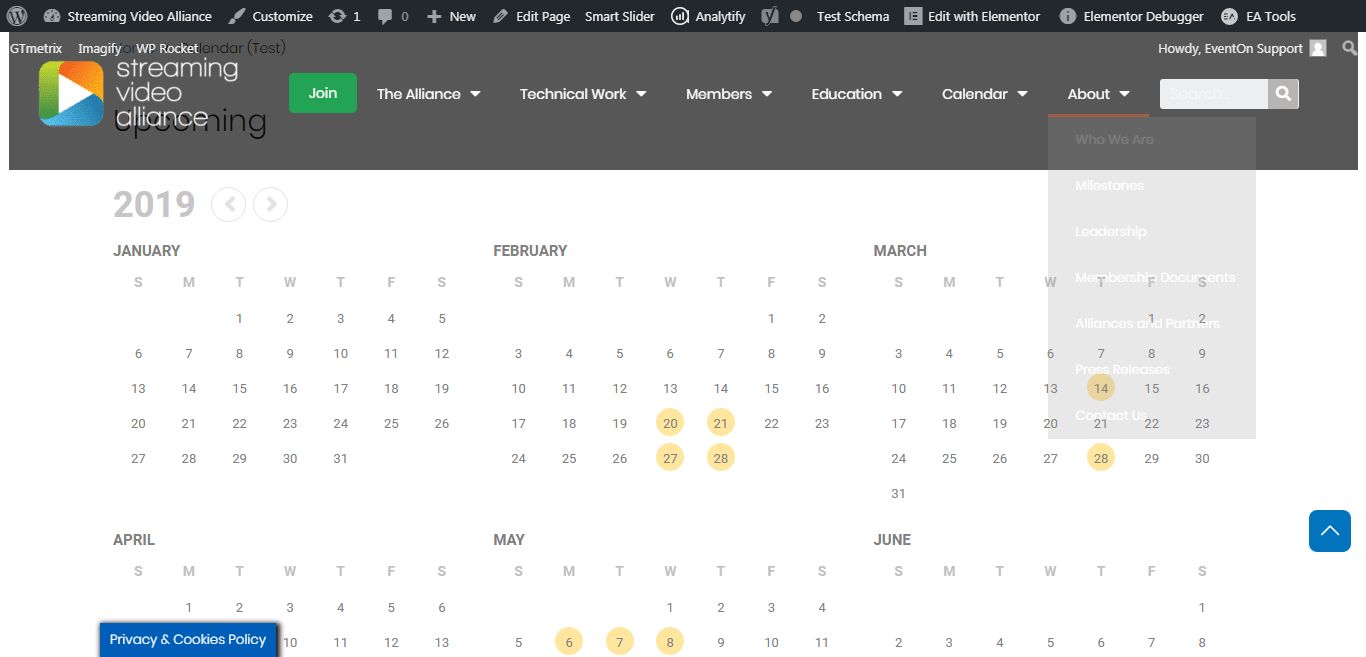
Okay, so you need to explain to me how this has been resolved.
I understand you created that page with the full calendar shortcode (which is the SAME shortcode at the bottom of the other page I provided).
When I navigate to THAT URL that you have specified and I click on an arrow above the calendar to progress the calendar to the next or previous month THE ANIMATION STILL HAPPENS!
Please take a video and send it to me of what happens when YOU click the next or previous arrow above the calendar. I have cleared EVERY cache: my browser, the CDN, the object, the server, etc. etc. The animation STILL HAPPENS!
Jason
And, btw, if you navigate to the BOTTOM of the page that you took a screen capture of (that’s the /calendar-test/ URL, you will see the FULL CALENDAR SHORTCODE in the footer of the page).
As per your request, the custom work was done on full calendar, which is set in this link https://www.streamingvideoalliance.org/custom-ful-cal/
This is the ful calendar: https://www.myeventon.com/addons/full-cal/
Full calendar is different from yearly calendar, which you have set in your demo page: https://www.streamingvideoalliance.org/calendar-test/
The calendar on the body of the page in the yearly calendar. And the custom work was done for this calendar.
So, please use [add_eventon_fc] sortcode for the ful calendar. We have removed animation on it.
@Ashan: I’m receiving this error when trying to save functions.php
Uncaught Error: Class 'EVOST_Seats_Json' not found in wp-content/themes/generatepress-child/functions.php:188
Line 188 is the first of the two lines you asked me to add to functions. Is there a Find-Replace I could do on the original “_evost_sections” data before pasting it into the duplicated event? I tried replacing all “uav” with “av”, but that did not work — still showed an empty seating chart.
Do you know what ultimately is causing this issue, and if it will be corrected in a future update?
Thank you for your continued support of this issue, as I would like to start selling tickets this Friday, Feb 7.
Hello,
We do not have control over envato system. Please contact envato and make this same request to them.
Thank You
What is the issue exactly? Ow is it not working? Can you tell us? We’d be happy to check. Thank You
Hey Robyn,
This is possible to be done OK, but the only thing might not work is the categories stacking, while all rest can be done for sure.
Show me also where the event calendar is been placed please and what is your budgt?
Basilis has accepted the job for 1
Hi,
Clear we can start:
1. Pay your Invoice at: https://paypal.me/Basilakis/275usd
2. Send me WordPress Access
3. Send me FTP Access
4. Send me your Email
And we can start going on this.
oh you mean that full calendar shortcode at the bottom of the page?????? sorry but i’m getting REALLY frustrated with this.