We are sorry for the delay.
I cannot access your website:
Could you check and let me know?
Replies for tickets on suppota
We are sorry for the delay.
I cannot access your website:
Could you check and let me know?
Ashan,
Please take a look at
The same on dev2:
https://dev2.myeventon.com/wp-admin/post.php?post=57069&action=edit
“Type the field keys” is hidden after you refresh the page.
We are sorry for the delay.
Thank you for letting us know! Ashan will check this ASAP.
EventON 4.9.1 as well as Tickets add-on 2.4.10 are available. Could you update both and check again?
On my side: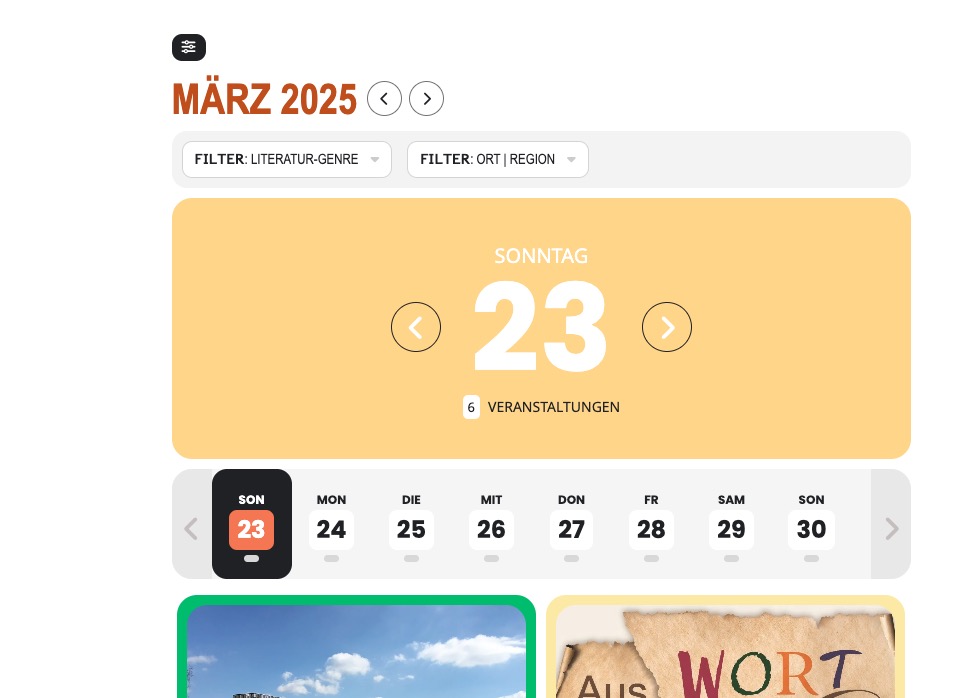
Could you check and send us a screenshot?
Hello,
I changed event_id:
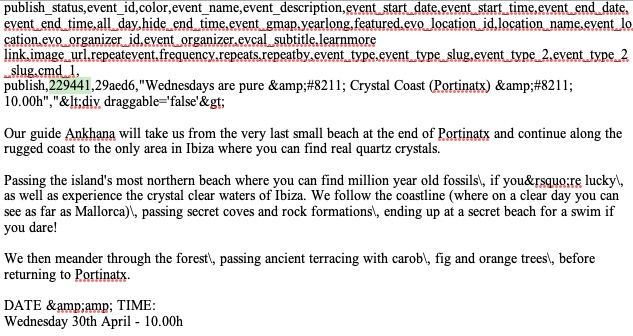
and managed to import this event:
https://wordpress-745959-5116493.cloudwaysapps.com/wp-admin/post.php?post=26311&action=edit
Could you open the file and then randomly edit event_id by adding 1 or any number to it?
I am sorry, the access information you have provided did not work for us. Please check them and post the correct login information as a private message, thank you!
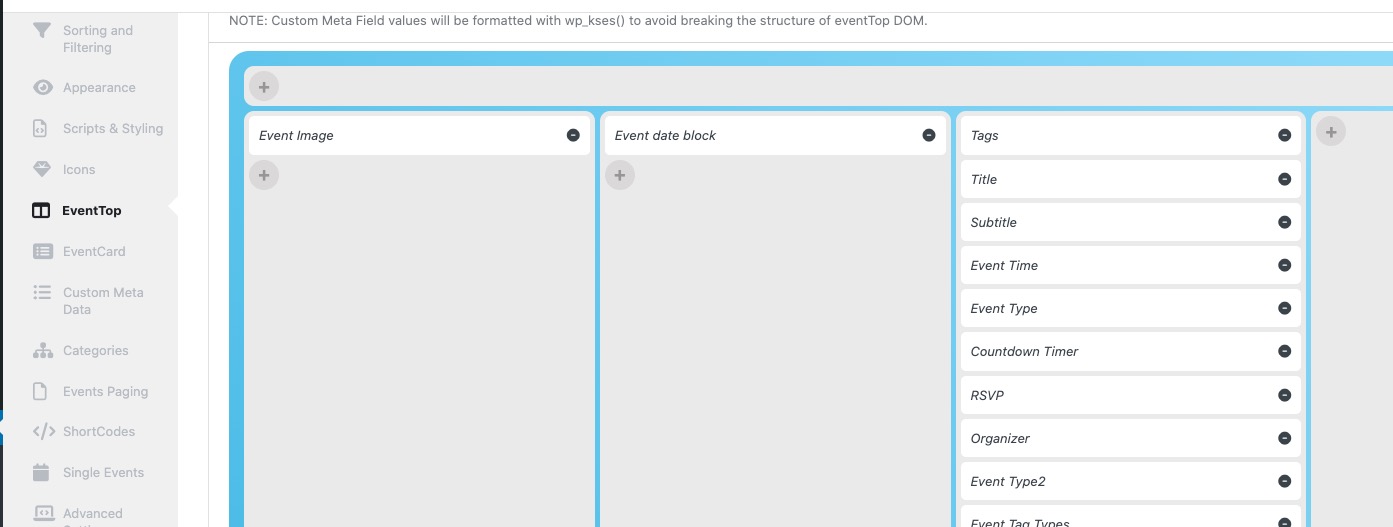
Please also make sure to arrange EventTop fields like this:
debug.log file wasn’t created, unfortunately.
Is it possible to either keep all add-ons updated and allow us to do tests on the website? Or create a clone site and let us do tests there?
I followed this guide and now the event is removed from June:
https://docs.myeventon.com/documentations/how-to-create-events-that-goes-past-midnight/
Do you want me to add a test event and change the date in Google cal so you can see an example?
Please do, so we can check the issue.
Here are some more notes from the person who enters the events into the system.
For events that I create with a date range (like “CATalysts for the Future”), it shows a start date AND an end date.
For events that I need to create by day, as different days the event occurs at different times (like “Victor/Victoria” or “Coachella Valley Home Show” entered by day) or repeat events (like “Events at the Palm Springs Cultural Center”) an end date does not appear.
As for why events of the 27th, show on the 28th, (It seems the event is not showing on the correct day)