Ashan,
Could you check this one?
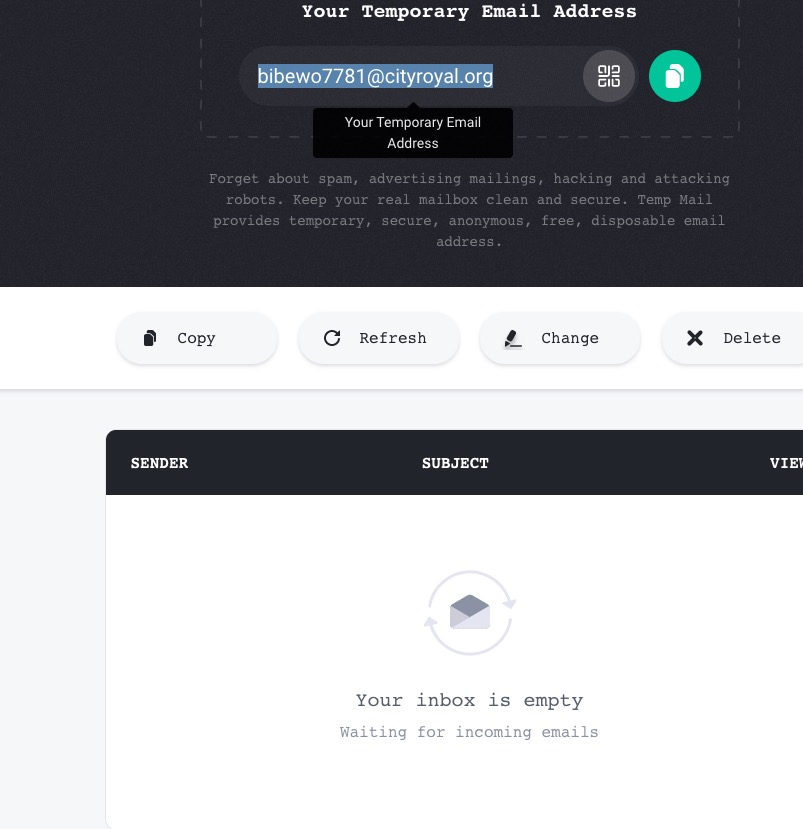
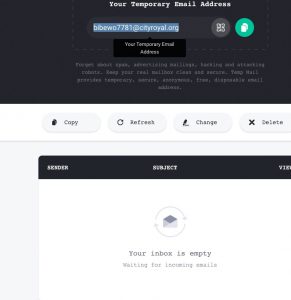
I changed Edit Event > Tickets > Allow customers to submit inquiries. > Override Default Email Address to receive Inquiries. AND EventON > Tickets > Default Email Address to Receive Ticket Inquiries. eg. YourName <you@mail.com> to bibewo7781@cityroyal.org but didn’t receive any of emails:
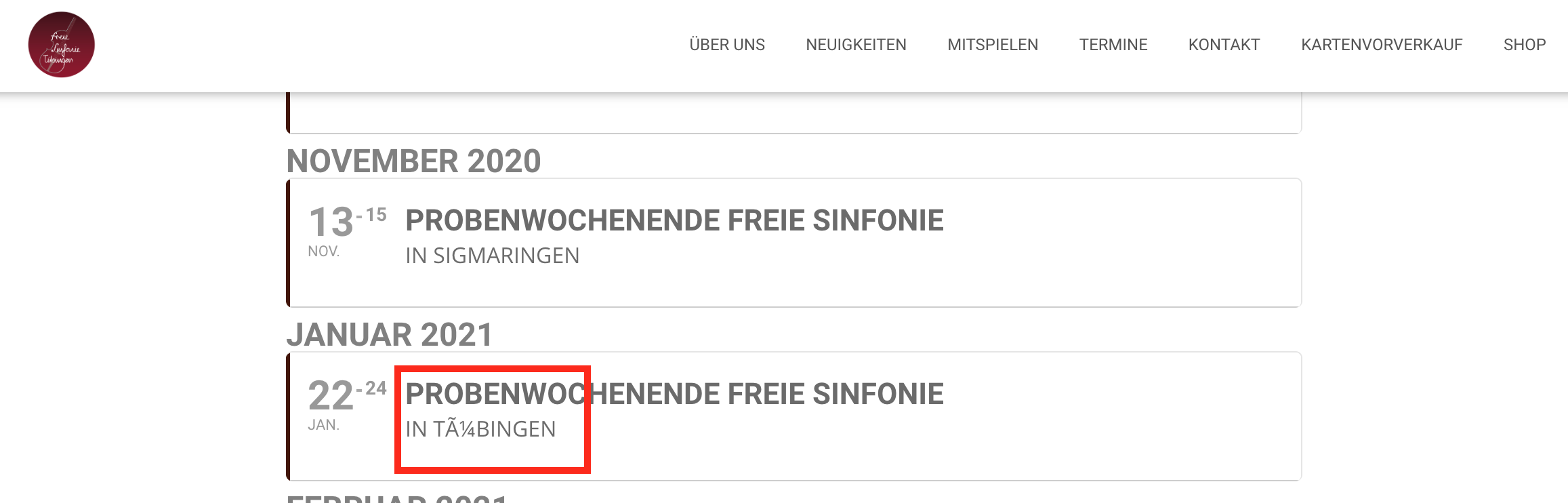
Ok an what is with my other problem? Your Plugin does not support ä,ö,ü,ß
Hello,
Thank you for your great suggestion, at the moment it is not supported. However please create a new ticket and select Feature Request as category so others can vote on your idea and get it moved into development faster. OR You can send us a customization job request by creating a new ticket in here and selecting Customization Request as the category.
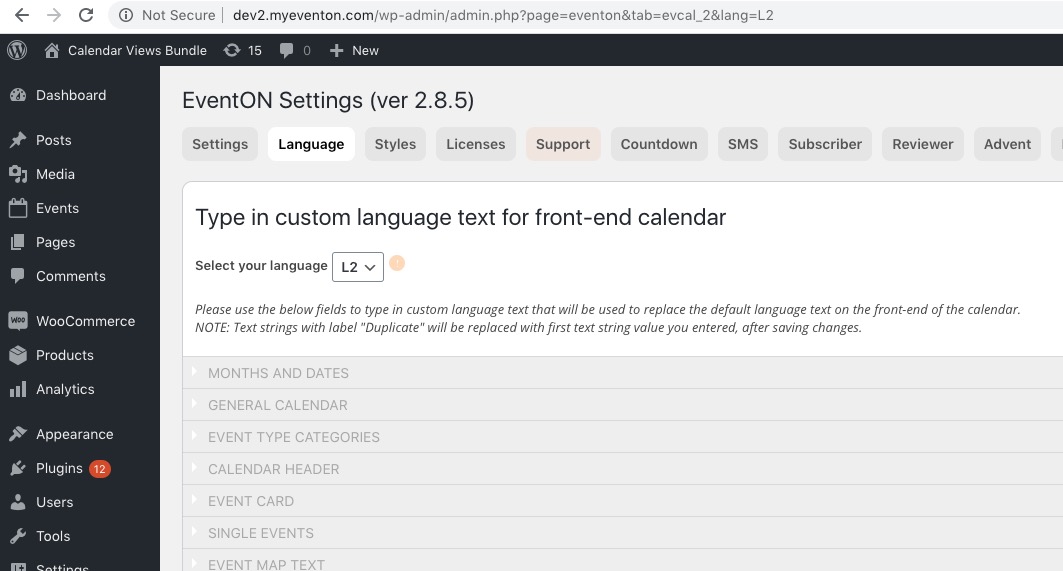
Could you please try the instructions mentioned in this documentation to make sure your issue is indeed coming from eventon. No issues on our test server: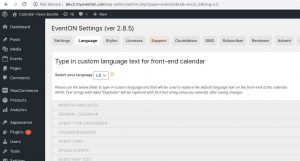
Go to wp-admin > Pages > find this page https://socialcrowdmedia.com/event-directory/ > press Edit > copy the shortcode from the content of the page.
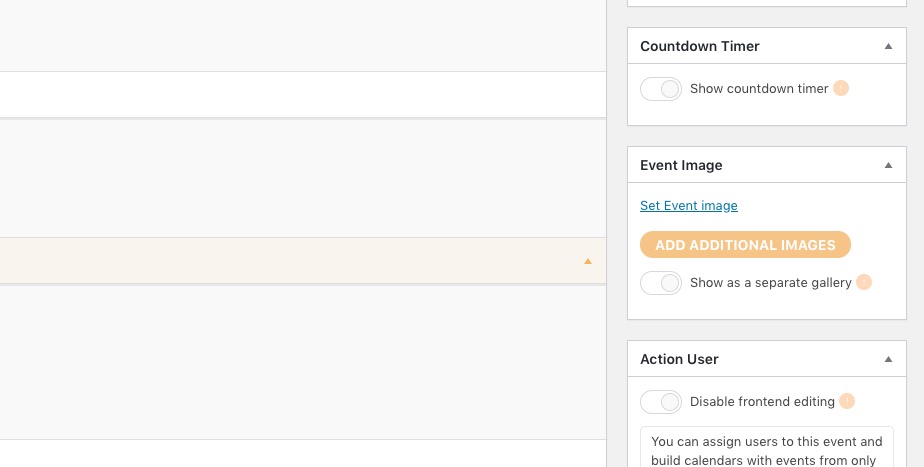
JSON. Please go to Edit Event > add Location > add Organizer > add Featured Image > add SEO Additions for Event.
Is it possible to also have a full month view on our calendar page like this? https://bellsfarm.org/calendar-2/
You need this add-on: https://www.myeventon.com/addons/full-cal/. Try on http://dev.myeventon.com/wp-admin/
Also, in the widget, is it possible to have the date go horizontally above the event name? Or is this not possible?
Thank you for your great suggestion, at the moment it is not supported. However please create a new ticket and select Feature Request as category so others can vote on your idea and get it moved into development faster. OR You can send us a customization job request by creating a new ticket in here and selecting Customization Request as the category.
Please update EventON to 2.8.5 and then go to Edit Event: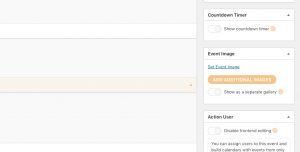
How can I change a seat number. the client made a mistake, I have to remplace 2.10 (mistake) by 1.12 ( good one ) for #21966 Salomé Naman ( on ZIZE event ).
Please update Tickets and Seats add-ons to the latest versions. You can check for latest version of software from here.
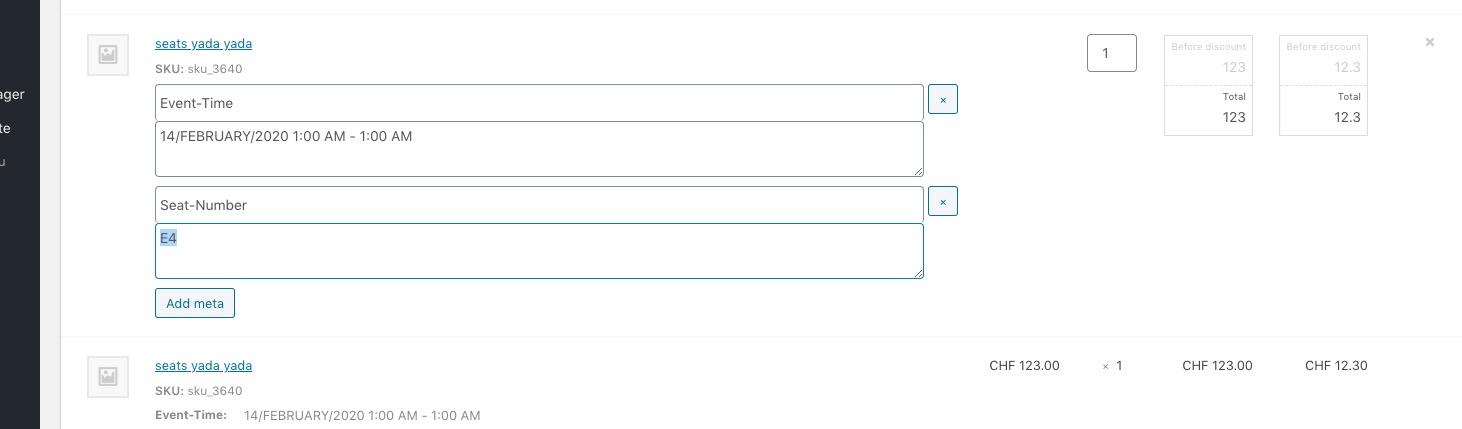
Please go to WooCommerce > Orders > Edit > set Status to On Hold > now you can edit the seat number:
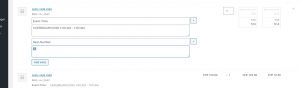
After go to Edit Event > Tickets > Open Seat Map > change the seat number manually.