That worked, thank you!!
Archives: Replies
Replies for tickets on suppota
Reply to: tickets(157003)

Hi there,
thank you very much for the infos. I will leave a review right now yes. I appreciate your help. I am trying to put a template on the pop up calendar window for people to write us. I am able to insert the template in the pop up window but when I press “envoyer” send in french. It’s not working and just closing the window. We would love to have it working so that people can ask question directly about the event and tell us they want to come. Thank you very much.
Reply to: tickets(160026)
Hello, Ok, I can now see 1 event for January, it only shows the one event. I am trying to add an event that happens weekly on Mondays and Wednesdays. I think I set the event correctly.
I would like ALL of the events to show up on the events page. I alsowant Febraury to show up with January. How do I set it to show more than 1 month at a time?
Thank you for your help.
The log in info is. admin username: qo_admin
password: 1542SBeaconStreet
Perhaps I sent it wrong?
Thank you again.
Gina
Reply to: tickets(160042)
Hi Basilis,
I just ran the Regenerate Thumbnails, cleared the cache but still no cigar. We haven’t touched the EventON settings since we first set it up. This issue appeared after upgrading to the new version. What gives?
Reply to: tickets(159923)
No, we did not enable any server site cache. We only have cache enabled via plugin and theme which can be cleared via the admin area.
Reply to: tickets(160121)
Reply to: tickets(159120)
Is it possible to get another temporary license key so we can try this on a different host? We really want to use this plugin but we are on a deadline on it. We’ve used it on other hosting platforms with no problems.
Reply to: tickets(159758)
Sorry but is three days we are matching with this feature
I’ve read all the documentation but is not explained the procedute how creating events in different languages… can You halp me?
If I Have an event and I wish to show it in Italian and in English do I have to make two events and put them in two different categories?
if I do in this way I will have 2 lists of events: one in italian and the other in english but I cannot have two pages of details.
Reply to: tickets(159338)
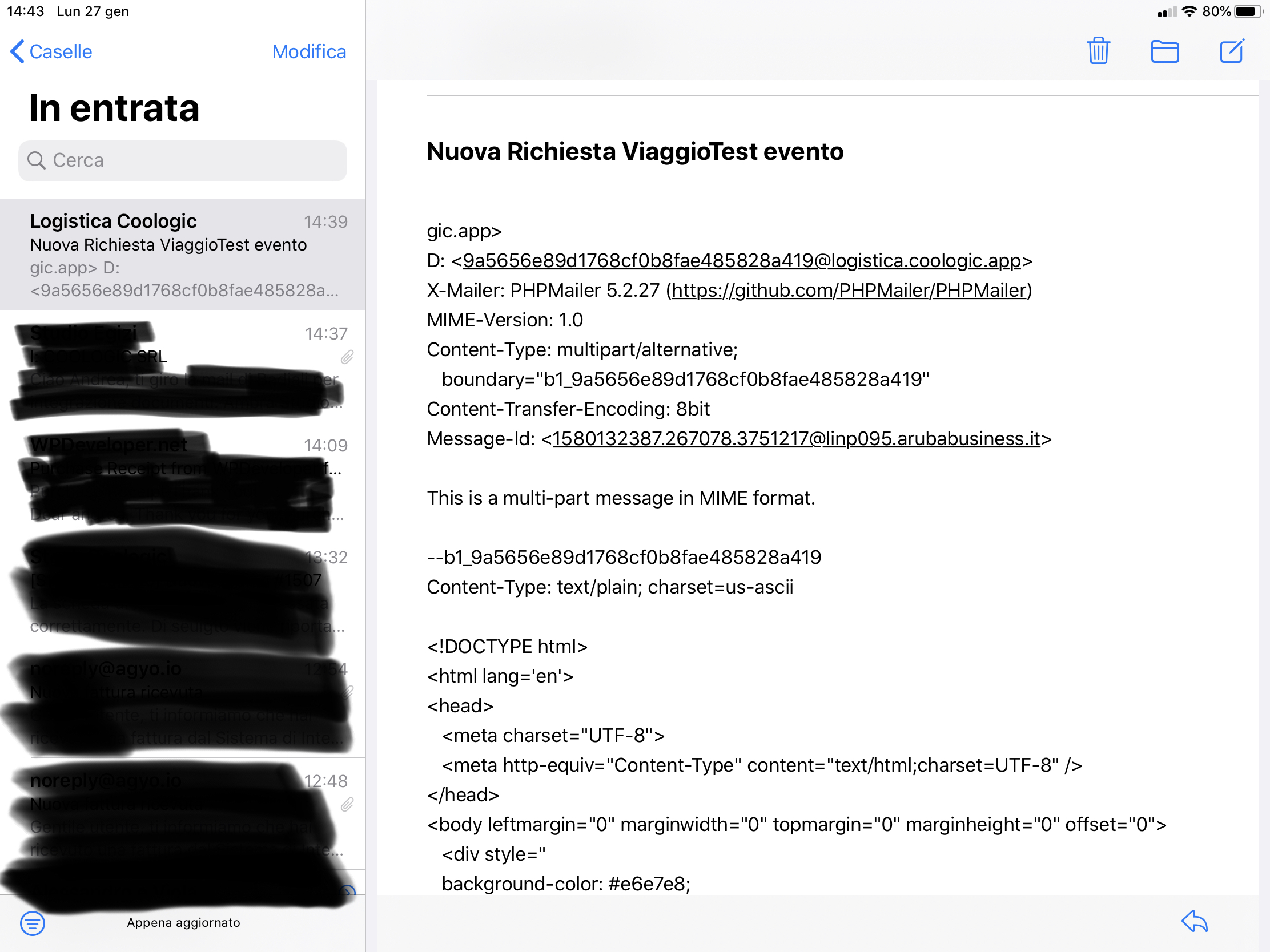
Hi, new issues now i’mad a front-end form to submit Events using Action User but if I use front end form eventon doesn’t send emails to subscriber.
If I using back end the email was sent By like attached file and with the same problem that i wrote before.
Thanks
Reply to: tickets(160090)
Also, yes, I can confirm this is also not working without the day / month tabs. It works on desktop, but not on mobile (iPhone 11, Chrome app). When navigating to the next month, it does the whole loading routine, but then reverts to the current month after.