Of course, I’m attaching 4 screenshots, please let me know if you need anything else. Thank you.
Archives: Replies
Replies for tickets on suppota
Reply to: tickets(158490)
What is the ETA on auto update in WP?
Unfortunately, we do not have an approximate date at this time.
They want to know what language the plugin is in order to generate an API code (java, html)?
According to https://elfsight.com/blog/2018/06/how-to-get-google-maps-api-key-guide/ you don’t need to do this. Our plugin is created using HTML and PHP.
Reply to: tickets(158403)
Hi!
I want the directory page to actually be the archives page and the /scholarships page to be the live scholarship page that people go to. When I set the page on EventOn as Scholarships it still said that the page was the archive page, even after refreshing it. Tried updating the slug and permalinks and nothing seems to be working 🙁
Super frustrating…
Reply to: tickets(159087)
Hello,
Month order is not effected by the event order. Please use Events Lists: Ext. addon https://www.myeventon.com/addons/event-lists-extended/ that has a new shortcode value called month_order=’DESC’ that orders months. Try on http://dev.myeventon.com/wp-admin/
You also don’t need to use month_incre=”-120″, instead you can choose Select Event List Type: Past Events.
Reply to: tickets(158994)
Thank you for your messages, I am going to assign this ticket to Ashan and he will be able to take it from here and find you a solution. Please allow some time for him to get back to you, we greatly appreciate your patience and thank you for being a eventon customer! Also please disable any IP blocking on your site if there are any.
Reply to: tickets(158994)
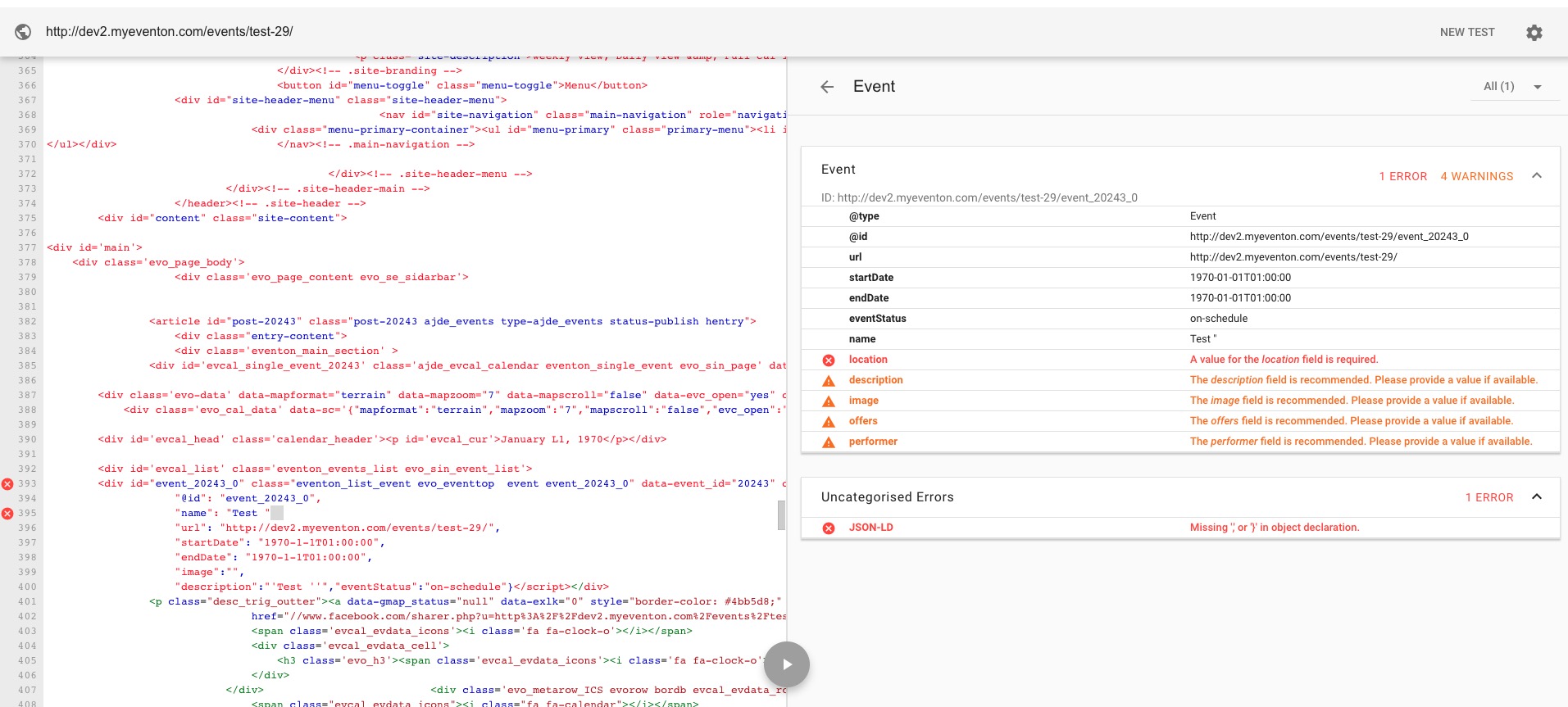
Reply to: tickets(159080)
Hello,
Please update EventON to 2.8.5. After update could you please try the instructions mentioned in this documentation?
Reply to: tickets(159079)
Hello,
1. Thank you for your messages, I am going to assign this ticket to Ashan and he will be able to take it from here and find you a solution. Please allow some time for him to get back to you, we greatly appreciate your patience and thank you for being a eventon customer! Also please disable any IP blocking on your site if there are any.
2. Could you elaborate more, with screenshots if possible? I was not able to understand, I am afraid.
Reply to: tickets(159079)
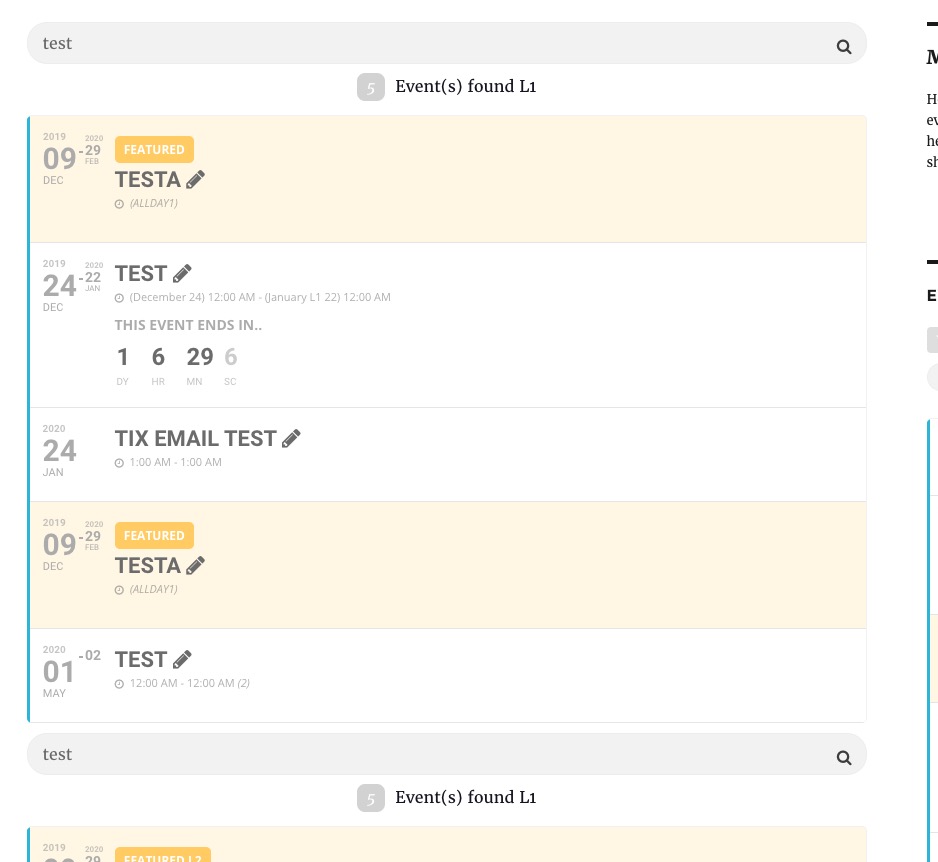
Reply to: tickets(158993)
Please check https://www.myeventon.com/addons/event-api/. Test on http://dev.myeventon.com/wp-admin/ > go to EventON > EventON API > this page contains all the necessary info.