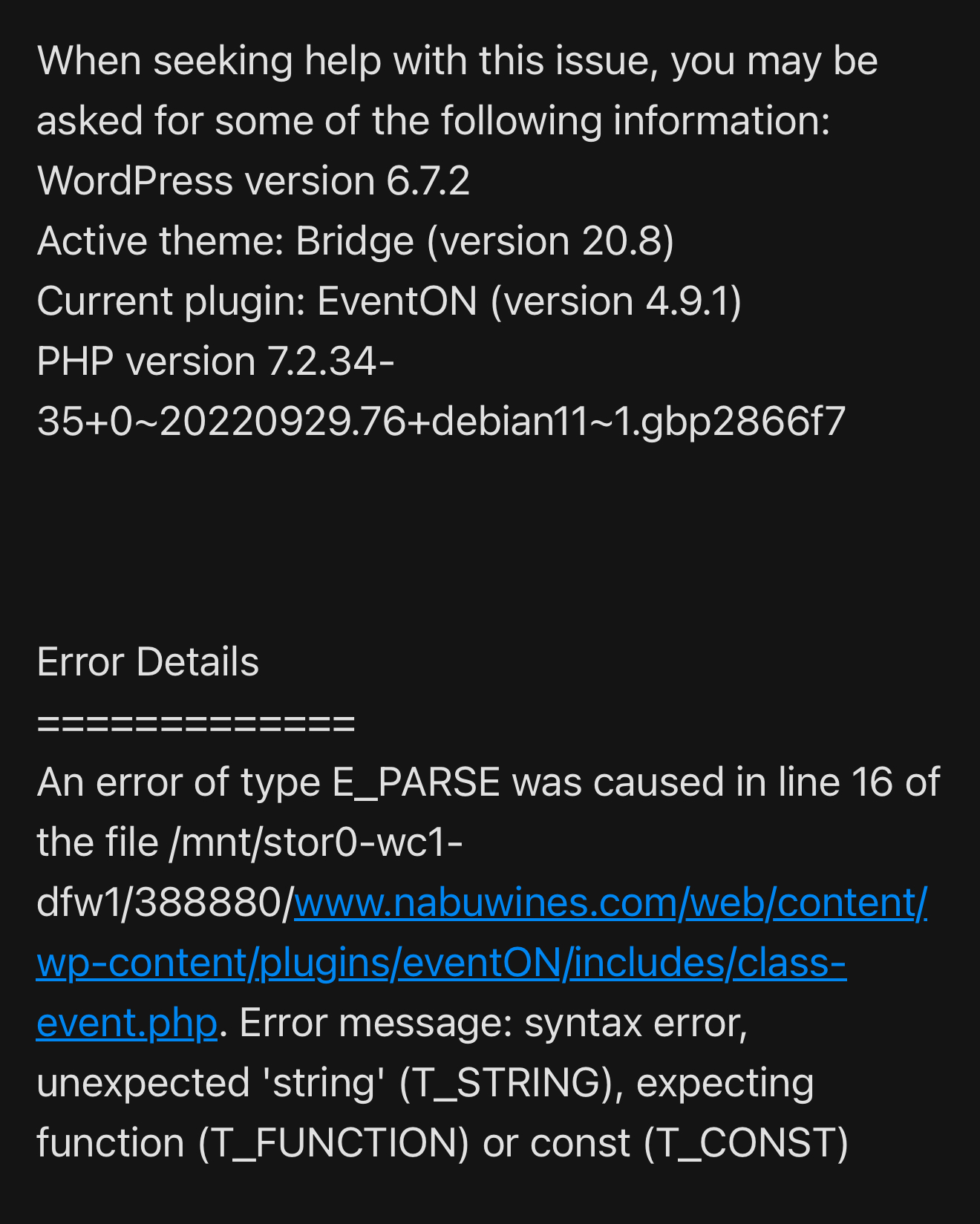
Good morning Artem
yes I just received this error message a few minutes ago from my site. Can you please look into this. 😊 thank you in advance
Greg
Replies for tickets on suppota
Good morning Artem
yes I just received this error message a few minutes ago from my site. Can you please look into this. 😊 thank you in advance
Greg
Yes that is likely my colleague did that as we need to duplicate event information content across some events.
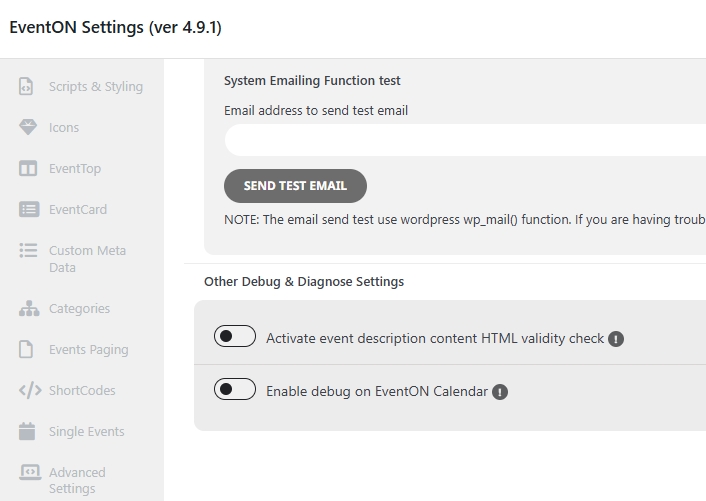
Hi, negative, I have that function disabled, see attached screenshot.
I now use version 4.9.1 but with the html-eventcard-details.php file from the previous version 4.8.2, otherwise my site breaks on Quform forms.
If you need anything else please let me know, and I await a solution for the next available version of Eventon, otherwise my site will break again and I will have to use that modified file again.
Thanks,
It seems to work now 🙂
Thank you
ok It seems if you have a language assign to a page or post via polylang. Then wp_query will only return that language assigned post/page. So eventON lang value is pretty useless because it gets overridden with polylang.
Hello Tonny, sorry for the delay and we appreciate your patience!
Ok looks like you are using eventon language corresponding events. Seems the main eventON calendar does not load events when you switch months. But if you set fix month year it loads events. Let me see whats going on 🙂
Kindly update to speaker & schedule addon version 2.1.1 that should resolve the missing description field.
Sorry about the delay my friend. I have gone ahed and refunded you for both those addon orders and the subscription is also cancelled.
Do let us know if you have any other questions.
Kind Regards!
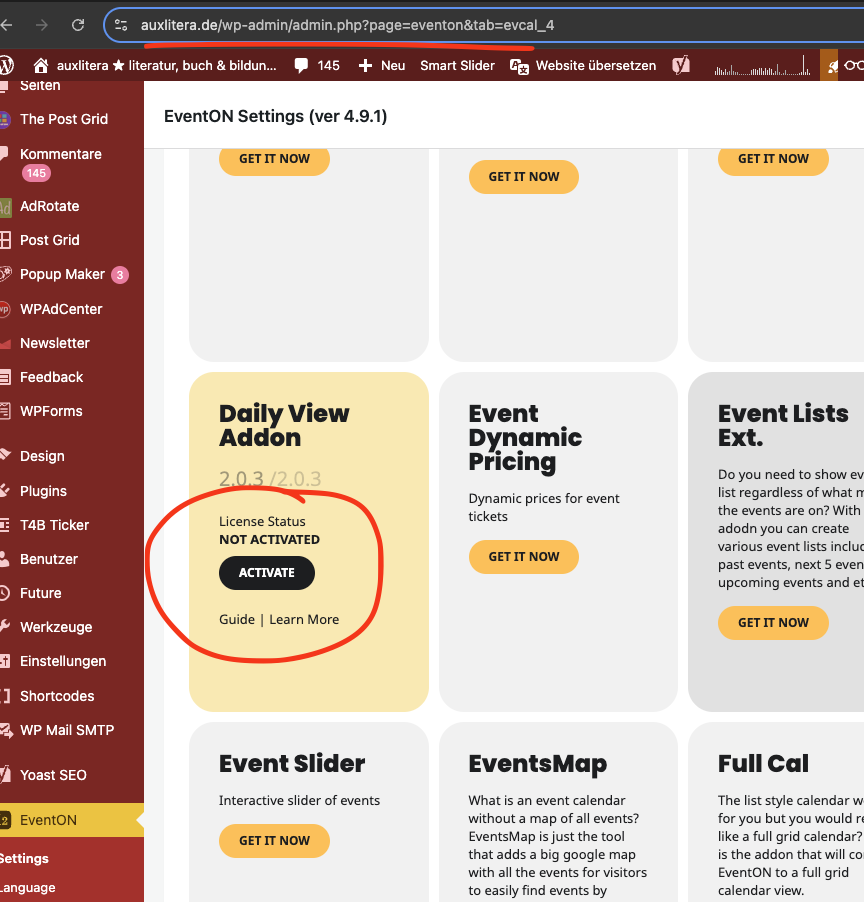
Also you do not have dailyview addon activated. Kindly activate and update to the latest dailyview version 2.1.11
Could you update Tickets add-on?
I checked debug.log and the last error is on [03-Mar-2025 11:11:14 UTC] . After that it shows only Notices, Warnings.
Please update Tickets, disable the PayPal plugin, and then try to re-create the issue again.