Hello,
I cannot access wp-admin or wp-login pages (redirects me to http://events.smsp.com.au/not_found).
Could you update EventON to 2.8.5 and other add-ons (check for latest versions from here).
… is not showing all events.
Please also send a couple of examples of hidden events so we can check them?
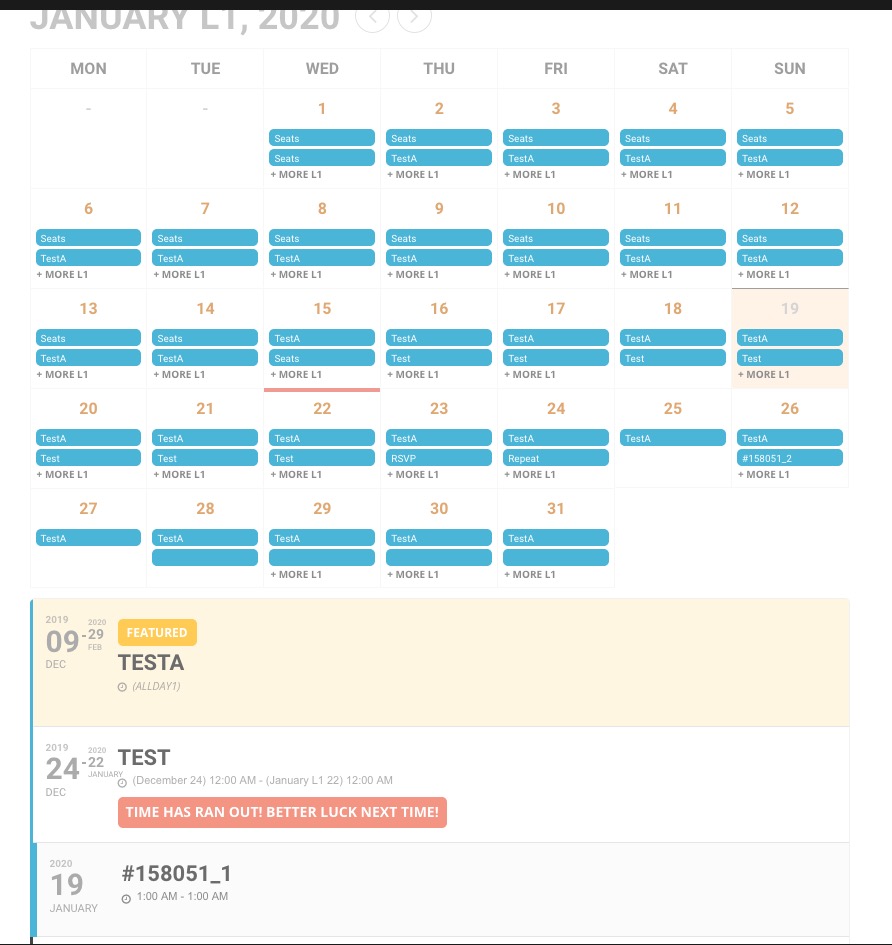
I would also like to remove the arrows to stop people jumping years, I just want 2020.
Please add this CSS code to EventON > Styles (If you can’t see any change, EventON > turn off Write styles to header > save settings > turn on Write styles to header):
.ajde_evcal_calendar.evoYV .calendar_header p.evo_arrows { display: none !important }
When do you think there will be a solution for this issue? Is there a way to duplicate the events / seating chart with database access?
The latest version of EventON API add-on is 1.0.2. Could you update?
Basilis, are you going to send me an updated version that will work with the current version of EventON? Thank you.
Your shortcode on a regular page:
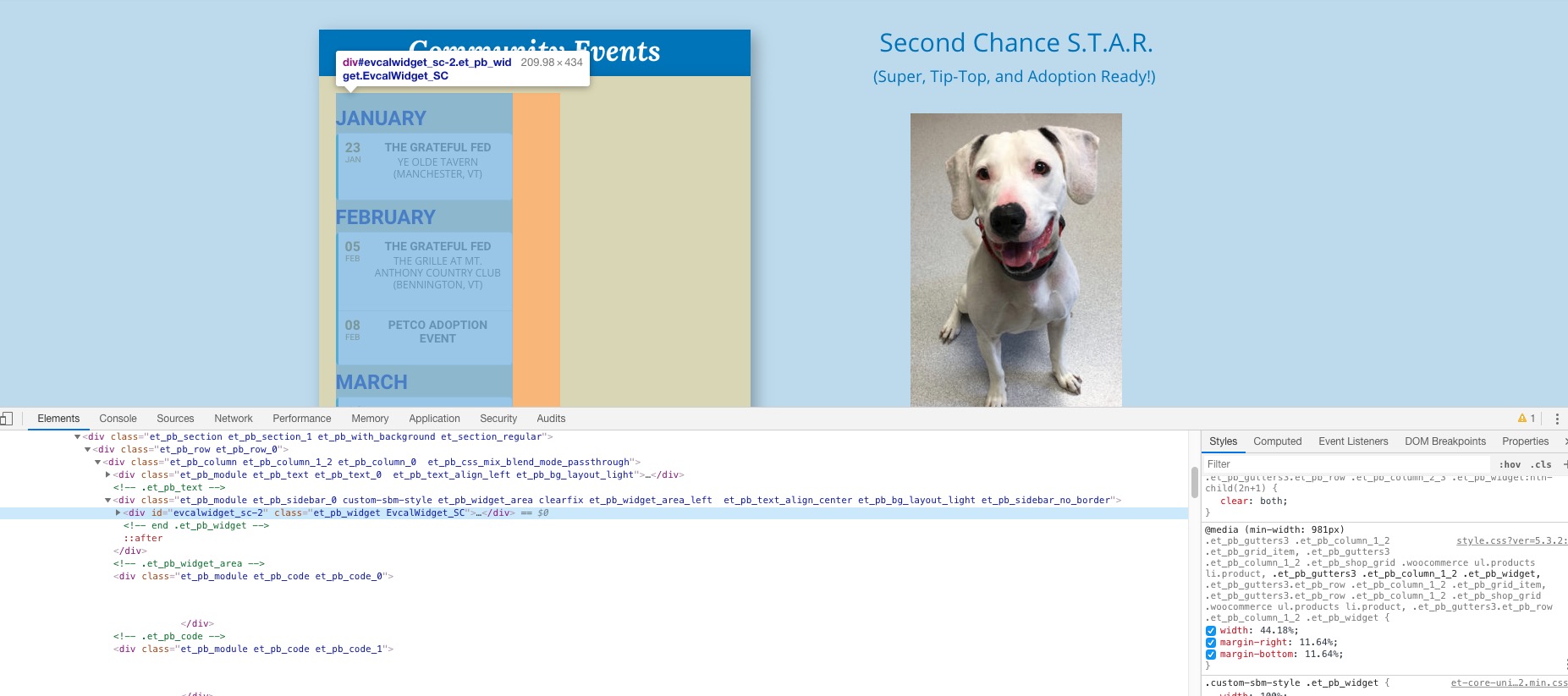
Could you contact your theme developers and ask how can you make your widget full row:
Hello Petra,
Are you looking for a RSVP feature?
We have an addon that allows clients who are interested to sign up for an event. Check the link below:
https://www.myeventon.com/addons/rsvp-events/
You can also test it live on our demo site below:
dev.myeventon.com/wp-admin
Please go to wp-admin > WooCommerce > Settings > Accounts & Privacy > check Allow customers to place orders without an account AND Allow customers to create an account during checkout.
Please send us wp-admin access to your site as a private message for us to further assist your situation.
I can see the issue on your website in Firefox, but the calendar from our test server is still working correctly:
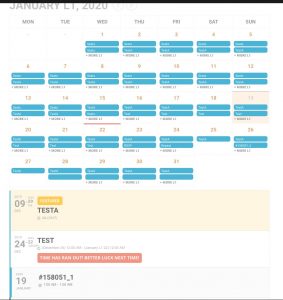
Please check #158051_1: http://dev2.myeventon.com/20258-2/
Sometimes you also need to update Permalinks. Please go to wp-admin > Settings > Permalinks > save.
Unfortunately, at the moment it is not supported. However please create a new ticket and select Feature Request as category so others can vote to get it moved into development faster. OR You can send us a customization job request by creating a new ticket in here and selecting Customization Request as the category.