Could you please try the instructions mentioned in this documentation to make sure your issue is indeed coming from eventon.
Archives: Replies
Replies for tickets on suppota
Reply to: tickets(158408)
Hi,
Please post your license activation info and provide us ftp access to your site.
Thank You
Reply to: tickets(157649)
Hi my Friend, I am sorry to bother you. I was wondering if you had any thoughts on this job?
Thanks for your time.
Shehbaz
Reply to: tickets(157591)
Which plugin specifically? I see some plugins with similar name but no one with that exactly. Thanks in advance!
Reply to: tickets(156521)
For the customization parts – I will create a Customization Request.
I really cannot get the RSVP Invitee to work.
When I press Yes/No from the e-mail everything happens as it is supposed to – and as you describe in #156567. However, the grey box in your screen shot is not there, and the information is, that I allready RSVP-ed.
Nothing is registered.
Reply to: tickets(158267)
I am sorry, the access information you have provided did not work for us. Please check them and post the correct login information as a private message, thank you!
Reply to: tickets(158231)
Customer completed payment of 100 for the job.
Reply to: tickets(158203)
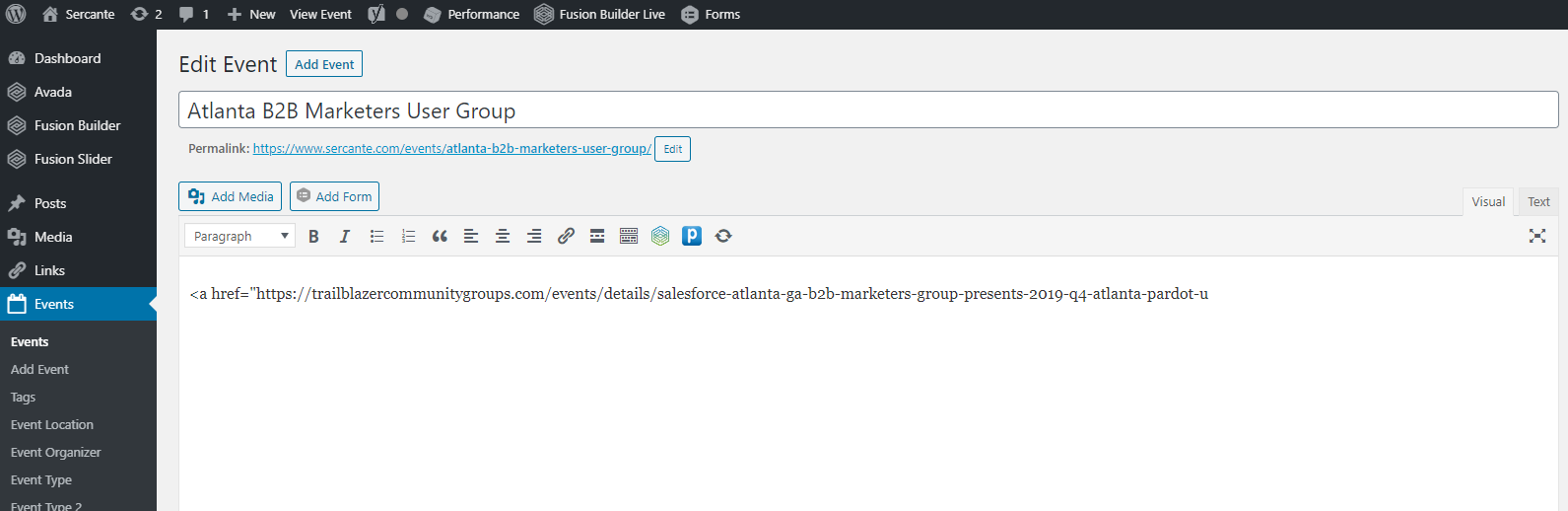
I have tried running the ICS import when ALL plugins (but EventON) were disabled, same result.
Reply to: tickets(158203)
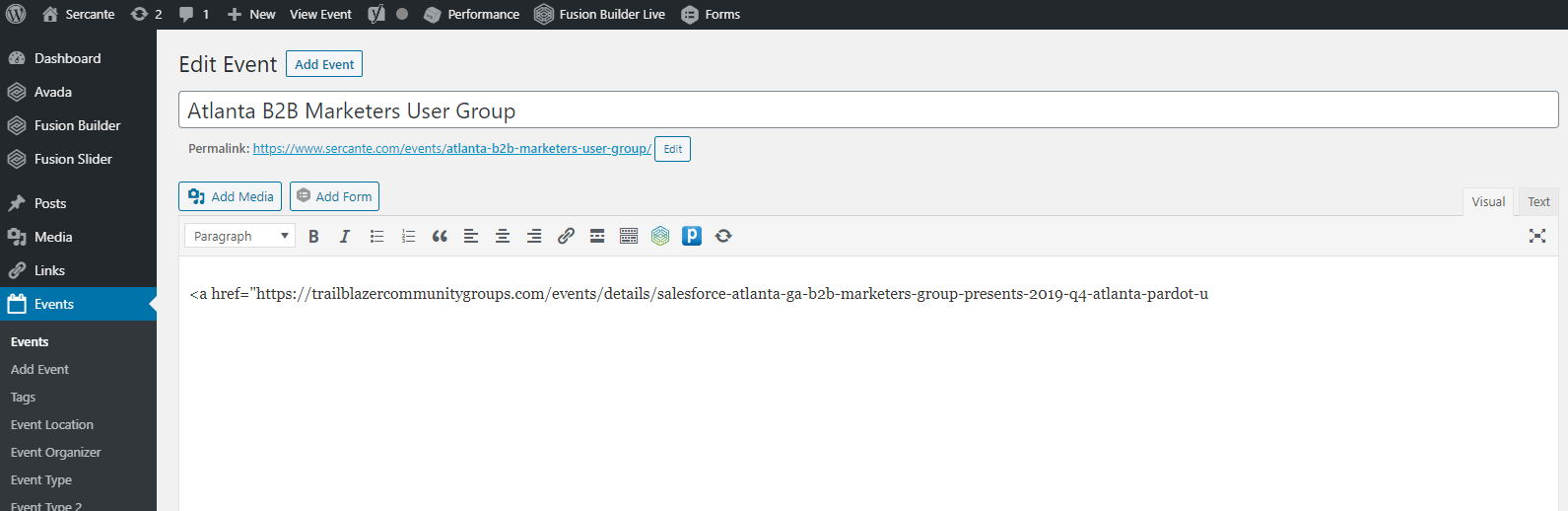
The description you are seeing in your screenshot looks like what I would have expected. I’ve attached a screenshot of what I’m seeing.
I’ve enabled WordPress debugging, the file is clean. I’ve checked the server’s PHP error log file, it is clean.
I made this page so that you can get phpinfo(): http://www.sercante.com/eventon.php
I’m using what I assume are the latest versions of EventOn and the plugin. 2.8.4 of the main plugin and 1.0.4 of the ICS importer.
Is there anything else I can do to help troubleshoot this?
Reply to: tickets(158267)
Same issue – followed the update procedure to the letter.