Hello,
You can go to EventON > Download all eventON events. > ICS FORMAT > upload this file to your own calendar.
You can also send us a customization job request by creating a new ticket in here and selecting Customization Request as the category, maybe one of our developers can extend EventON to fully support what you need.
Okay so I just cleared all the caches and then re-loaded this page:
https://www.streamingvideoalliance.org/calendar-test/
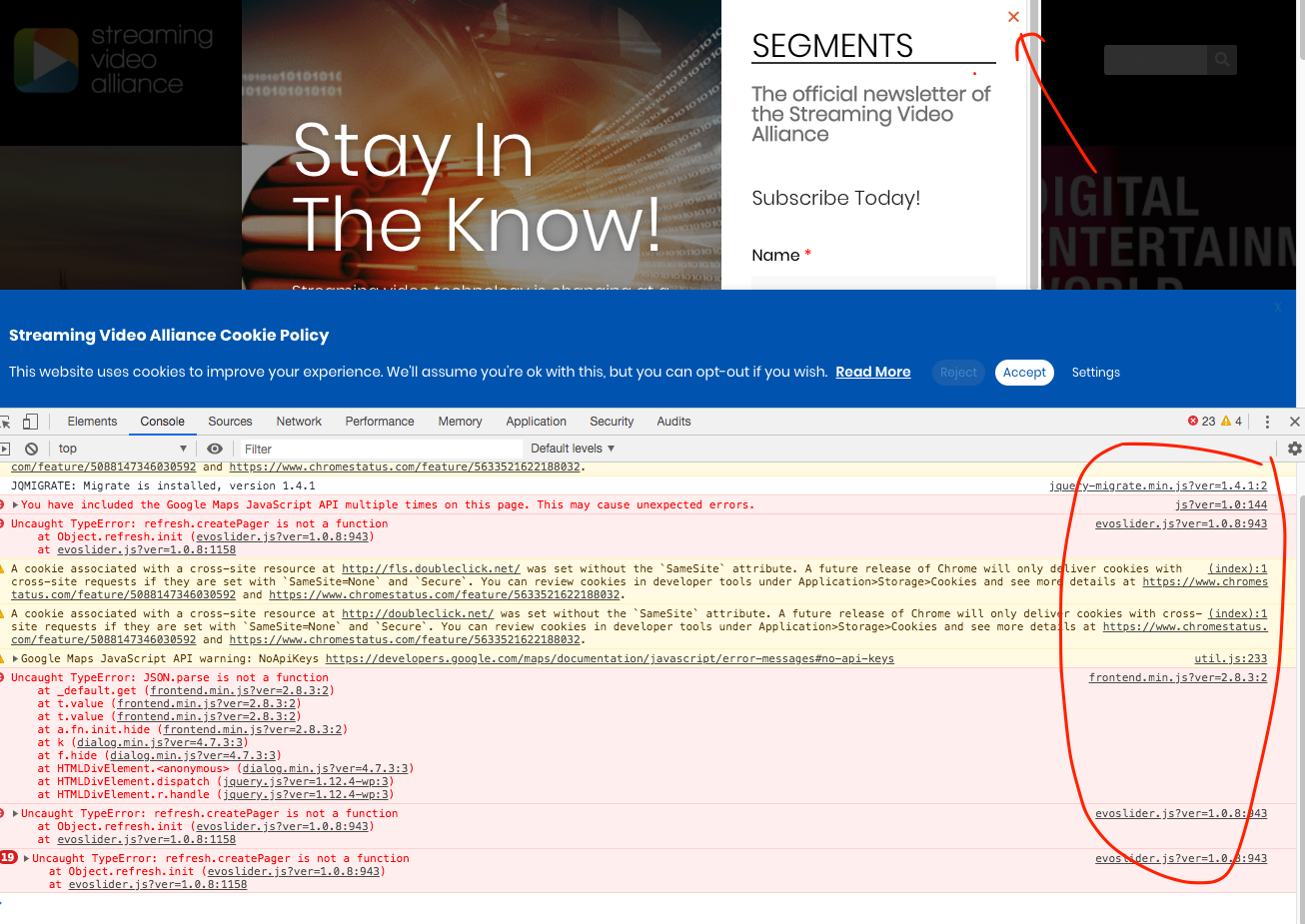
When I click on February 4 in the calendar, it pops up the events. When I click on an event, it still displays the event pop-up rather than sending to the user to the external link. I also see, when I inspect the element, that there are still .js errors that I think are related to your calendar plugin.
Ok Jason I just uploaded latest versions please check now.
Hello Shaan, would you mind sending me FTP access to eventON addons folder in your server? I see the cron jobs are created at wrong times. I am trying figure out why those could be.
I am wondering if the issue is caused by tiemzone settings in your site. I can not debug these without FTP access
Sure. FTP details:
user: svideoalliance-eventon
pass: YB3ghnE6bdeDw6i
host: svideoalliance.sftp.wpengine.com
port: 2222
it’s SFTP
Also, I am using WP Rocket. i can exclude specific .js from minifcation, optimization, and CDN. I just need to know what those are if it’s required.
Could you please give me a direct download link to the update? I cannot get in to codecanyon. I hired someone to build the site and cannot get in touch with them.
JT I need the FTP access to eventON folder to debug this issue because I am seeing multiple js errors on your site which make the popup unable to hide.
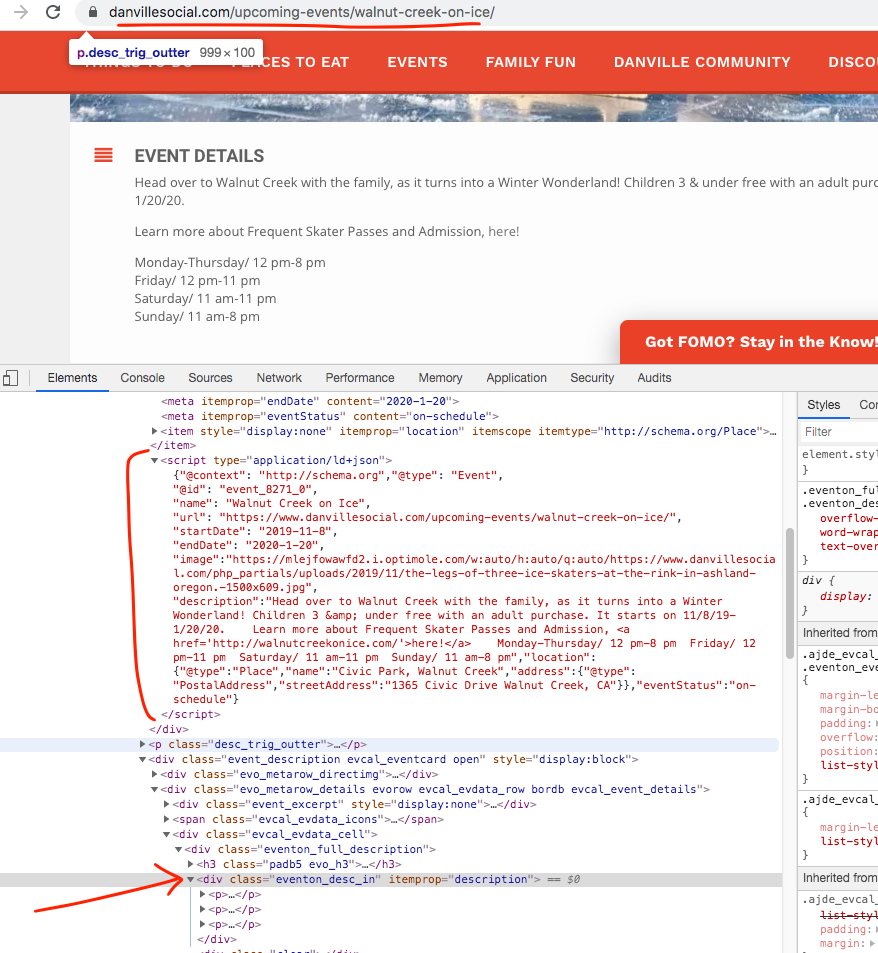
As you can see the description is properly in the event page under schema and JSON-LD
Okay, I’m not going to use the slider. It’s not customizable enough for what I need. I am using Smart Slider 3 (which I already have installed on the site). But I am having the same issue with the Yearly calendar view:
https://www.streamingvideoalliance.org/calendar-test/
Click on “February 4” on the calendar. It opens the pop-up to show the events on that day. Click on the event. It opens the detail event popup. That is NOT how the event is configured. It is configured to open into an external link as it operates here:
https://www.streamingvideoalliance.org/calendar/
Here is a temp login (with admin rights):
https://www.streamingvideoalliance.org/wp-admin/?wtlwp_token=a7cc727ca1c6edb9543bfc28d389b8e6
JT
Hey Kitan,
It would cost you $40 to do this.
Let me know if you are interested 🙂