Hello,
Please add this CSS code to EventON > Styles (If you can’t see any change, EventON > turn off Write styles to header > save settings > turn on Write styles to header):
.evcal_cblock .evo_end { margin-top: 0 !important }
Replies for tickets on suppota
Hello,
Please add this CSS code to EventON > Styles (If you can’t see any change, EventON > turn off Write styles to header > save settings > turn on Write styles to header):
.evcal_cblock .evo_end { margin-top: 0 !important }
Hello,
No issues on my Chrome (Mac):

Could you check https://docs.myeventon.com/documentations/why-my-site-and-eventon-page-loading-slow/
Hello,
Do you want something like this http://dev2.myeventon.com/20057-2/:
[add_eventon_list hide_mult_occur=”yes” number_of_months=”12″ ]
Check the “Month” event (Month Long Event that goes from Jan to Feb).
Could you please add this CSS code to EventON > Styles (If you can’t see any change, EventON > turn off Write styles to header > save settings > turn on Write styles to header):
.ajde_evcal_calendar.boxy .eventon_list_event, .ajde_evcal_calendar.boxy .evoShow_more_events { width: 100% !important }
After add this to the shortcode:
tile_height=”600″
Hello,
Please specify the path to eventON_custom.css in functions.php
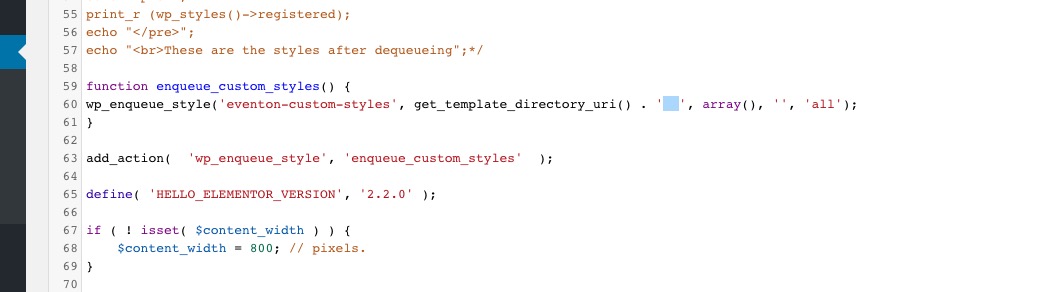
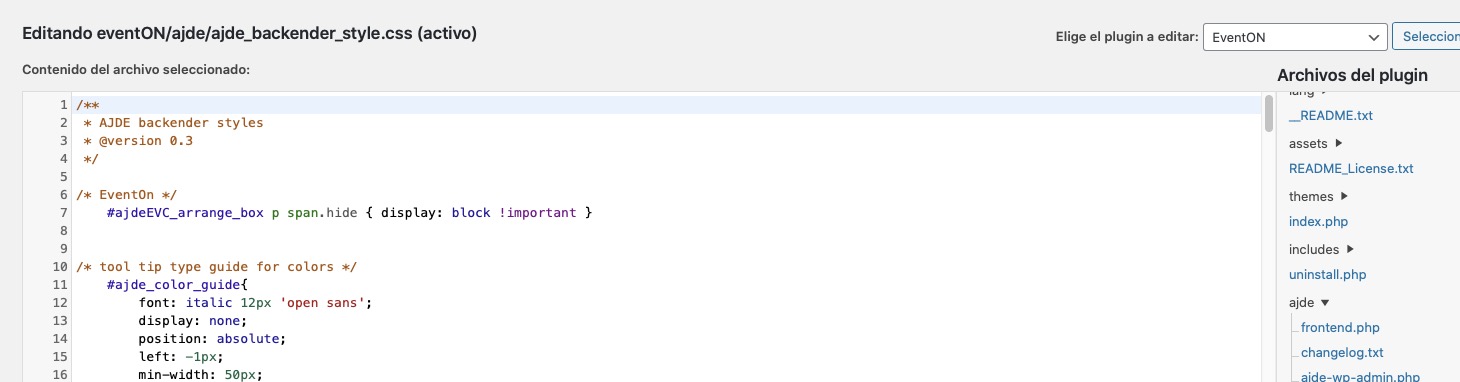
I just added the code (attached) but it still showing the button as you can see.
Thanks.
That’s the problem… he tried every email address he could think of that he might have used and he couldn’t login or reset his password. I tried all the email addresses I could have possibly used with the same results. So… we aren’t sure who bought it (even though I know I have a license because the plugin is listed in my Envato account) and he can’t figure out where he bought it.
I just now put my activation code in f70c3e8a-39a3-4aa8-b092-3136382ed234 and in the section that I do that says it is active, but I still get a warning that the plugin is inactive and it still doesn’t work.
If it helps, please login to the site and see if you can help me figure out what is going on. Also, if it helps, my Envato user name is CaptClay.
Thank you for your help with this matter.
Hey Clay,
We need to reset the license, tell us which is the license the user bough the plugin?
Hey Dave,
We can add a title for this if you need, but it would require to use CSS and a ::before Class to add this over there.
If oyu need help you can create a customisation request and we can handle it.