I’m still not able to get this to work. Everyone Order is flagged as a “Non-Ticket Order”.
I’m also seeing conflicting information on your site. On the changelog for Event Tickets:
v 2.4 (2024-10-4)
ADDED: compatibility with Woocommerce block cart and checkout
Yet, this support page last updated on February 21, 2025, it states: “Starting with WooCommerce version 8.3, the Cart and Checkout Blocks are the default for new installations. While these blocks help to improve the checkout flow, they are not currently supported by the EventON Tickets addon.”
https://docs.myeventon.com/documentations/how-to-switch-from-woocommerce-blocks-to-shortcode-based-cart-checkout-pages/
Please clarify if the Checkout Block is supported and why my Ticket orders have a type of “Non-Ticket Order”.
Thank you.
-Adam
SEE VIDEO
what parts do you want bold?
Hello Artem,
thank you much for your help. The side is working again.
Best regards from out Team
thanks
I did as best I could
_____
why does the editor create code like this:
<h3>Huom.</h3>
<h5><span style=”font-weight: normal;”><span style=”font-size: 11.62px;“>Chakra-energia-kortit ovat mahtavia, mutta eivät koskaan korvaa lääkärin tekemää </span><span style=”color: var(–evo_color_1);”>diagnoosia tai hänen määräämäänsä terapiaa. </span></span></h5></ul>
is this what makes the font tiny?
Hi.
Thank you, I did what you suggest but it doesnt seem to make a difference, I still have a huge footer on the event’s pages. See attached picture.
Can you help further more resolve that issue ? I’d like to mention that it was not like that at first, then a customer notified me of the issue.
https://bolusailing.be/events/250429/var/ri-0.l-L2/
Thank you.
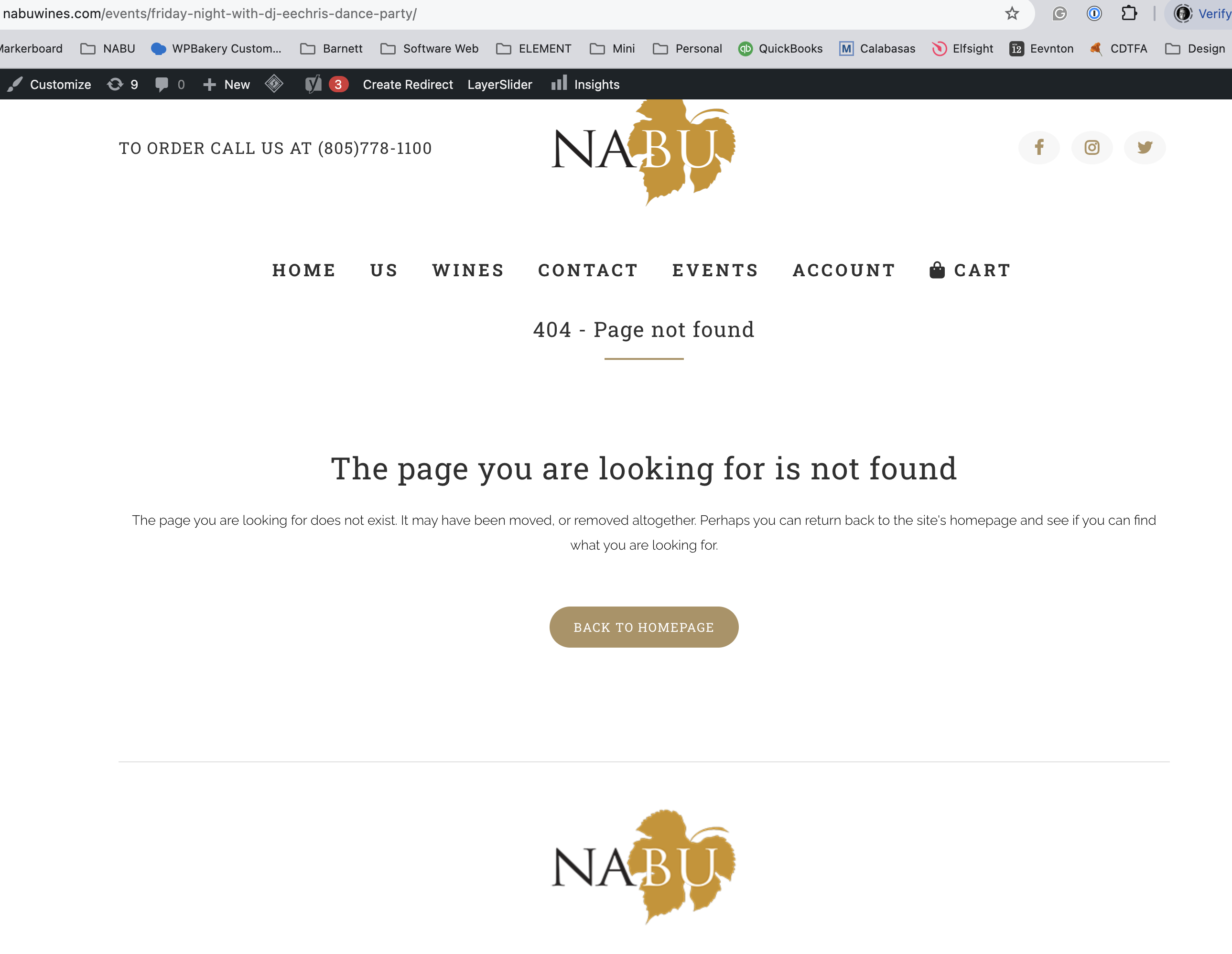
404 event willnot display
Could you try creating a new event with date only > Publish it > now refresh the page and enable RSVP > click Update > refresh the page > enable RSVP reminders?
Also, when I create the event, I cannot access the event page; it says “Page not found.” However, when I display the show hide tabs, the event does show.
We are glad your issue is resolved, if you have any further questions or concerns please create a new ticket.
If you have a moment, we would greatly appreciate if you could kindly leave us a review at Codecanyon. By going to your account > Downloads. We are very grateful for your kind review!
“Save Changes” should be in the top right corner of EventON Settings. Could you please try the instructions mentioned in this documentation?