Hello,
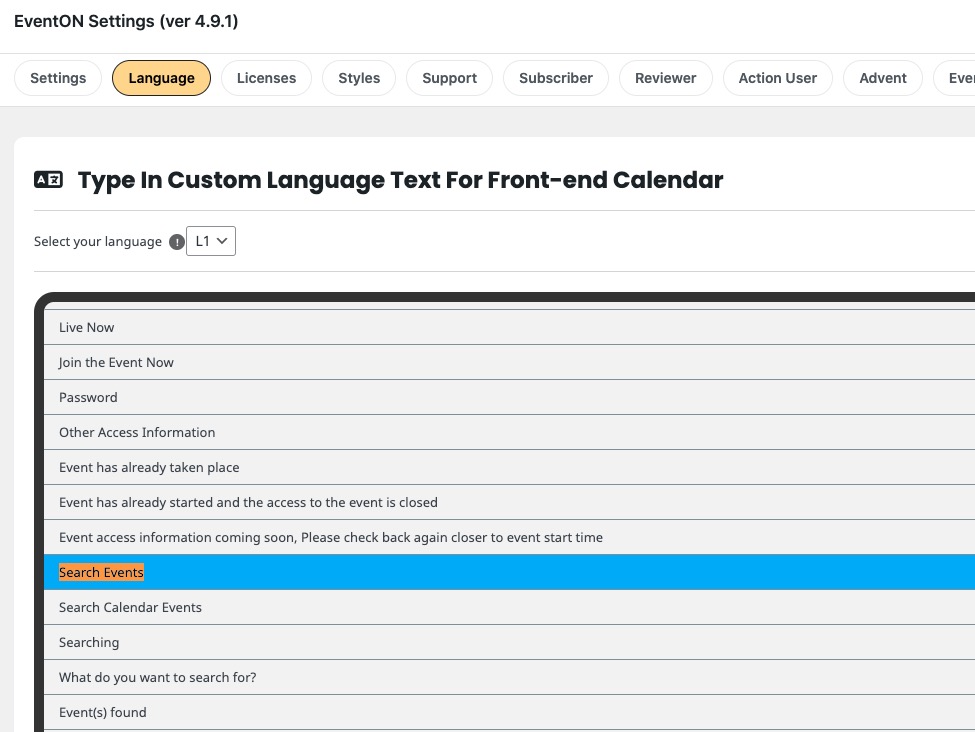
Please go to EventON > Language > General Calendar:
Replies for tickets on suppota
Hello,
Please go to EventON > Language > General Calendar:
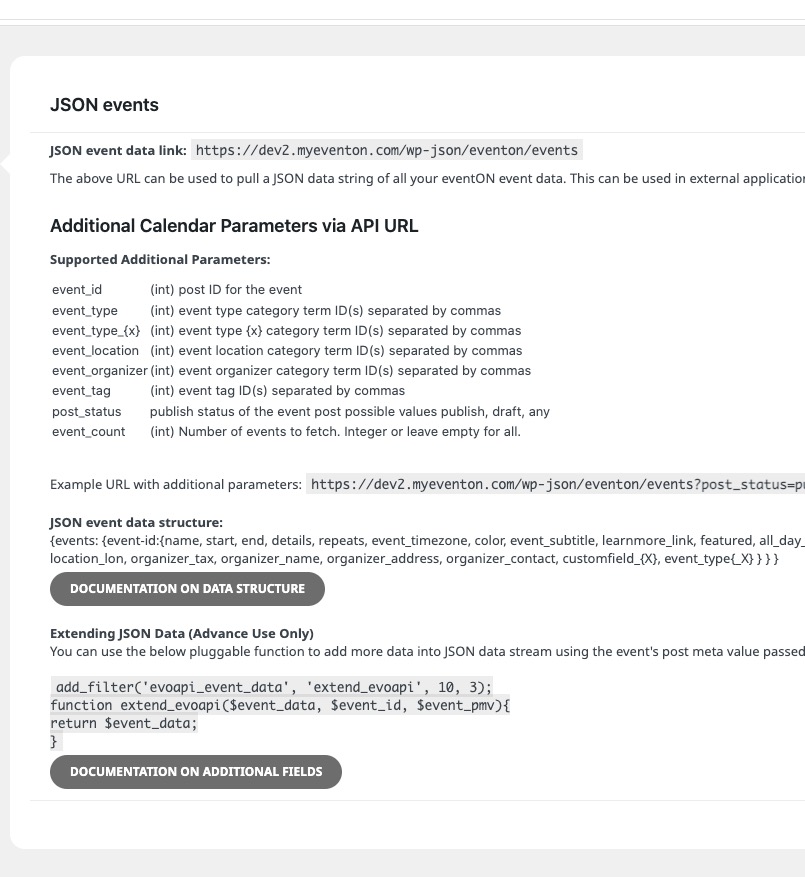
You can get events in JSON format:
https://dev2.myeventon.com/wp-json/eventon/events
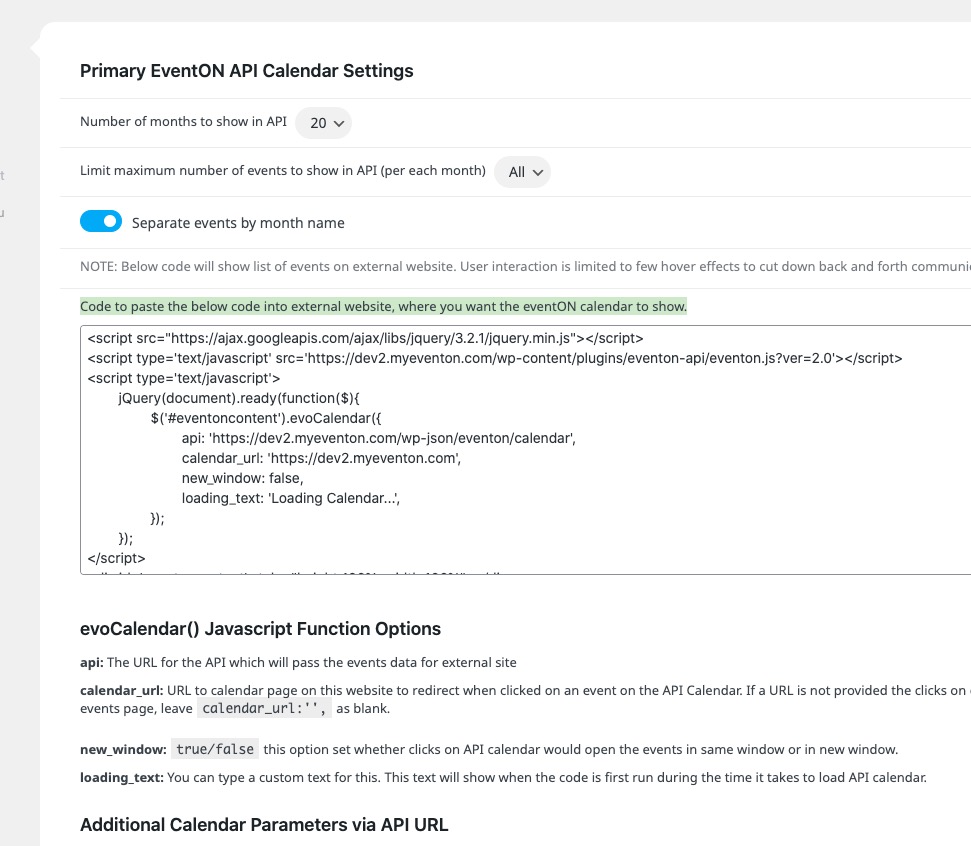
You can show a calendar on external website with:
Hello,
You can test our add-ons on
https://dev.myeventon.com/wp-admin/
You can change “Email Message Content” of a reminder from EventON Settings:
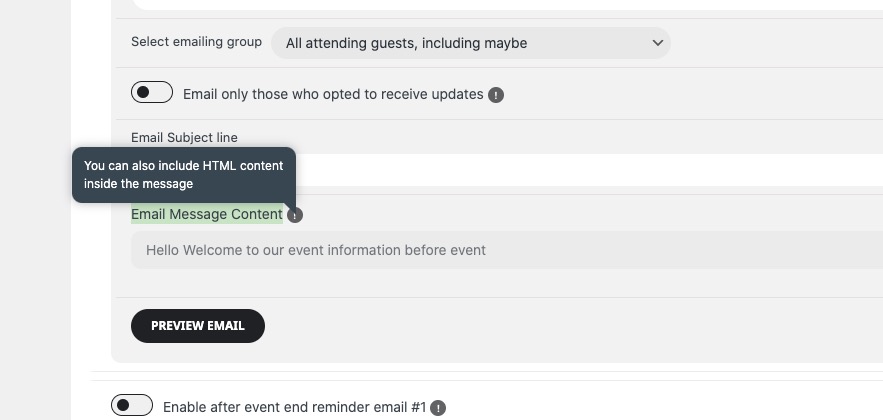
You can use HTML and/or these supported Dynamic Tags for Email Message:
{event-name} {event-link}{rsvp-yes-count}{rsvp-no-count}
You need to enable Reminders in EventON Settings:
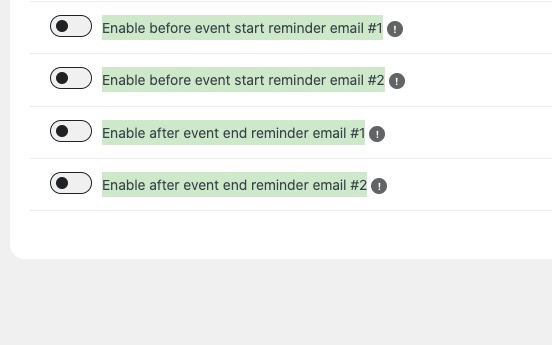
Then in each event.
More info on how both (Tickets and RSVP) reminders work:
https://docs.myeventon.com/documentations/how-to-setup-reminders-for-rsvp/
https://docs.myeventon.com/documentations/how-to-setup-reminders-for-tickets/
Hello,
Thank you for your great suggestion, at the moment it is not supported. However please create a new ticket and select Feature Request as category so others can vote on your idea and get it moved into development faster.
Hello,
In Troubleshooting Mode it shows 2026:
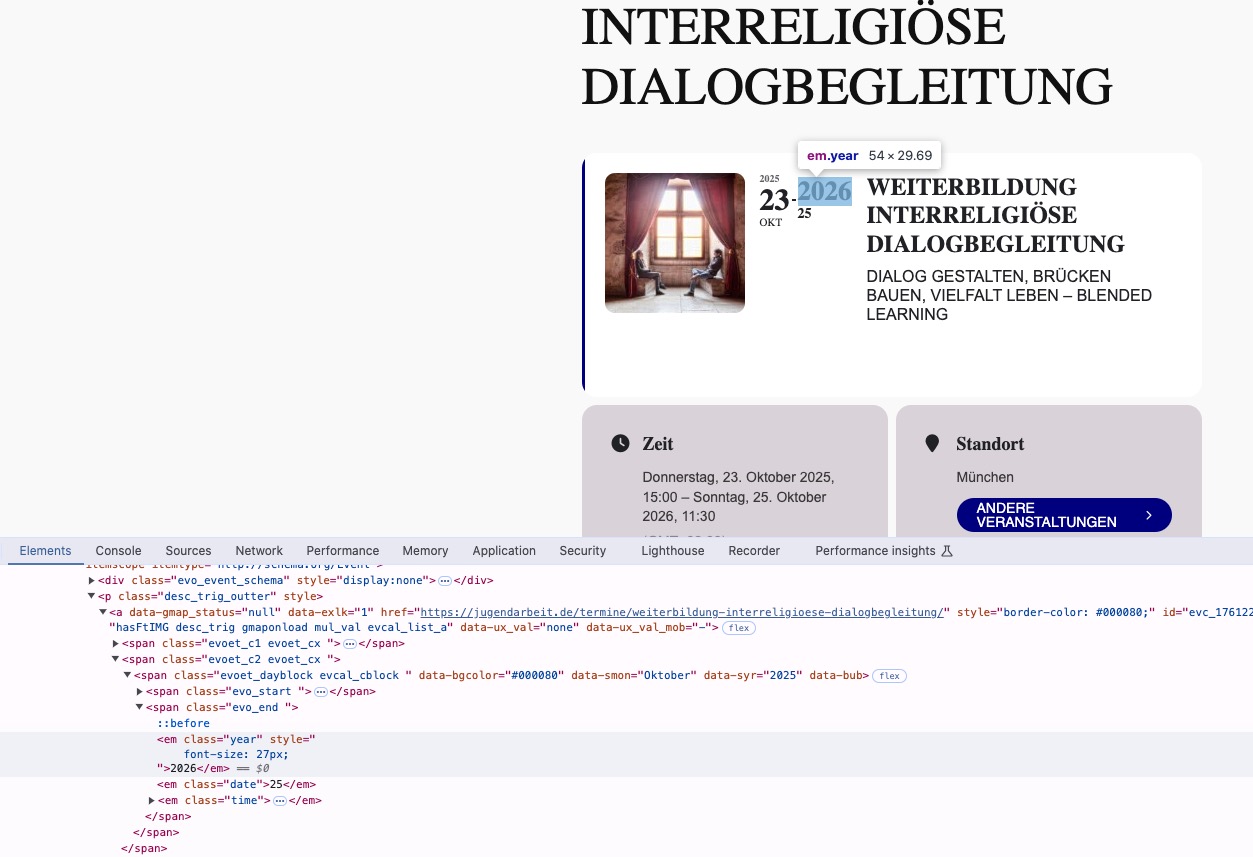
Do you have any custom code that changes EventTop Date block?
I also noticed that EventON > EventTop > Event End Year (If different than start year) is disabled, so the year cannot be visible.
Yes I refers to this button. Is it possible to not have this button appear and instead add a new button with custom meta filed ?
Hello,
Please remove this custom code:
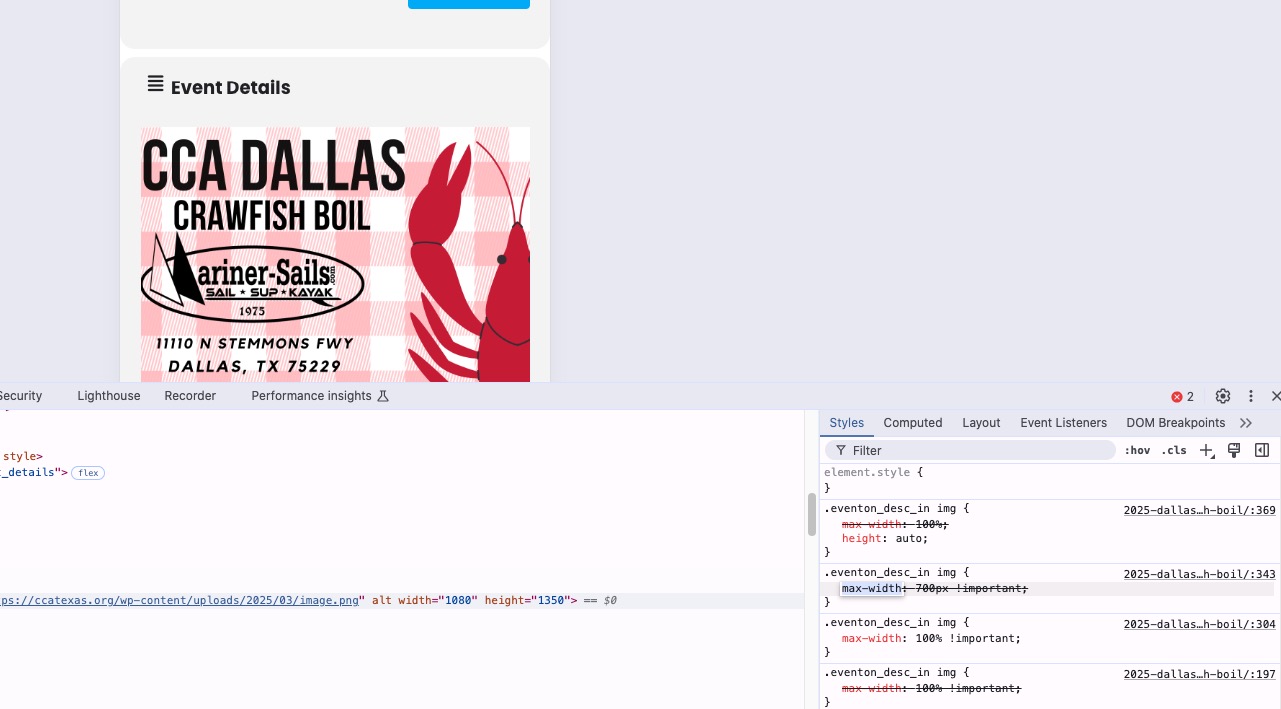
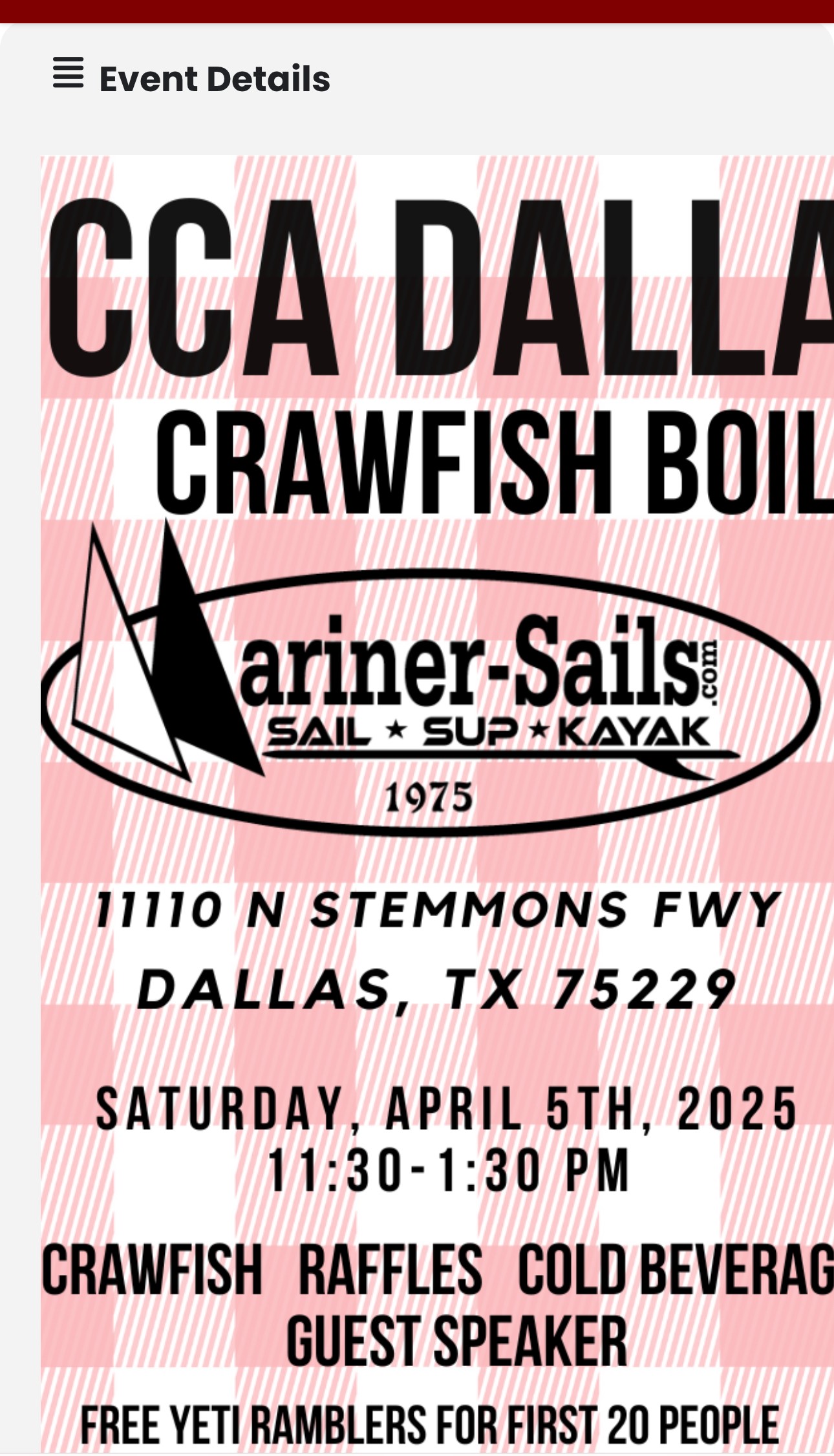
Hey Artem – Wanted to post on this ticket again since I’m experiencing the same exact issue.
Your suggestion fixed the issue as this ticket indicates, but now it’s back.
When you look at this link on mobile: https://ccatexas.org/events/2025-dallas-crawfish-boil/ the image in the “Event Details” is cut off / not optimized similar events were previously before adding the .eventon_desc_in img { max-width: 100% !important; } code in the style and turning on the “Write dynamic styles to header” in the settings.
Is this a known issue with the recent update? Is there anything else I need to add?
Your help is greatly appreciated!
Please create a new page on an external website and then put the code copied from EventON > EventON API > “Code to paste the below code into external website, where you want the eventON calendar to show.“. That’s basically it.
You can try taking the code from:
https://dev.myeventon.com/wp-admin/
Hello,
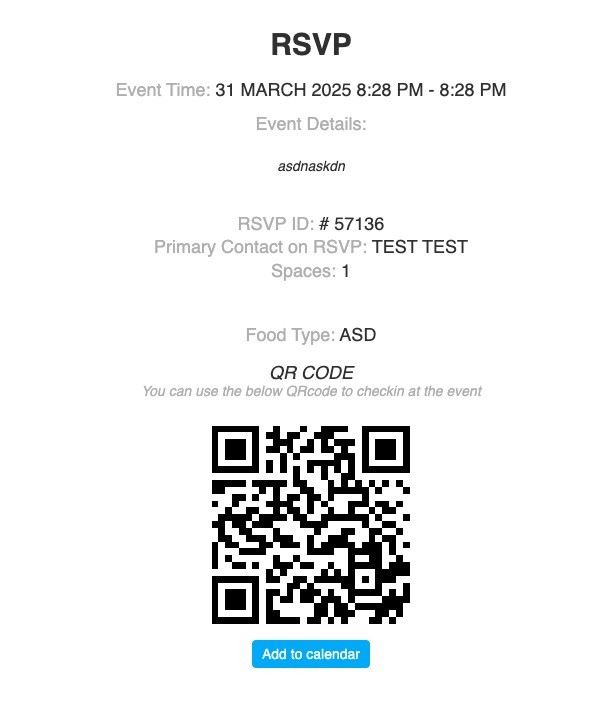
With installed and enabled QR Code each RSVP confirmation letter starts including a qr code that you can use to check-in guests.
You just need to install and enable it. Example of such email:
Try on
https://dev.myeventon.com/wp-admin/