We are sorry about this. Please update to the new version manually. We are working improving the auto update system.
Archives: Replies
Replies for tickets on suppota
Reply to: tickets(376817)
This error: Store “core/interface” is already registered. data.min.js:2:20189
It is coming from Woocommerce.
Reply to: tickets(376817)
I am on this page
https://staging.create98.co.uk/wp-admin/post.php?post=30230&action=edit
But I do not see option to add item or product for the order. Are you creating a new order?
Reply to: tickets(380002)
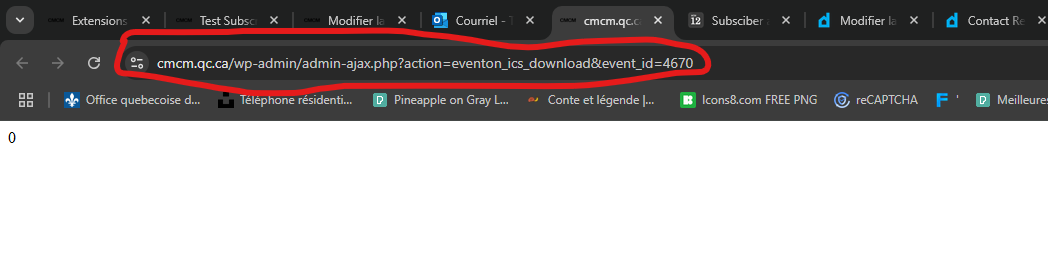
The page it opens
Reply to: tickets(380002)
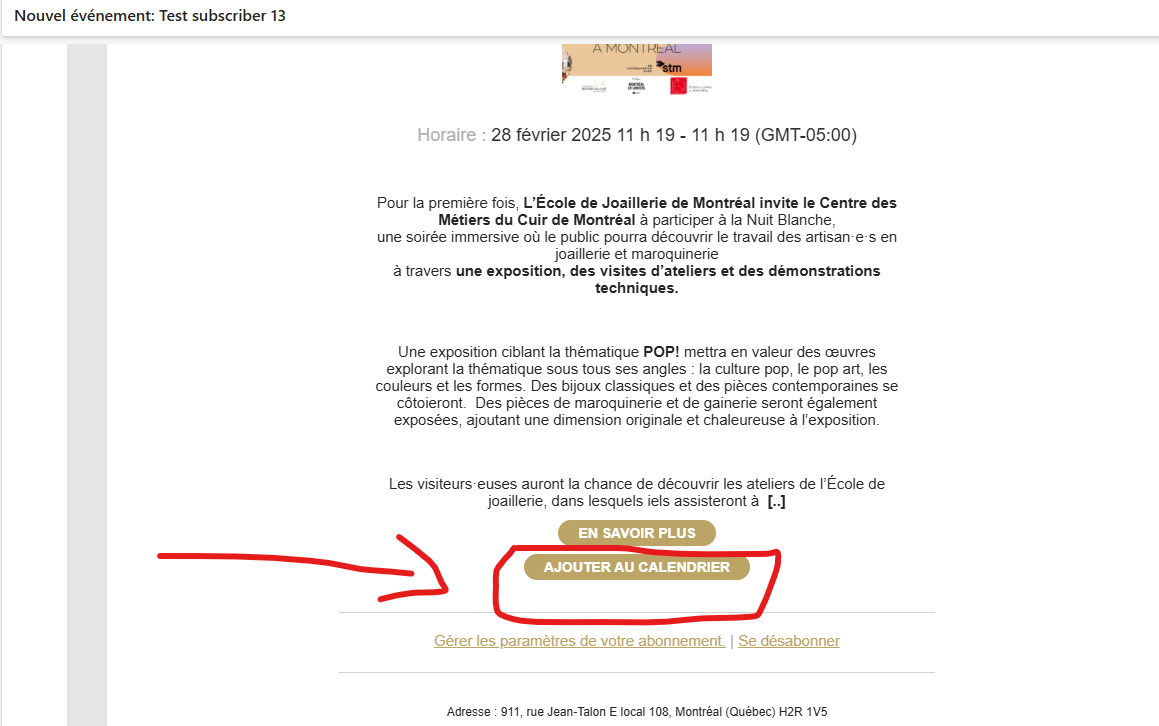
Button Add to calendar
Reply to: tickets(380002)
Reply to: tickets(375526)
That fixes it perfectly – thank you so much for your help and patience.
Reply to: tickets(379418)

Hello, thank you for your response. Making that change got us 90% of the way. Unfortunately the ‘Sslect Event Type Category” is not working, at least visibly. When you click on one of the three choices nothing happens. There are three errors in the console. I’ve attached a screenshot.
https://discoverbuellton.com/adding-your-event-to-the-calendar/
Thank you for your help with this.
Mike
Reply to: tickets(378989)
Great, please keep us updated. Also FYI you can follow us at X @myeventon for real-time updates 🙂
Reply to: tickets(378666)
Sorry for the delay I am not able to see plugin editor in your website, so kindly please allow this code change in your website and save changes, then go over to eventON settings > appearance and save changes. Then clear cache.
Let us know if this works. And how you and your clients would like to display cancel events from other events. As we had several customers wanted cancel events to show in certain ways.:)