I have the same issue.
I saw this error in the browser console, maybe this is causing it (And also updated my ticket with it)?
Mixed Content: The page at ‘https://www.kagankalender.com/wp-admin/post.php?post=3372&action=edit’ was loaded over HTTPS, but requested an insecure stylesheet ‘http://fonts.googleapis.com/css?family=Roboto:300italic,700italic,300,700|Railway’. This request has been blocked; the content must be served over HTTPS.
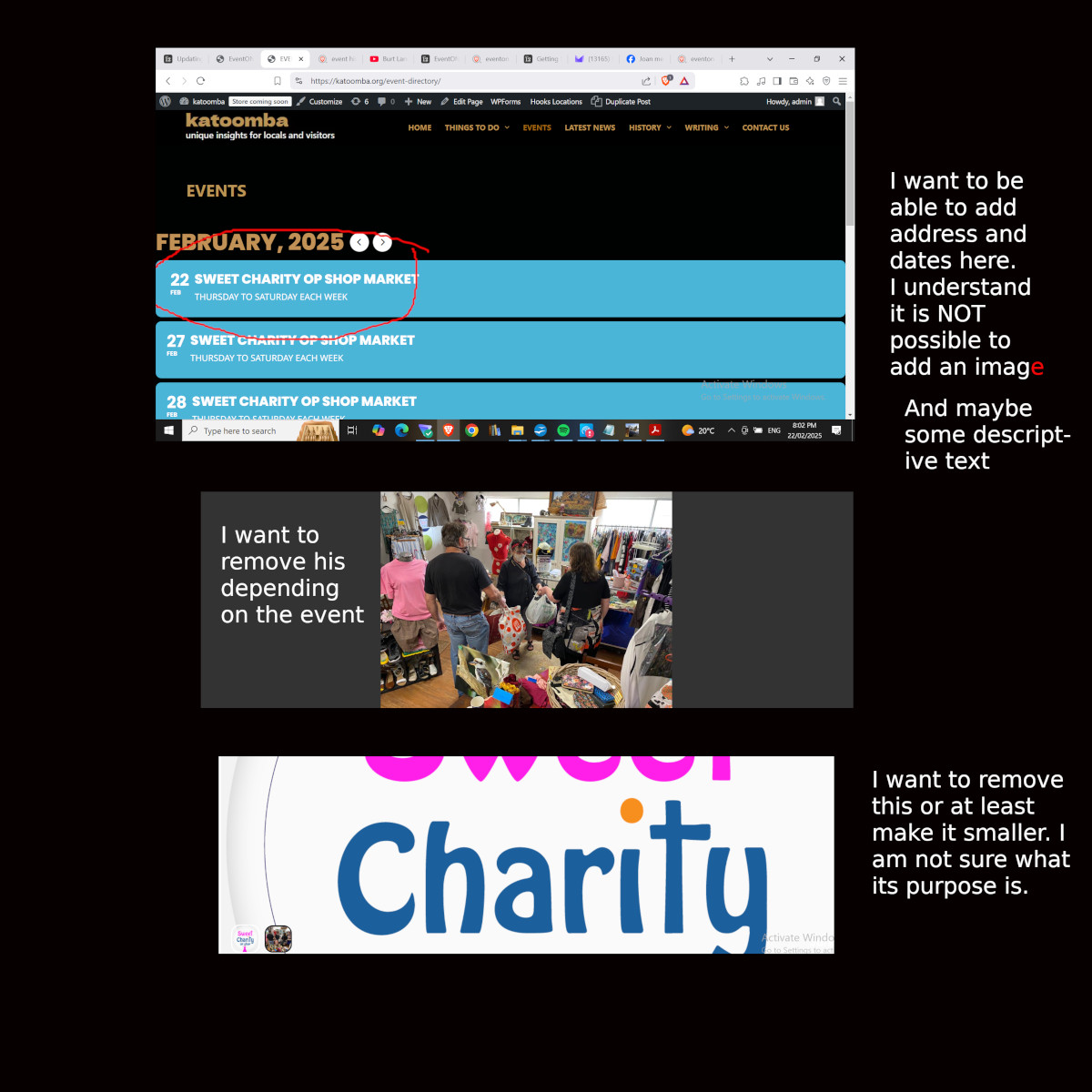
I have found the answer to points 2. and 5. Just need 1, 3 and 4 addressed AND the problem of getting address and maybe description into the opening page of the calendar. That issue and 1 and 3 are explained by the attached image. 4 relates to API and maps.
Thanks
Just to be clear, all that is showing on my front page is 22 Feb, the name of the event and the days, Thursday to Saturday.
What I would like is the address of event and possibly the dates matching the days that week. This should be easy to update but I don’t know where to do it.
When looking into the browser console, I think following error is the cause for the Main Event Details & Event Colors not to show up:
Mixed Content: The page at ‘https://www.kagankalender.com/wp-admin/post.php?post=3372&action=edit’ was loaded over HTTPS, but requested an insecure stylesheet ‘http://fonts.googleapis.com/css?family=Roboto:300italic,700italic,300,700|Railway’. This request has been blocked; the content must be served over HTTPS.
Sorry for the typos in the previous update. Unfortunately I cannot edit it.
What I noticed:
Main Event Details & Event Colors not showing happens on Windows desktop browsers (Latest Chrome, Brave, Edge, Firefox)
Main Event Details & Event Colors simply work in Brave on Android 15 Pixel 8 mobile phone.
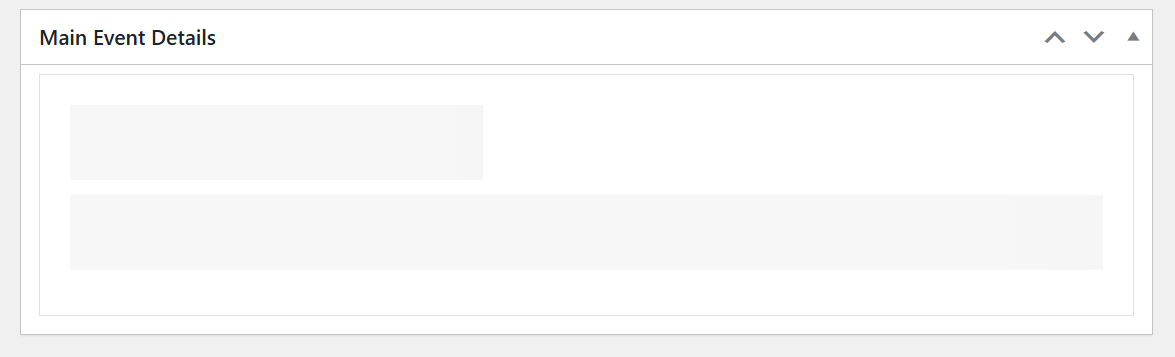
Sorry for the long quiet. I have to revisit tis now. Because I face 2 issues.
On the events admin page, the Main Event Details (& Event Colors) won’t show/load anymore. See attached image, how it looks. The 2 grey bars actually are moving gradients
This is however, still on version EventON 4.5.4, since updating EventON results in the critical site error. I still does when updating from 4.5.4 to 4.8.2
WordPress is on 6.7.2 at the moment
PHP version (webhost has still not updated yet): 7.2.34
I tried to get the debug log, but no data are logged. (I already fixed a different failing plugin that did result in logs, so I know the debug setting is correct)
I will first do a full site backup tomorrow and then provide you admin credentials.
https://x.com/myeventon/status/1893090276140335531
Please update to the latest version 1.2.1 should allow you to sort events by likes count in admin 🙂
Suzi I have gone ahead and refunded you for the extra addon order. You must have added it to cart by accident? Anyways glad we were able to get this resolved.
Also subscription is set to cancel on Feb 6th 2026. If you would like to get the latest updates and support for these addon in the future you will need an active license.
May you have a wonderful day!
Thank you for pointing this out. There was a system error the price is $110.
We would like to offer you discount on any future addons using coupon code EVO20T which will get you 20% discount on first year subscription.
Thank you again!
I have gone ahead and refunded you for the order.
Requirement for eventON full for addon is mentioned here https://www.myeventon.com/lite/ and also in eventON Lite page.
If you have more questions, kindly send us a new ticket and we would be more than happy to help you resolve your issues!