Thank you for your fast support!
It works fine!
Replies for tickets on suppota
Thank you for your fast support!
It works fine!
Sorry for the delay. Ashan will check this ASAP.
Meanwhile, please cancel your subscription:
https://docs.myeventon.com/documentations/how-to-cancel-addon-subscription-before-auto-renew/
Ashan,
The same on dev2:
https://dev2.myeventon.com/events/organizer/
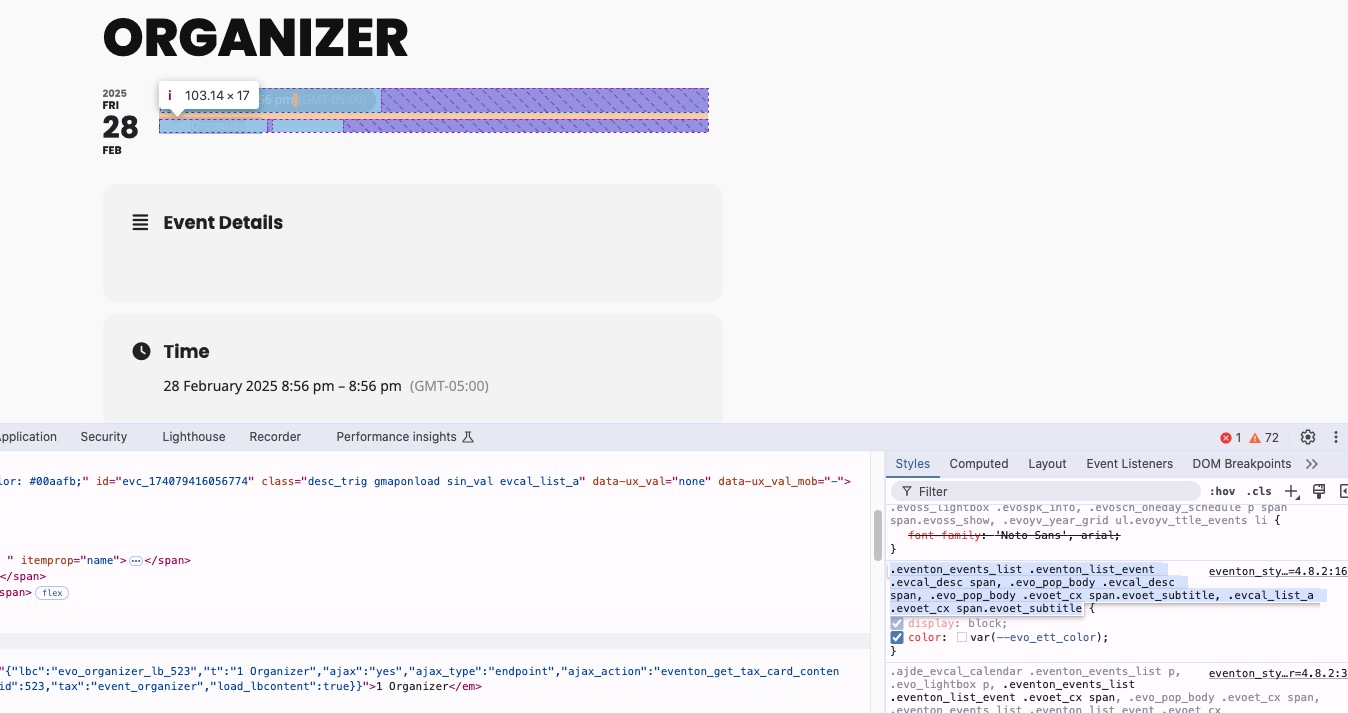
As a temporary solution, please add this CSS code to EventON > Styles (If you don’t see any change, EventON > Scripts & Styling > turn off Write dynamic styles to header > save settings > turn on Write dynamic styles to header):
.eventon_single_event .eventon_events_list .eventon_list_event .evcal_desc span { color: #525252; }
Hello,
Thank you for your messages, I am going to assign this ticket to Ashan and he will be able to take it from here and find you a solution. Please allow some time for him to get back to you, we greatly appreciate your patience and thank you for being a eventon customer! Also please disable any IP blocking on your site if there are any.
Hello,
Please add this CSS code to EventON > Styles (If you don’t see any change, EventON > Scripts & Styling > turn off Write dynamic styles to header > save settings > turn on Write dynamic styles to header):
@media (max-width: 480px) { .color .eventon_events_list .eventon_list_event .evcal_list_a { flex-direction: row; } }
Hi! It auto renewed before I cancelled 🙁
Hopefully you could still refund. Thanks!
You can customize the source code, but it’ll require quite extensive customization.
Unfortunately, we don’t have any developers we can recommend.
Hello,
This code changes the color to white. Please add this CSS code to EventON > Styles (If you don’t see any change, EventON > Scripts & Styling > turn off Write dynamic styles to header > save settings > turn on Write dynamic styles to header):
.ajde_evcal_calendar.cev.sev #evcal_list a.cancel_event >*, .ajde_evcal_calendar.cev.sev #evcal_list a.cancel_event em, .ajde_evcal_calendar.cev.sev #evcal_list a.cancel_event span { color: white; }
Please try and let us know.
This login info stopped working for me:
https://cracowconcerts.openform.pl/wp-admin/
login: AdminCC
password: Cr@cowConcert$2024#
Could you check?
I also believe that your custom code to change EventTop’s date is outdated. Please follow
https://docs.myeventon.com/documentations/customize-eventtop-date-format/