Why would I need to login as Kenny DuBose??
We have several administrators who need to be able to copy/duplicate events. Any administrator should be able to copy an event.
I saw the even that you created… https://staging.bobsgunshop.com/wp-admin/post.php?post=16622&action=edit
Is that event created by using the Duplicate link from the original event? If so, did all of the other field get properly filled out… like the Event/Class image and all WP Product/Ticket info??
Hello,
Thank you for your messages!
I am going to escalate this ticket to development to help in here. Please allow us some time to address this, and we truly appreciate your patience. Thank you for being a valued EventON customer!
Additionally, if your site has any IP blocking or security restrictions in place, kindly disable them temporarily to facilitate our support process.
Could you go to https://staging.bobsgunshop.com/wp-admin/edit.php?post_type=ajde_events and try duplicating this test event I created:
https://staging.bobsgunshop.com/wp-admin/post.php?post=16622&action=edit
Also if you login as Kenny DuBose, Jr., could you also try duplicating this event as well?
VA Concealed Handgun Permit Class – 1/10/2026
Hello,
Do you have any purchases made on
My Account
Or only the main plugin bought from CodeCanyon?
Hello,
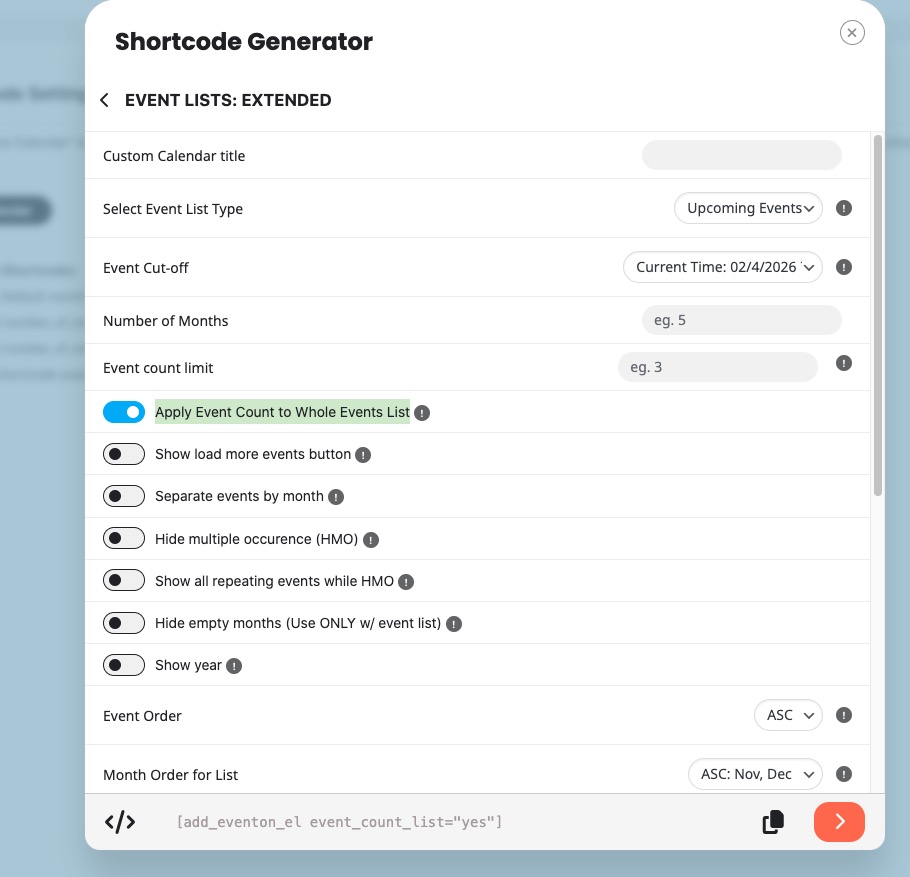
Since you are using Event Lists shortcode, event_count sets a number of events per month and not for the whole list overall.
And event_count_list=”yes” only works with Event Lists: Ext add-on:
https://www.myeventon.com/addons/event-lists-extended/
Try on
https://dev.myeventon.com/wp-admin/
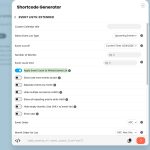
Please check and let me know.
Hello, you can see now the Access infos. Thank you
Please follow along. I have created a staging site and removed all unnecessary plugins and also deleted ALL events and WC Product/Tickets, except for 1
1) Log into https://staging.bobsgunshop.com/wp-admin/ using the credentials in the original ticket submission
2) Open a tab and view the events. You should see an event called… ”VA Concealed Handgun Permit Class – 1/10/2026”
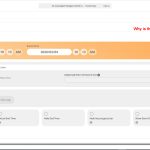
3) Click ”Edit” on this event and you will see that it is a fully functional event. All fields are filled out and it has a featured image, etc.. It also is attached to a WC Product ID : 15746 Everything about this event looks good. See included image filename: Original Event – Editing Page.jpg
4) Now go back to the Events listing page… https://staging.bobsgunshop.com/wp-admin/edit.php?post_type=ajde_events
5) When I click the ”Duplicate” link under the event called ”VA Concealed Handgun Permit Class – 1/10/2026”, I expect the following things to happen…
a) The COMPLETE event gets duplicated.. including all fields, featured image, etc….
b) A WC Product also gets duplicated and attached to this Event
NONE OF THIS HAPPENS!!!
I NEED TO BE ABLE TO DUPLICATE EVENTS WITHOUT HAVING TO FILL OUT ALL OF THE FIELDS ALL OVER AGAIN. IT ALSO NEED TO AUTOMATICALLY CREATE A NEW WC PRODUCT FOR THE DUPLICATED EVENT!
Can you please answer? we paid for a malfunctioning product…
I created a staging site at https://staging.bobsgunshop.com/bgs-admin
You can log in there and do whatever testing you want. You can use the same credentials that I sent in the first support ticket email (UN: support@myeventon.com)
Please help
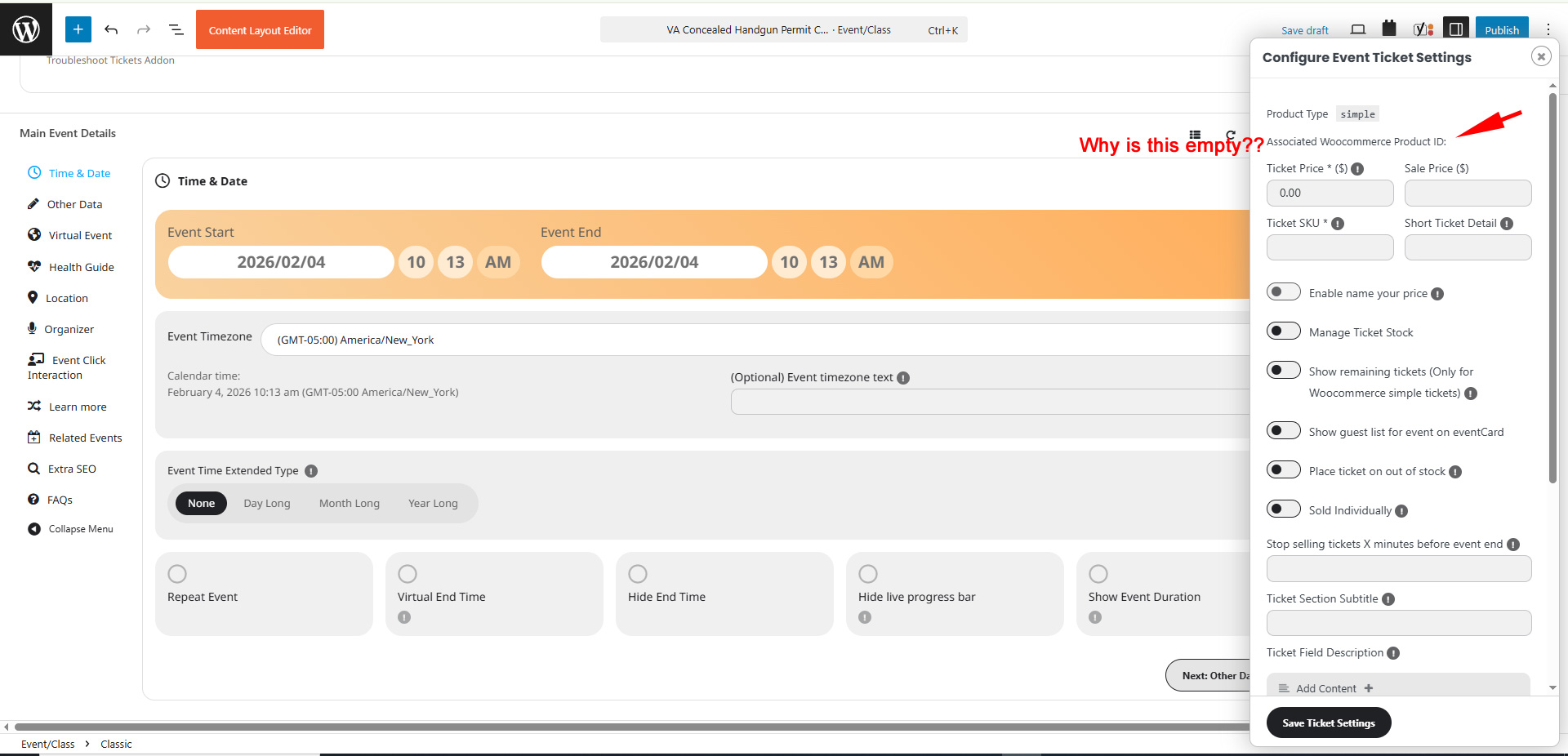
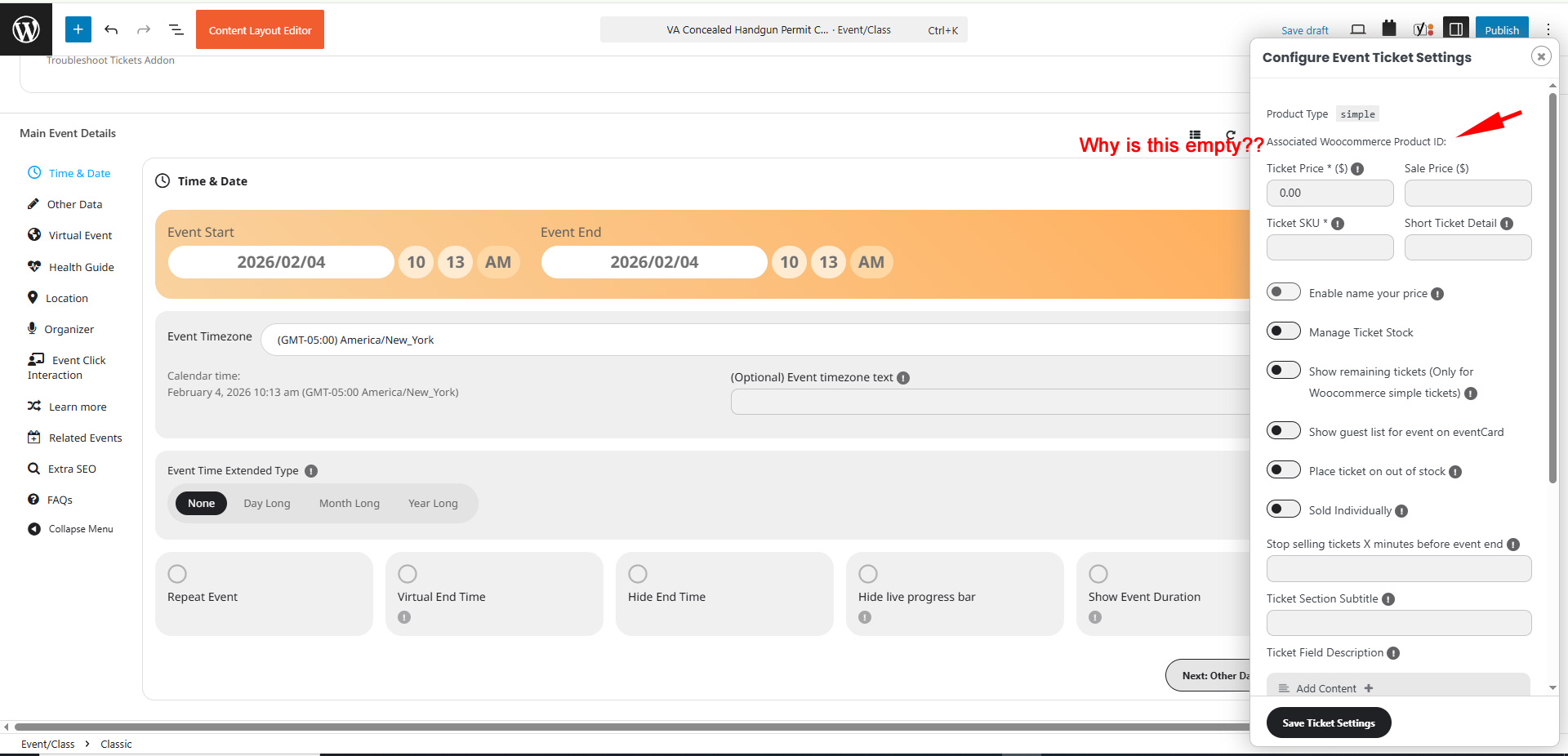
Here is a screenshot. See attached.
When i Duplicate an event, the ticket information is completely blank. It doesn’t create a WC Product/Ticket. How do I get it to attach to a WC product/ticket???